

Sunday morning has a way of exposing every weak link in your tech setup. The lyric slide that lags behind the worship leader. The scripture verse that shows up in the wrong font. The video that refuses to play until everyone in the room has already moved on. If any of that sounds familiar, your presentation software might be the problem.
Church presentation software is a specific category. It is not PowerPoint with a cross on the title slide. The best tools in this space are built around how services actually run: song lyrics that scroll in sync with live music, Bible verses that pull from multiple translations on demand, and service orders that volunteers can operate without reading a manual. The gap between general-purpose slide tools and purpose-built church software becomes obvious the first Sunday you need to switch translations mid-sermon, or pull up an unplanned hymn because the worship leader called an audible.
Choosing the right software is also a team decision as much as a technical one. A tool that a single experienced volunteer can master means nothing if that volunteer is unavailable on a given Sunday and the backup cannot figure out how to advance a slide. The best church presentation software is the one your whole team can actually use, not just the one person who set it up.
After surveying what is available, here are seven options that are genuinely worth your time.
1. FreeWorship
Most church software asks you to choose between power and simplicity. FreeWorship does not make you choose.
It handles everything a typical Sunday service needs: song lyrics, Bible passages, videos, images, and PowerPoint files, all from one interface that does not require a tech background to operate. The learning curve is short enough that a new volunteer can be running slides within a service or two, which matters more than most people admit when you are working with a rotating team.
The design philosophy behind FreeWorship is worth understanding. The team built it specifically for churches, Christian unions, and worship sessions, not as a generic presentation tool that was later adapted for ministry use. That distinction shows up in small but meaningful ways: how songs are structured and stored, how Bible verses are called up during a service, how the interface behaves under the pressure of a live gathering where there is no time to pause and troubleshoot.
The most important thing about FreeWorship is in the name. The core software is free, not free for 30 days, not free with a feature wall. Free. For churches that are watching every line item, that is a real answer to a real problem.
For congregations that want more, the Pro version adds Priority Support, CCLI SongSelect integration, and additional service item types. But the free tier is not a stripped-down teaser. It is a complete, usable product that many churches run Sunday after Sunday without ever needing to upgrade.
2. EasyWorship
EasyWorship has been in the church presentation space long enough to know what actually trips up volunteer tech teams, and the software reflects that.
The interface is clean. The workflow from building a service order to running it live is direct. You are not hunting through menus or toggling between views when the pastor just changed the sermon passage. That kind of operational smoothness is hard to manufacture and harder to explain until you have spent a Sunday morning without it.
The song database and Bible integration work the way you would want them to: fast, searchable, and reliable under pressure. Building a service order during the week takes minutes rather than an afternoon, and adjusting it on Sunday morning when plans change does not require starting over. EasyWorship is also built to handle the kind of media-heavy services that modern congregations expect, with video, motion backgrounds, and live stream output all sitting within the same workflow rather than bolted on as afterthoughts.
What sets EasyWorship apart for smaller and mid-sized congregations is the pricing structure. It scales. You are not locked into an enterprise tier you do not need, and the support team is there when something goes sideways. The free trial is genuine enough that you can build and run a full service before spending anything.
If your church has been tolerating a clunky setup because switching felt like too much work, EasyWorship is the clearest argument for just doing it.
3. Cloud of Worship
Almost every church presentation tool assumes you are running off a local machine. Cloud of Worship starts from a different premise entirely.
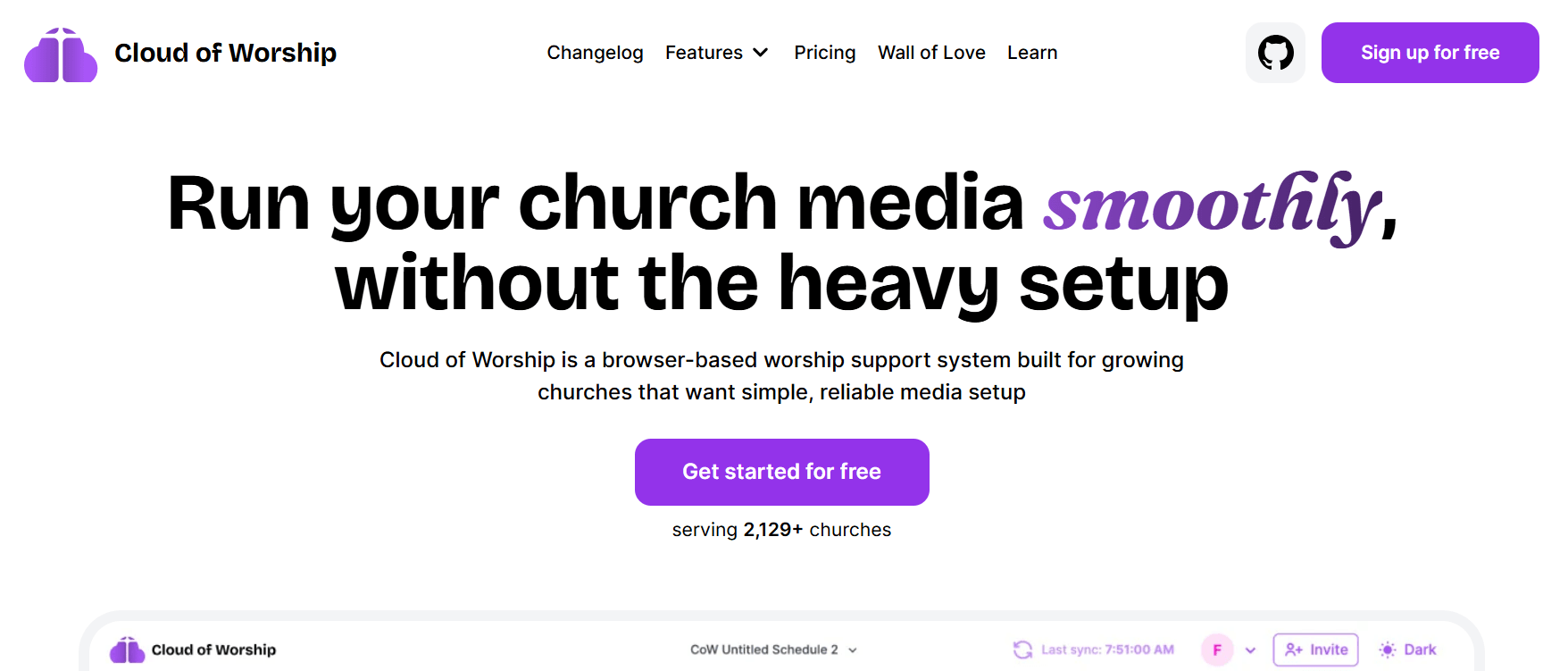
It is browser-based, which means nothing to install, no version conflicts, and no single laptop that becomes a crisis point if it does not show up on Sunday. Multiple team members can plan, edit, and manage the service order from wherever they are during the week. When Sunday arrives, the service is already there.
The platform handles song lyrics, scriptures, videos, and custom slides. The offline readiness means a bad internet connection on Sunday morning does not break the service. That combination of cloud-based collaboration and offline reliability is harder to achieve than it sounds, and it is one of the things that separates Cloud of Worship from tools that are either fully local or fully dependent on a live internet connection.
Because the workflow is built around collaborative team access, churches with distributed staff or multiple campuses will find it fits naturally. A worship leader in one location, a tech volunteer in another, and a pastor reviewing the order from home can all be working on the same service simultaneously without emailing files back and forth or worrying about which version is current.
For a congregation that has outgrown the single-volunteer-with-a-laptop model, Cloud of Worship solves problems that most software in this category does not even acknowledge.
4. ProPresenter
ProPresenter is built for churches that take their visual presentation seriously. It handles multi-screen outputs, stage displays, and live stream integration at a level few tools in this category match. The feature depth covers everything from lower thirds and motion backgrounds to confidence monitors for speakers, making it a strong fit for congregations that want their Sunday experience to feel polished from every angle in the room.
Where ProPresenter genuinely stands out is in how it handles complex, production-style services. If your church runs multiple screens simultaneously, produces a live stream alongside the in-person service, or uses video content heavily throughout the gathering, ProPresenter was designed with exactly that environment in mind. The stage display feature alone, which gives speakers a private view of upcoming slides, notes, and timers, is something that churches running large or conference-style services find genuinely useful.
The software also has a strong community behind it, with an active user base, regular training resources, and a development team that keeps the product moving. Churches that invest in ProPresenter tend to stay with it, which says something about how it holds up over time. For a congregation with a media team ready to use everything it offers, ProPresenter delivers.
5. MediaShout
MediaShout has built a loyal following in traditional and liturgical church settings over many years, and the depth of its Bible integration is one reason why. With support for a wide range of translations and the ability to display scripture with service-specific formatting, it fits naturally into churches where the text is central to every part of the gathering.
The software supports a broad range of media types and gives worship teams solid control over how slides are built and sequenced. The cue-based approach to service building, where each element of the order is set up and triggered in sequence, mirrors how many traditional and liturgical services are structured in practice. For churches that follow a fixed order of service week to week, that predictability in the software workflow is genuinely helpful. Churches that have been using MediaShout for years often cite how well it fits the rhythm of a traditional service order, where reliability matters more than flashy features. It is a dependable tool with a clear sense of who it is built for.
6. OpenLP
OpenLP is open-source and completely free, which makes it a genuine option for church plants, smaller congregations, and international ministries working with limited resources. It covers the core presentation needs well: song lyrics, Bible verses, images, and media playback, all from an interface that gets the job done without unnecessary complexity.
One of the underappreciated strengths of OpenLP is its cross-platform availability. It runs on Windows, macOS, and Linux, which means churches are not locked into a specific operating system or forced to upgrade hardware to run the software. For congregations in parts of the world where specific operating systems dominate, or for churches that simply work with whatever equipment is donated, that flexibility has real practical value.
The community around OpenLP is active and genuinely invested in the software’s development. Updates come regularly, support forums are responsive, and the project has been maintained consistently over many years. For a church with a technically confident volunteer willing to handle the initial setup, it is a capable tool that costs nothing to run.
7. Proclaim by Faithlife
Proclaim is part of the Faithlife ecosystem, which also includes Logos Bible Software, and the integration between them is one of its strongest qualities. Sermon preparation, scripture references, and service planning connect across the platform in ways that reduce duplication of work for pastors and worship teams who are already living inside Faithlife tools during the week.
As a standalone presentation platform, Proclaim holds its own with clean slide building, solid media support, and a service planning workflow that keeps everyone on the same page. The cloud-based service planning means team members can contribute to and review the service order from anywhere, and the pastor’s sermon notes can flow directly into the presentation without manual transfer. Churches that want their preparation tools and their Sunday presentation software to speak to each other will find that Proclaim makes that connection in a way other tools simply do not offer.
Which One Is Right for Your Church?
The honest answer depends on two things: your team and your budget.
If your tech team is mostly volunteers who rotate in and out, you need something that anyone can pick up quickly. FreeWorship and EasyWorship are built for exactly that situation, and both offer serious functionality without requiring serious training time. Cloud of Worship adds the dimension of team collaboration and browser-based access, which changes the operational picture for churches managing services across people and locations. All three are worth trying before you spend time evaluating more complex alternatives.
For churches with more resources and a dedicated media team, ProPresenter goes deep on production features. MediaShout is a natural fit for traditional and liturgical congregations that want reliable, text-centered presentation. For churches with almost no budget and at least one technical volunteer, OpenLP is a credible option that costs nothing to run. And for Faithlife users already inside that ecosystem, Proclaim connects preparation and presentation in a way that saves real time across the week.
One thing worth keeping in mind: presentation software handles what happens on screen during the service. Everything around it, including your member records, attendance tracking, group communication, and giving management, is a separate layer that needs its own home. That is where ChMeetings comes in. Churches that pair strong presentation software with a solid church management platform like ChMeetings tend to run smoother operations on both sides of Sunday, the visible and the behind-the-scenes. The two tools serve different jobs, but they complement each other in ways that matter when you are trying to run a healthy, organized congregation week after week. You can explore what we offer at ChMeetings.com.
The one thing all seven presentation tools share: any of them will outperform a generic slide tool being pushed into a job it was never designed to do. Sunday mornings run better when the software was built for them.





