
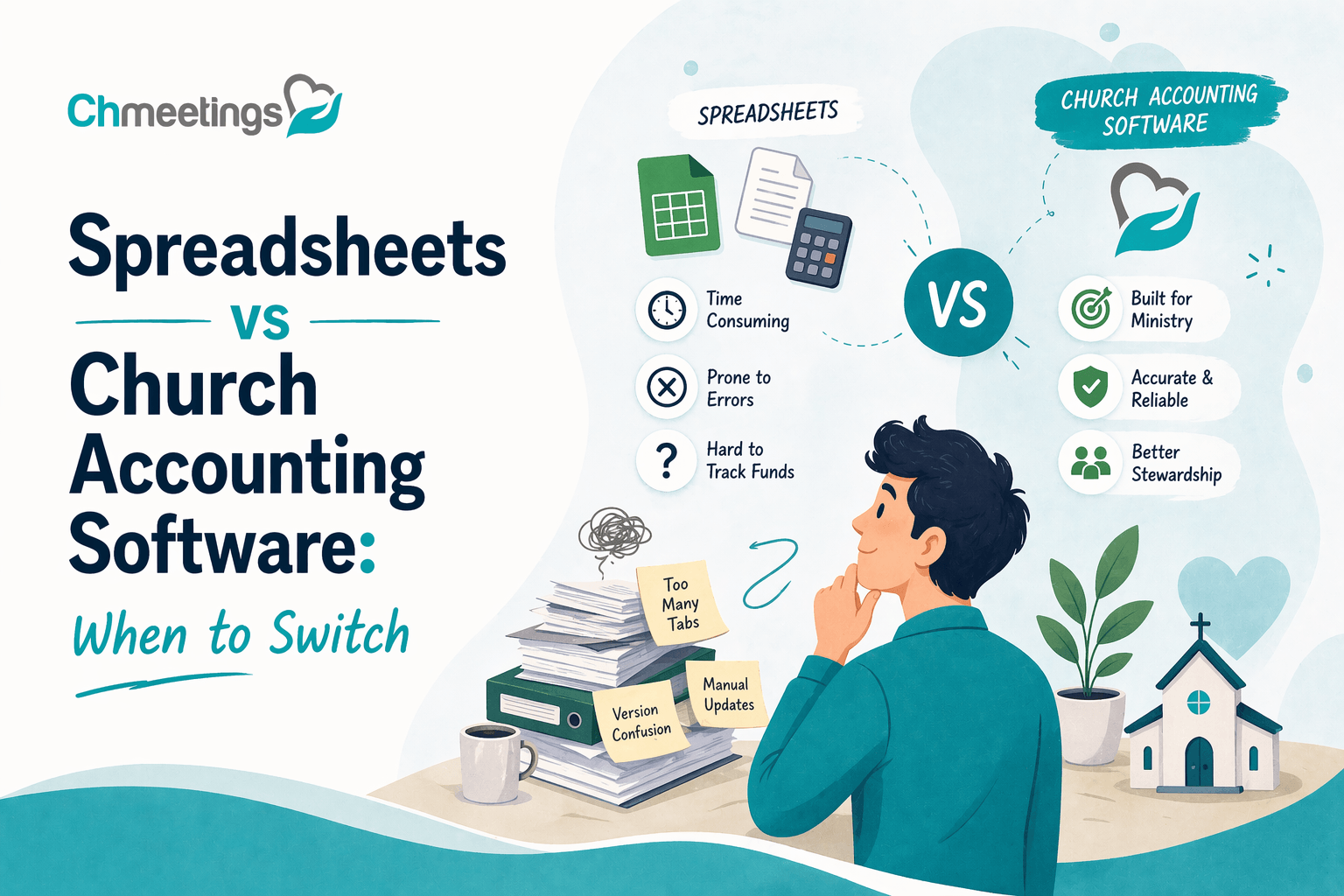

What Are Spreadsheets Best Suited For?
Spreadsheets are flexible, cheap, and familiar. For many small teams they handle basic tracking and quick number-crunching without a learning curve. They shine when you need one-off reports, simple budgets, or an easy grid for short-term projects.
Which Tasks Work Well In Sheets
Spreadsheets are great for single-user tasks that don’t need strict controls. Examples include a monthly budget draft, a one-off event expense tracker, or exporting a small list of donors for a letter. They’re also useful for quick what-if scenarios, like adjusting line items to see the impact on cash flow. If you’re comfortable with formulas, conditional formatting, and filters, you can get surprisingly far with minimal cost.
Where Spreadsheets Break Down
Spreadsheets fail when data must be shared, secured, or reconciled regularly. Manual data entry invites errors and duplicate records. Version control becomes a headache the moment multiple volunteers touch the file. They don’t enforce fund accounting rules, they don’t produce audited-ready reports, and they don’t connect giving to member records or communications. For a growing church, those gaps slow ministry and increase risk.
What Does Church Accounting Software Provide?
Church accounting software centralizes finances and ties money to people, programs, and purpose. It replaces scattered files with structured workflows, so your back office supports ministry instead of blocking it.
Core Financial Functions Explained

You get ledgers, general journal entries, automated bank reconciliation, and reporting built for fund accounting. The system posts transactions with consistent coding, so month-end closes faster and reports are trustworthy. Automated recurring transactions and bank feeds reduce manual entry. Built-in dashboards make it easier for leaders to see financial health without digging into spreadsheets.
Church-Specific Capabilities (Giving, Funds, Pledges)
Churches need giving tied to people and funds, not just numbers in a column. Good church management apps link online and offline donations to donor profiles, track restricted funds, and manage pledges and contribution statements. That makes stewardship communication accurate and tax-ready. Some platforms also let you segment donors for follow-up, so giving data becomes a tool for pastoral care, not just bookkeeping.
Operational Extras (Payroll, Check Printing, Fixed Assets)
Beyond basic accounting, many systems include payroll processing, check printing, and fixed asset tracking, so you don’t juggle separate vendors. Payroll tied to your chart of accounts simplifies reporting and tax filing. Fixed asset modules handle depreciation schedules, and check printing keeps payments professional and auditable. When these pieces live together, audits and annual reporting take less time and create fewer surprises.
Note: if you want an all-in-one option that blends member care with giving and accounting, church management software can bridge both worlds, keeping finances connected to people and ministry.
When Should You Keep Using Spreadsheets?
Spreadsheets still have a place. The trick is knowing when they serve you well and when they become a liability.
Small Church Scenarios Where Sheets Are Enough
If you’re a tiny congregation with a volunteer treasurer, simple cash-based giving, and one bank account, a spreadsheet may be fine. Short, infrequent transactions, few fund restrictions, and no payroll make manual tracking manageable. If your reports are only for internal use and there’s a single person responsible, the simplicity of sheets can be a benefit.
How To Limit Risk When Staying On Sheets
If you stay on spreadsheets, add controls. Use a consistent chart of accounts template, lock formulas, keep a single master file in a secure cloud folder, and enforce version history. Reconcile bank statements monthly and have a second person review changes. Export periodic backups and keep clear notes for donors and restricted funds. These steps reduce errors and preserve trust until you’re ready to move to software.
When Should You Move To Software?
Moving to software is a strategic decision, not a tech indulgence. Better systems let you scale ministry without multiplying administrative work.
Growth Signals That Mean It Is Time To Switch
Switch when complexity grows. Signs include multiple bank accounts, regular payroll, rising recurring donations, several volunteers editing the books, or multiple ministries needing separate fund reporting. If tracking pledges, issuing contribution statements, and reconciling bank feeds consume more than a few hours a month, software will save time and reduce mistakes. Growth should be supported by a backend that makes stewardship and reporting reliable.
Compliance, Audit, And Multiuser Triggers
Move to software if you need audited financials, stricter controls, or multiuser access with role-based permissions. Audits demand traceable transactions and secure records, things spreadsheets struggle to provide. When multiple staff and volunteers need concurrent access, or when donor privacy and GDPR-style concerns are in play, a cloud-based system with logging and permissions is the safer choice. That level of protection protects the church’s finances and its reputation.
How To Compare Costs And Value
Cost is real, but value is what determines whether a tool helps your ministry grow or just adds another bill. Compare total cost against time saved, risk reduced, and the ability to steward restricted funds accurately. Look beyond sticker price and choose the option that lowers overhead, improves reporting, and frees staff to focus on ministry.
Pricing Models To Expect
Most church accounting vendors use one of these models:
- Flat monthly or annual subscription, often with tiered features or user limits.
- Per-user or per-seat pricing, which can grow unexpectedly as volunteers or staff increase.
- Transaction or donation volume pricing, common for platforms that include online giving.
- Add-on fees for payroll, advanced reporting, multi-site capabilities, or integrations.
For small churches, flat pricing is easiest to forecast. If you see per-user or per-transaction fees, model future growth so what looks cheap today does not balloon next year.
Hidden And Ongoing Costs To Budget For
Watch for costs that don’t show up on the pricing page:
- Setup or migration fees, sometimes billed per hour.
- Implementation support for chart of accounts mapping and data cleanup.
- Training fees for staff and volunteers.
- Add-on modules like payroll, ACH processing, or advanced security.
- Credit card or payment processor fees tied to online giving.
- Costs for extra storage, reporting exports, or custom development.
Also budget staff time for monthly reconciliations, internal controls, and donor communications. Time is money, especially when volunteers are stretched thin.
How To Calculate ROI For Your Church
ROI for church finance software is practical, not purely financial. Use this simple framework:
- List current costs: staff/volunteer hours on bookkeeping, error correction, external accountant fees, and any subscriptions the software would replace.
- Estimate time saved: conservative hourly savings per month from automation and fewer reconciliations.
- Quantify avoided risks: value of fewer donor privacy incidents, fewer fund misuse errors, and quicker audit responses.
- Add intangible benefits: better donor stewardship, faster pledge tracking, and improved pastoral follow-up.
A basic ROI formula: (Annual savings in labor + reduced external costs + avoided risk costs + intangible uplift) divided by annual software cost. If the result is greater than 1, you’re getting more value than you pay for. Even when purely financial ROI is modest, consider mission impact. Time saved by automation often translates directly into more pastoral care.
How To Evaluate Security And Compliance
Your church holds sensitive personal and financial data. Choose systems that protect people, comply with tax and payment rules, and offer clear audit trails. Security is not optional, it preserves trust.
Data Security And Access Controls To Require
Require these minimums:
- Role-based access, so volunteers see only what they need.
- Encrypted data at rest and in transit, using modern protocols.
- Audit logs that record who changed what and when.
- Two-factor authentication for admin accounts.
- Regular backups and a documented disaster recovery plan.
Also ask vendors about hosting location, security certifications, and how they handle vulnerability disclosures. For multi-site churches, ensure permissioning can be scoped by site or ministry.
Donor Privacy, PCI, And Tax Compliance Questions
Ask vendors:
- How do you store payment methods, and are card details tokenized to meet PCI standards?
- Who can access donor names, giving history, and contact details?
- Can the system generate IRS-ready contribution statements and export tax reports?
- How are restricted funds tracked and reported separately from general funds?
Confirm that online giving integrates with payment processors that are PCI compliant. Make sure donor privacy practices align with your congregation’s expectations and any applicable laws, such as GDPR if you serve EU members.
Why Spreadsheets Often Fall Short
Spreadsheets lack enforced access controls, audit trails, and secure storage. They expose card data if donors are recorded carelessly. Version conflicts and human error hide mistakes until they become expensive to fix. For compliance, auditors want traceable transactions and segregation of duties, things spreadsheets cannot reliably provide. In short, spreadsheets increase risk as complexity grows.
How To Migrate From Spreadsheets Step By Step

Migration doesn’t have to be scary. A staged approach reduces disruption and preserves historical accuracy. Plan, clean, import, reconcile, and train.
Prepare And Clean Your Data
Start with a data inventory: bank statements, giving logs, pledges, vendor lists, and chart of accounts. Then:
- Remove duplicates and obvious errors.
- Standardize names, fund codes, and account numbers.
- Decide which historical periods you’ll import and which will remain archived.
- Document assumptions and mapping rules so everyone understands decisions.
Good cleanup cuts import problems and speeds adoption.
Map Fields And Import Transactions
Create a field map that aligns spreadsheet columns to your new chart of accounts and donor records. Typical mappings include date, amount, fund, donor ID, payment method, and memo. Import small batches first to validate the mapping. Keep a rollback plan in case you need to remove bad imports.
If your donor giving records are separate from accounting transactions, import donors and link gifts, rather than importing orphaned totals. That preserves stewardship history.
Reconcile, Validate, And Close Prior Periods
After import:
- Reconcile imported balances to bank statements and year-to-date totals.
- Run trial balance and fund reports, compare to pre-migration spreadsheets.
- Investigate discrepancies immediately, don’t kick them down the road.
- Once confident, close prior periods in the new system to prevent accidental edits.
Document sign-offs so leadership knows the books are accurate post-migration.
Train Staff And Enforce New Workflows
A system is only as good as the people using it. Provide role-specific training for admins, bookkeepers, and volunteers. Train on:
- Data entry standards and fund coding.
- Approval workflows and who posts transactions.
- Reconciliation procedures and monthly close checklists.
Set enforcement rules, like locking closed periods, limiting access, and requiring dual approvals for large disbursements. Reinforce changes with quick reference guides and follow-up sessions.
Quick Post-Migration Audit Checklist
- Bank balances match the system balance.
- All imported donations link to donor records.
- Restricted funds show correct balances by fund.
- Payroll and liabilities reconcile to payroll reports.
- Audit logs exist for key changes and are enabled.
- User permissions reviewed and adjusted.
- A sample of transactions traced from source document to ledger entry.
Run this checklist within the first month and again at the first quarterly close.
How To Integrate Accounting With Church Systems
Accounting works best when it talks to other systems. Integration reduces manual entry, links giving to people, and keeps payroll and bank data in sync.
Integrating With Your ChMS And Giving Platforms
Connect donations and member records so gifts update donor profiles automatically, and contribution statements are accurate. If you use a church management app like ChMeetings church management app, look for built-in connectors that sync donors, giving batches, and pledge information without double entry. That link turns financial data into stewardship tools, not just numbers.
Payroll, Bank Feeds, And Third Party Apps
Automated bank feeds reduce reconciliation time and errors. Payroll integrations post payroll journals directly to your chart of accounts, including tax liabilities and benefit deductions. Also evaluate integrations with:
- Expense management tools.
- Payment processors for recurring giving.
- Fundraising platforms and event registration systems.
Each integration cuts manual steps and improves reporting accuracy.
API Versus Manual Imports
APIs provide real-time sync, automated error handling, and fewer manual steps. Manual imports are cheaper up front but require routine human work and introduce risk. Ask:
- Does the vendor offer a stable API with documentation?
- How are failed transactions handled and alerted?
- Can you schedule regular imports if an API is not available?
Prefer API-driven connections for anything you plan to run regularly. For occasional imports, a robust manual CSV process with clear templates will do.
What Reports And Metrics Leaders Need
Finance Dashboard Items For Pastors And Boards
Pastors and boards need a high-level dashboard that answers stewardship questions at a glance. Key items:
- Cash position, current and projected, so leaders know runway in weeks or months.
- Budget vs actual by ministry and consolidated, to spot variances fast.
- Restricted fund balances, showing what is available for ministry and what is reserved.
- Pledge fulfillment, current and year-to-date, to measure campaign health.
- Giving trends, month-over-month and year-over-year, for seasonal planning.
- Top donors and concentration, to monitor exposure and stewardship opportunities.
- Payroll and benefits liabilities, so salary commitments don’t surprise leadership.
- Key ratios, like percentage of giving that is unrestricted and operating reserve weeks. Each widget should be simple, labeled, and linked to the deeper report so a board member can drill down if needed.
Operational Reports For Finance Teams
Finance teams need operational detail to keep books clean and compliant. Essential reports:
- Bank reconciliation status and exceptions, updated after every bank feed import.
- Unapplied payments and deposit batch details, to clear gifts against donor records.
- Accounts payable aging and upcoming cash commitments, for cash planning.
- Pending journal entries and approval queues, so nothing posts without oversight.
- Payroll summary and tax liabilities, reconciled to bank and payroll provider.
- Fund transfers and interfund eliminations, tracked by date and approver.
- Variance analysis templates, showing the causes behind major monthly swings. Frequency matters, so schedule daily checks for deposits, weekly for payables, and monthly for reconciliations and closes.
Donor And Program Metrics To Track
Stewardship and program health depend on connected metrics, not isolated numbers. Track:
- Donor retention rate and churn, segmenting new, returning, and lapsed donors.
- Average gift size and average gifts per donor, to spot giving trends.
- Percentage of recurring donors, which stabilizes income.
- Cost per dollar raised and cost per participant for programs, to evaluate efficiency.
- Pledge fulfillment rate and outstanding pledge amounts, by campaign.
- Giving channel mix, showing online, in-person, and recurring flows.
- Program ROI, tying expenses and outcomes to measure ministry impact. Link donor metrics to pastoral activity, so giving becomes part of disciple care and not just bookkeeping.
What Controls Prevent Errors And Fraud
Access, Approval, And Reconciliation Procedures
Controls keep money and trust safe. Put these in place:
- Role-based access, so volunteers and staff only see what they need.
- Separation of duties, for example one person enters transactions, another approves and another reconciles.
- Approval thresholds with escalating signoffs for larger disbursements.
- Dual-signature or electronic approval for checks and large transfers.
- Monthly bank reconciliations reviewed and signed by someone not doing day-to-day entry.
- Vendor onboarding procedures, including vendor verification and conflict of interest disclosures.
- Regular surprise spot checks and periodic external reviews. Clear, documented procedures reduce mistakes and build confidence for audits.
Versioning, Backups, And Audit Trails
Reliable recordkeeping prevents disputes and supports audits:
- Use systems with automated backups and clearly documented retention policies.
- Keep version histories so you can see who changed what and when.
- Enable immutable audit logs for critical actions, including imports, approvals, and reconciliations.
- Maintain restore points and a tested recovery plan, in case data needs rolling back.
- Require change comments for manual adjustments so reasons are traceable. Spreadsheets rarely provide robust, tamper-evident logs, which is why many churches outgrow them.
Common Spreadsheet Errors To Watch For
If you keep any work in sheets, watch for these pitfalls:
- Overwritten formulas or accidental deletions that break totals.
- Broken links between files or to external data sources.
- Duplicate donor or vendor records caused by inconsistent naming.
- Hidden rows or columns that conceal transactions.
- Incorrect date formats or currency rounding that skew reports.
- Manual copy-paste errors when reconciling bank statements. Mitigations include protected cells, data validation, standardized templates, and a mandatory second-person review before finalizing reports.
Which Evaluation Tools And Checklists To Use
10-Point Vendor Selection Checklist
Use this quick checklist when comparing vendors:
- Fund accounting support and flexible chart of accounts.
- Native linking of donations to member records.
- Bank feeds and automated reconciliation.
- Role-based permissions and audit logs.
- PCI compliance and strong data encryption.
- Clear pricing model with total cost of ownership.
- Migration and onboarding support, including field mapping.
- Reporting and dashboard customization for leaders.
- Integrations with payroll, giving platforms, and your ChMS.
- Responsive support and training resources. Score each vendor on these items, then prioritize the ones that matter most to your church.
Migration Timeline Template
A simple phased timeline keeps migration manageable:
- Planning and discovery, 2 weeks, identify data sources and stakeholders.
- Data cleanup, 2 to 6 weeks, standardize names, funds, and historical periods.
- Configuration and mapping, 1 to 3 weeks, set chart of accounts and permissions.
- Pilot import and validation, 1 to 2 weeks, import a sample period and reconcile.
- Full import and reconciliation, 1 to 2 weeks, bring remaining history into the system.
- Training and go-live, 1 to 2 weeks, role-based sessions and reference guides.
- Post-go-live support and first close, 2 to 4 weeks, run month-end and fix issues. Adjust durations for complexity, multi-site setups, or payroll and payroll history imports.
Budget Template For Comparing Options
Compare options using consistent budget lines:
- Software subscription, annual and monthly.
- Payment processing fees and giving gateway costs.
- Setup and migration fees, including consultant time.
- Training costs for staff and volunteers.
- Integration or API costs for other systems.
- Ongoing maintenance and support fees.
- Staff time reallocation during migration, estimated hours.
- Hardware or hosting costs if required.
- Contingency fund, typically 10 to 20 percent of project costs. Calculate three-year totals and divide by expected annual time saved to see practical ROI. That makes choice less about price and more about mission impact.
FAQs
Are Free Spreadsheets Good Enough For Small Churches?
Sometimes. If your church has one bank account, very simple giving, a single volunteer handling the books, and no payroll, a locked spreadsheet with strong reconciliation can work. But expect limits: growth, multiple funds, payroll, or the need for audited reports are reasons to move on. Use spreadsheets as a bridge, not a long-term foundation.
How Much Does Church Accounting Software Cost?
Costs vary. Cloud-based church management and accounting options range from free tiers for very small groups to $10 to $100+ per month for more fully featured plans. Add-ons like payroll, extra sites, or premium support raise the price. Always model total cost of ownership for three years, including staff time, migration, and payment processing fees.
What Are The Main Pros And Cons Of Each Option?
Spreadsheets:
- Pros, low upfront cost, flexible, familiar to volunteers.
- Cons, poor version control, weak audit trails, high error risk, hard to scale.
Accounting software: - Pros, fund accounting, audit-ready reports, integrations, permissions, automation.
- Cons, subscription cost, learning curve, need for disciplined data hygiene. Choose based on complexity, risk tolerance, and growth plans.
Can I Use Both Spreadsheets And Software Together?
Yes, but carefully. Keep the accounting system as the single source of truth for transactions and use spreadsheets for ad hoc analysis or modeling. Export data from the software to spreadsheets rather than maintaining parallel ledgers. That avoids reconciliation headaches and protects auditability.
How Long Does A Typical Migration Take?
Typical migrations run 4 to 12 weeks. Small churches with clean data and few accounts may migrate in 2 to 6 weeks. Larger or multi-site churches, or those importing long histories and payroll, should budget 8 to 12 weeks or more. Complexity, data quality, and vendor support determine the timeline.
Will Software Improve Donor Reporting And Engagement?
Yes, when used well. Software links gifts to people, automates contribution statements, and enables segmented stewardship campaigns. That makes follow-up timely and personal, which boosts retention. The improvement depends on good data hygiene and regular use by staff and pastoral teams.
How Do I Ensure My Data Is Secure In The Cloud?
Pick vendors that use encryption in transit and at rest, two-factor authentication, role-based access, and regular backups. Verify PCI compliance for payment handling and ask about data residency and retention policies. Train staff on strong passwords, least privilege, and phishing awareness. Finally, insist on a vendor SLA and a tested disaster recovery plan so you know how quickly data can be restored.





