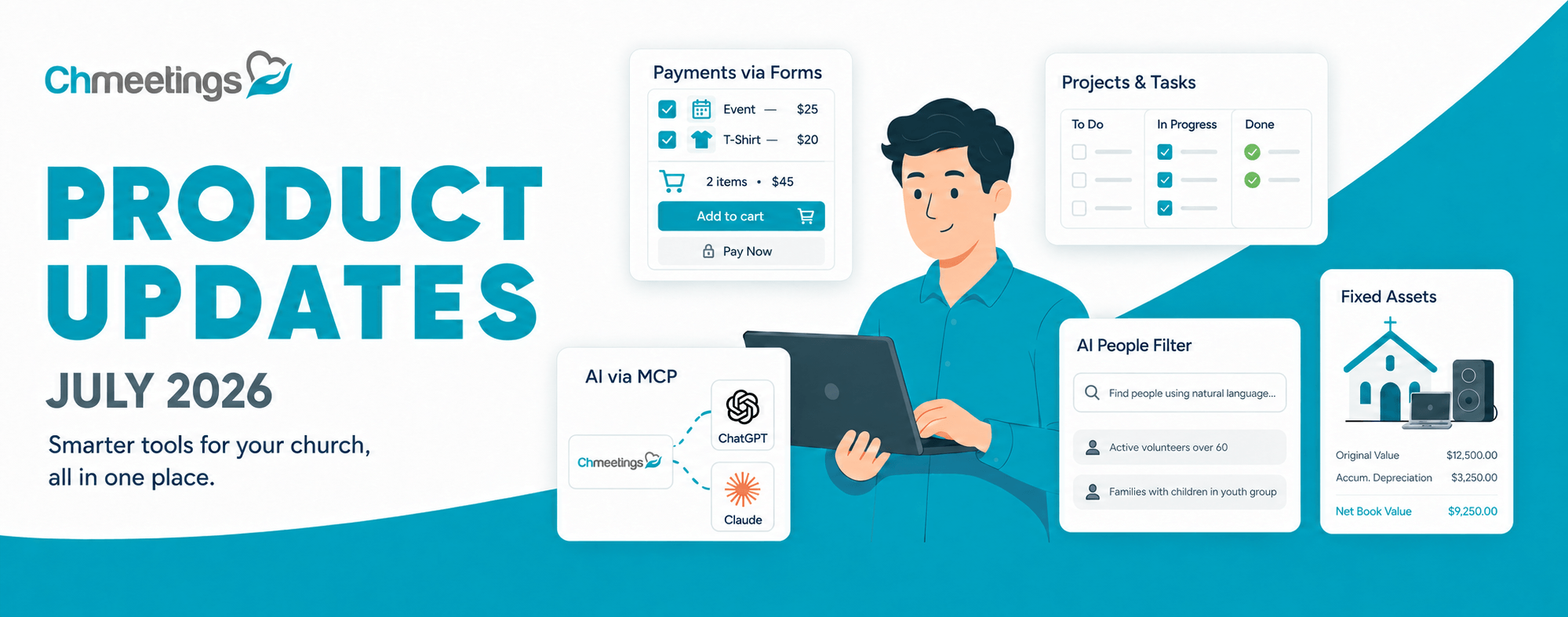


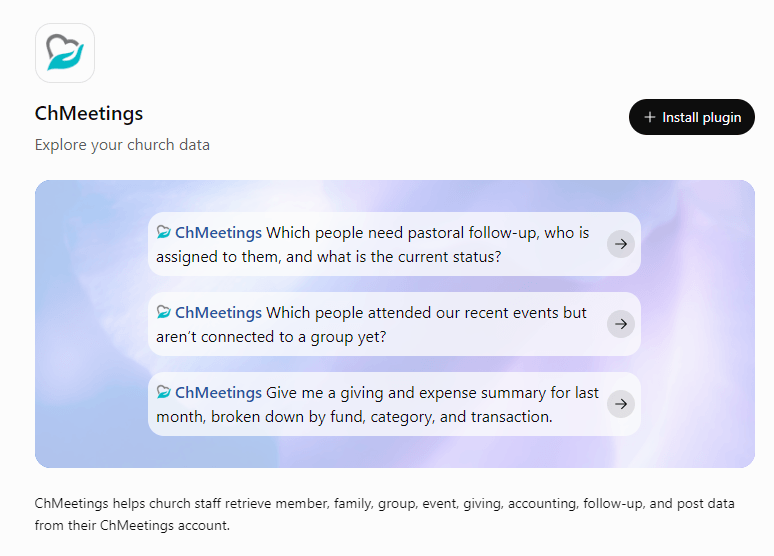
You can now find ChMeetings in the ChatGPT store and connect your church account to ask questions about your data in plain language.
From looking up group members to summarizing giving or reviewing attendance, you can get answers based on the information already in ChMeetings, all within your ChatGPT conversation.
The connection is read-only, so ChatGPT can retrieve and summarize information without adding, editing, or deleting your church’s records.
How to Get Started
- Open ChMeetings in the ChatGPT store and select Connect.
- Enter your ChMeetings API key when prompted. You can find it in your ChMeetings account under Settings → Integrations.
- Once connected, start asking questions about your church data.
You’ll need a ChMeetings Owner or Administrator account to generate an API key.
A Few Questions to Get You Started
Before a pastoral visit, a ministry meeting, or Sunday’s service, you can ask ChatGPT questions such as:
- “Who attended last month but hasn’t attended this month?”
- “Which people joined our church in the last three months and aren’t in a group yet?”
- “How much has been given to our Building Fund this year?”
You can ask follow-up questions to explore the answers further. After reviewing giving to the Building Fund, for example, ask: “Break that down by month and compare it with the same period last year.”
Read-Only Access, With You in Control
The ChMeetings connection is read-only. ChatGPT can retrieve and summarize your church data, but it cannot add, edit, or delete records, send messages, or record contributions.
On personal ChatGPT accounts, OpenAI may use conversations to train its models unless you turn this off. Because your conversations may contain private information from your ChMeetings account, we strongly recommend disabling this option. Go to Settings → Data Controls in ChatGPT and turn off “Improve the model for everyone.”
Try ChMeetings in ChatGPT
Connect ChMeetings in ChatGPT and start with a question that matters to your ministry, whether you’re preparing for a pastoral visit, reviewing attendance, or checking progress toward a giving goal.
To explore connected assistants and the AI features built into ChMeetings, visit our ChMeetings AI page.