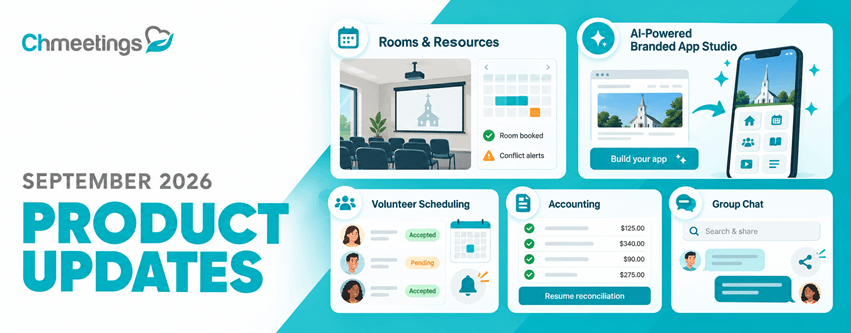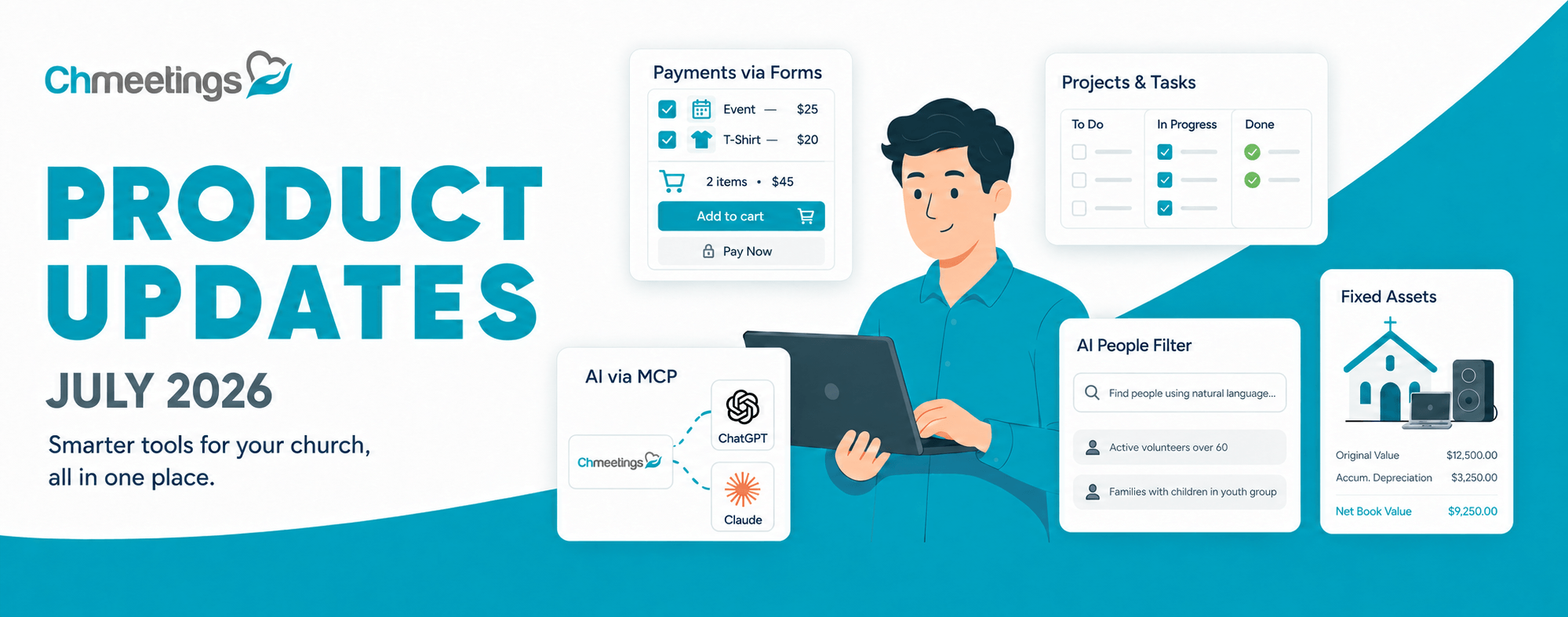
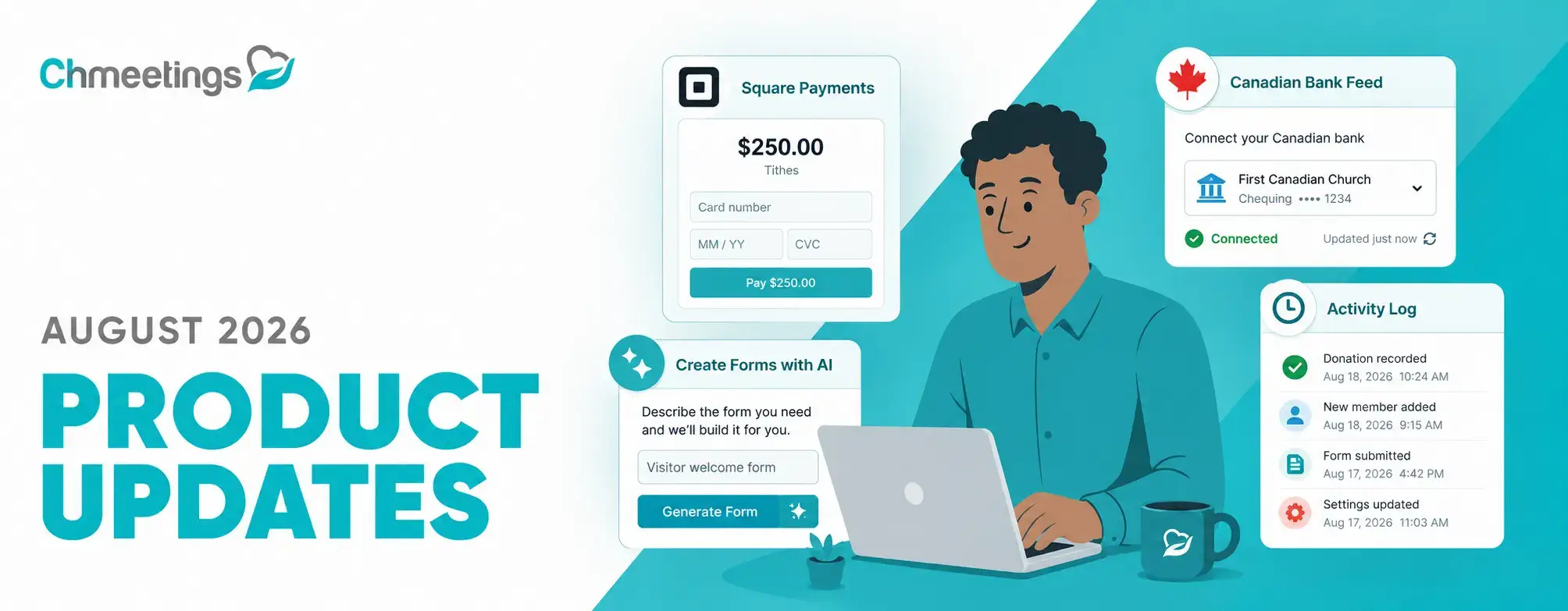

August brought a strong set of improvements to ChMeetings, with new features designed to make every day simpler, more connected, and more efficient. From collecting payments through forms to using AI to find people, managing volunteers better, and keeping more accurate records of activity, these updates focus on helping you spend less time managing processes and more time serving your community. Here’s what’s new.
Simpler Payments, Giving, and Accounting
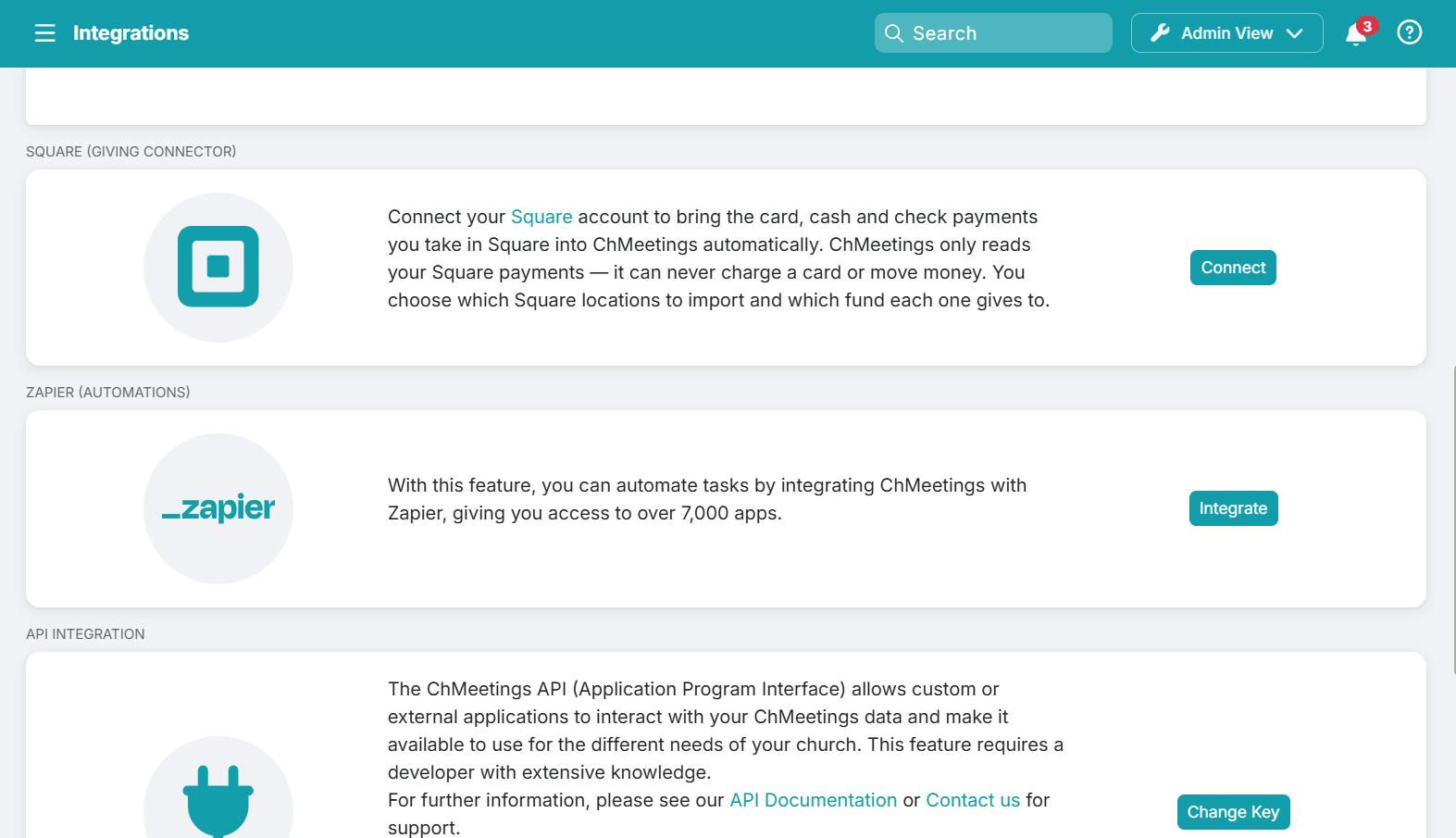
If you are using Square, then you can now connect Square to ChMeetings and automatically import completed payments as contributions. The Square Giving Connector can be found under Settings > Integrations, and supports card, cash, and check payments, with options to assign payments to funds, exclude specific items, manage tips, organize contributions into batches, and match payments to people. It also remembers confirmed giver matches and flags uncertain ones for review, so you can reduce manual data entry while keeping contribution records accurate and up to date.
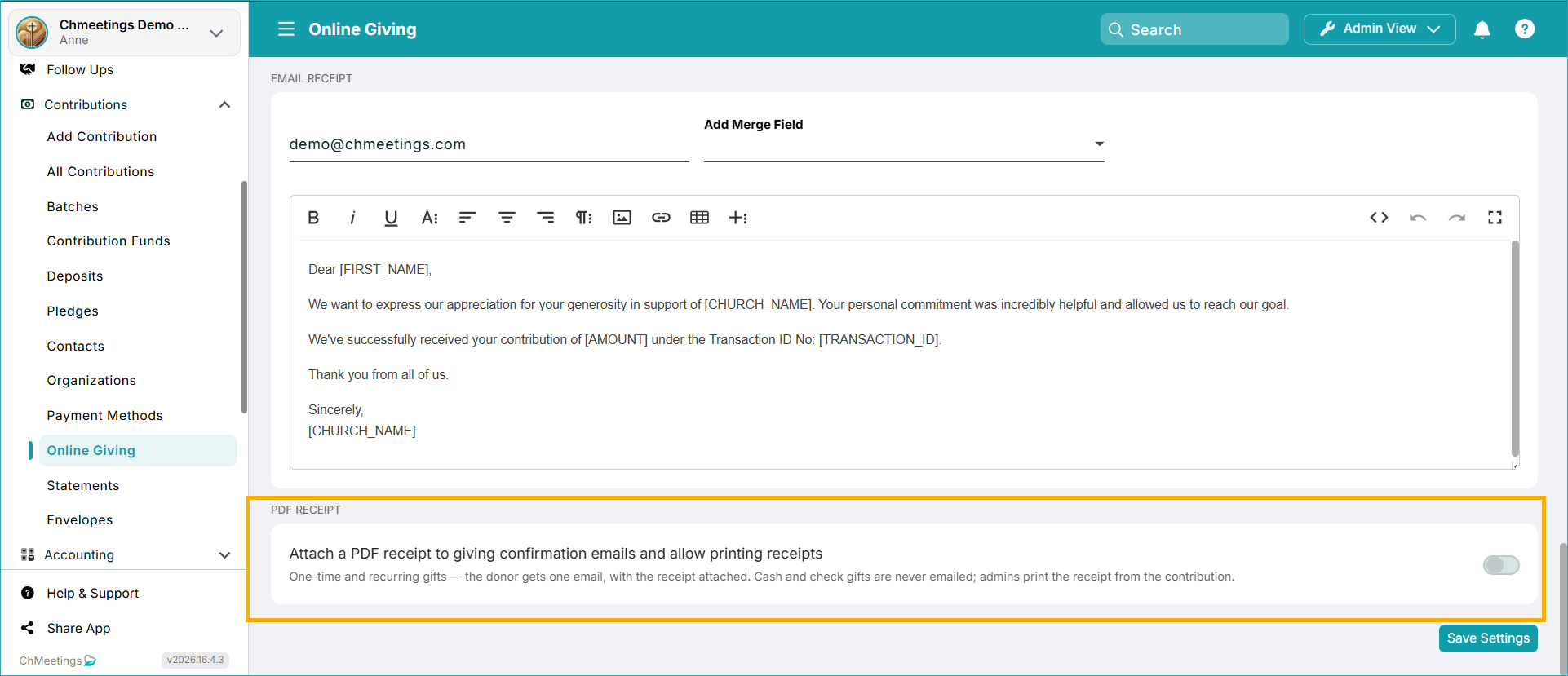
Giving also gets a practical improvement with printable giving receipts. You can now print receipts for individual giving transactions, either when a contribution is entered or afterwards. Online giving confirmations also include a PDF receipt as an attachment when this feature is enabled. And by the way, you can turn this feature off if you don’t want to use it.
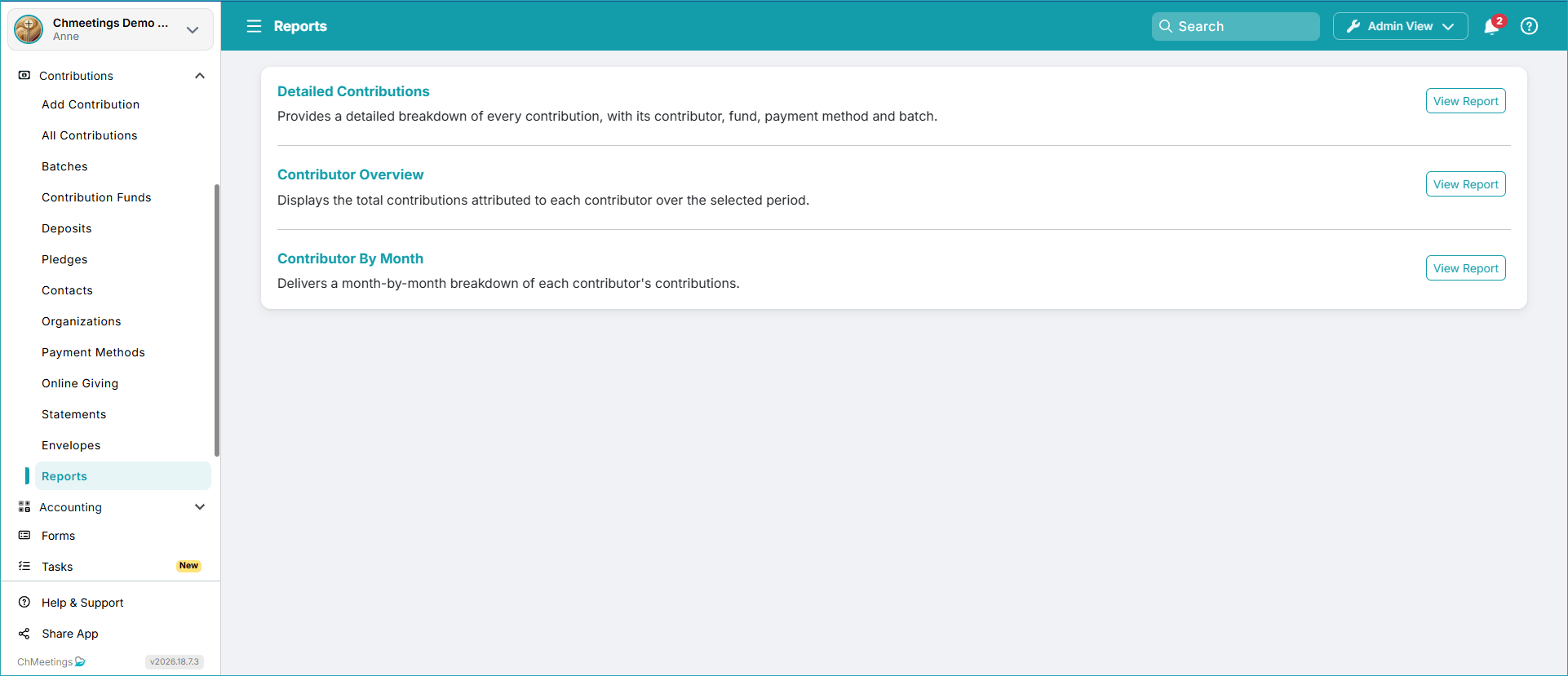
There’s also a new Reports section under Contributions, where you can find a detailed contributions report, a contributor overview, and a monthly giving breakdown by contributor.
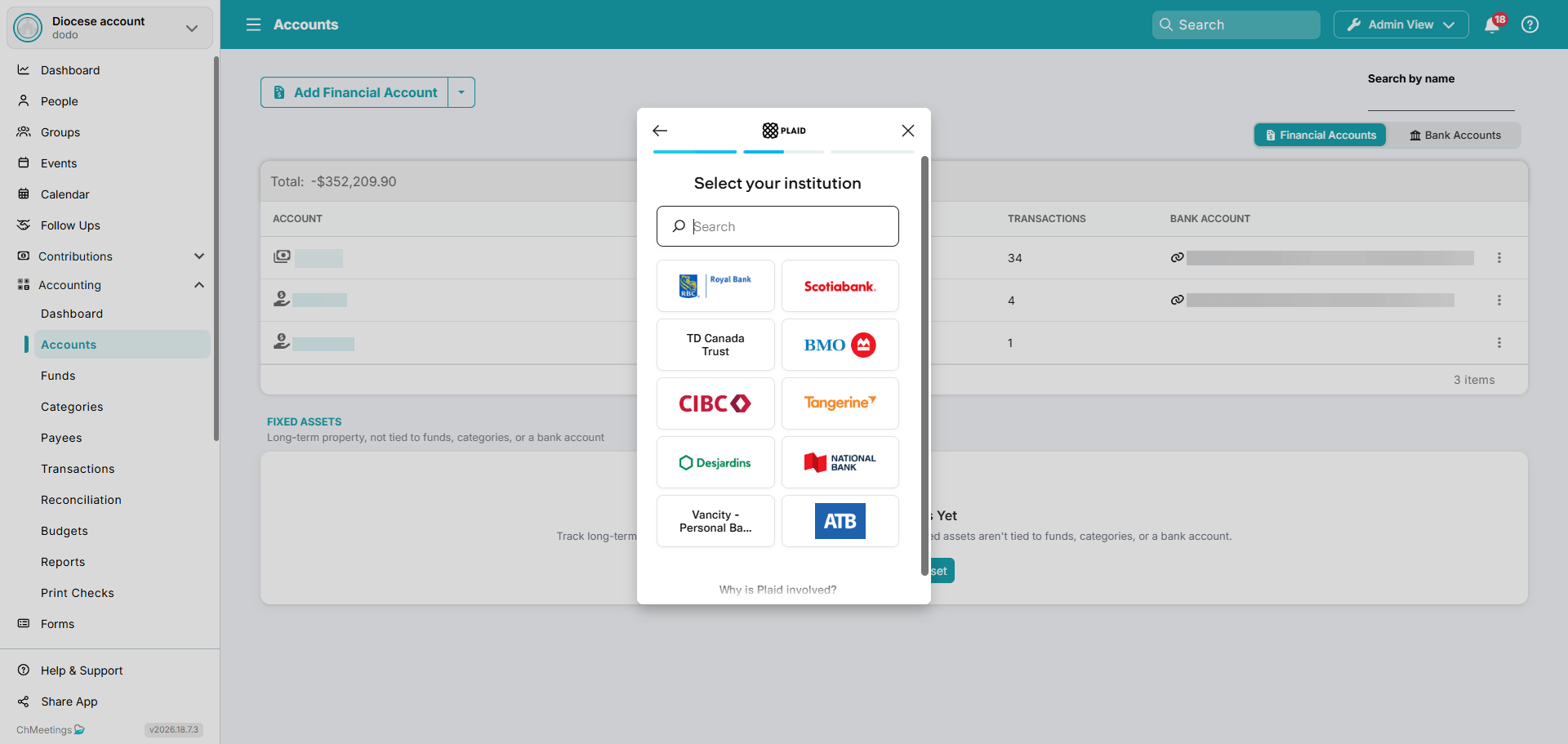
Besides, Accounting got much better for those of you based in Canada because now you can link your Canadian bank account to ChMeetings Accounting, via Plaid. If you’re not using ChMeetings Accounting yet because this was not available in the past, now might be a great time to try it out. Feel free to get in touch with our support if you have any questions.
More Effective People Management
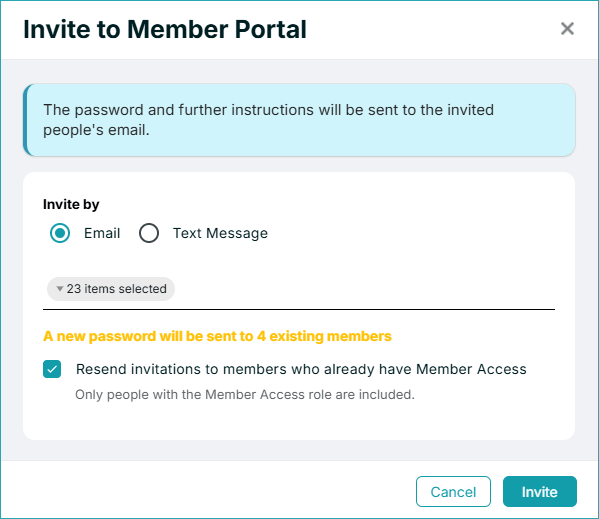
You can now choose to resend invitations to members who already have portal access, thus following up with members who may have missed an earlier invitation.
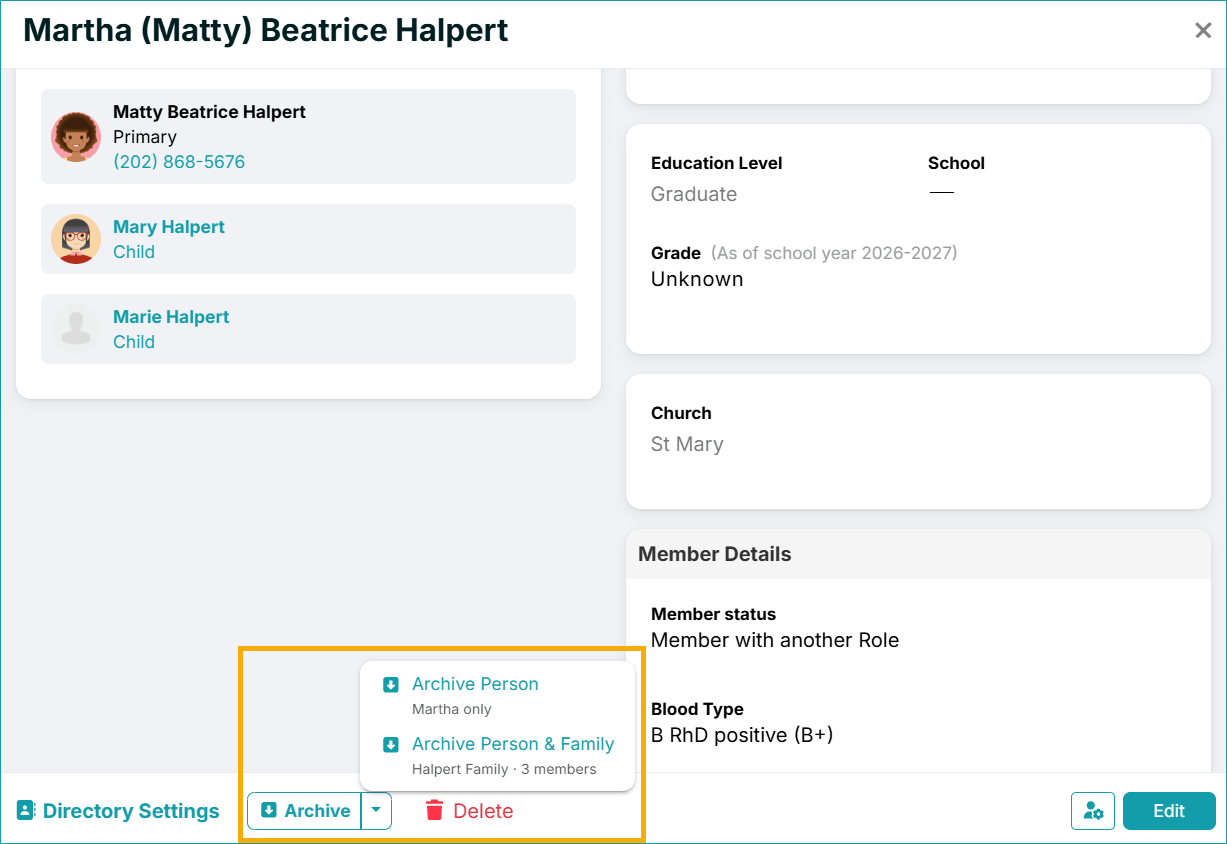
Another useful update is that you can now just go to someone’s profile and archive them along with all their associated family members in one go. You can then restore everyone individually from the Archived People Report.
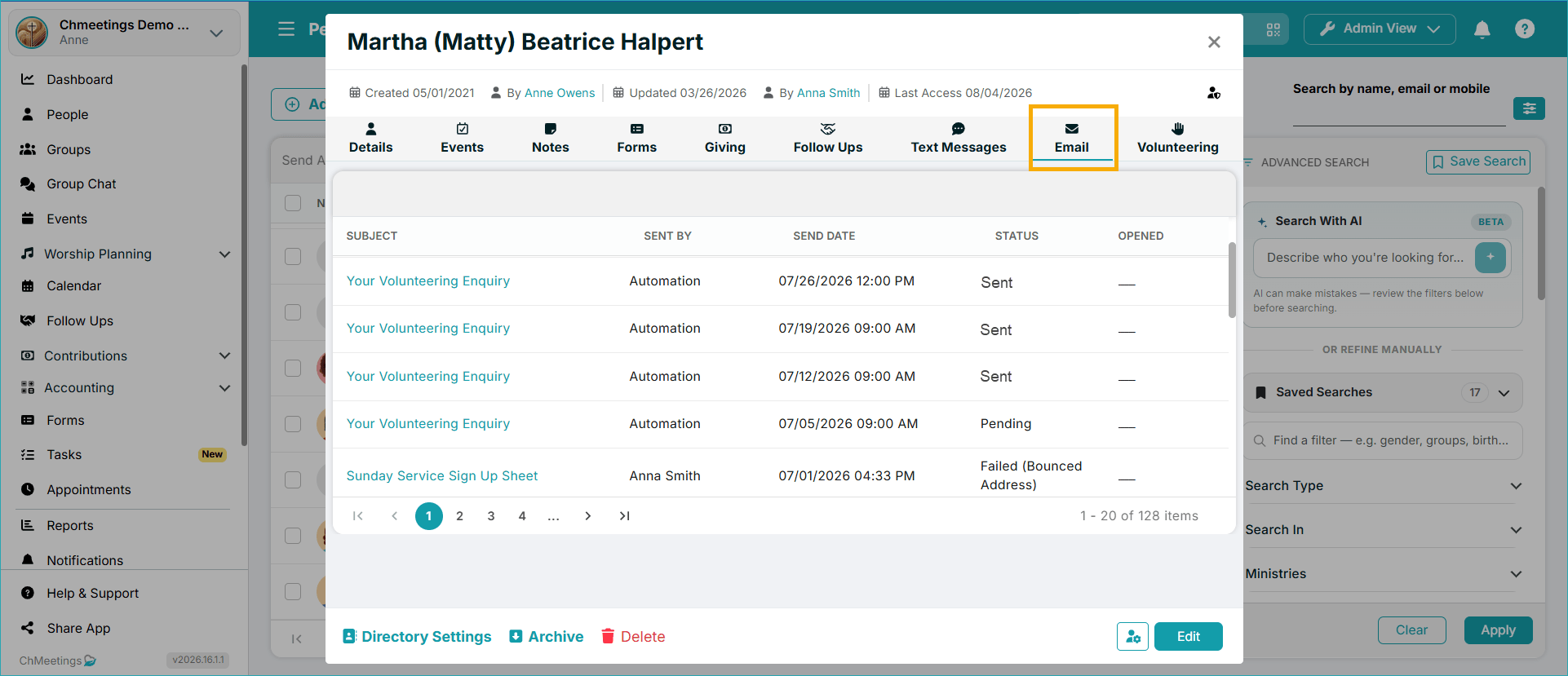
Profiles now also have a new Email tab in People profiles, which you can use to review email communication history per member.
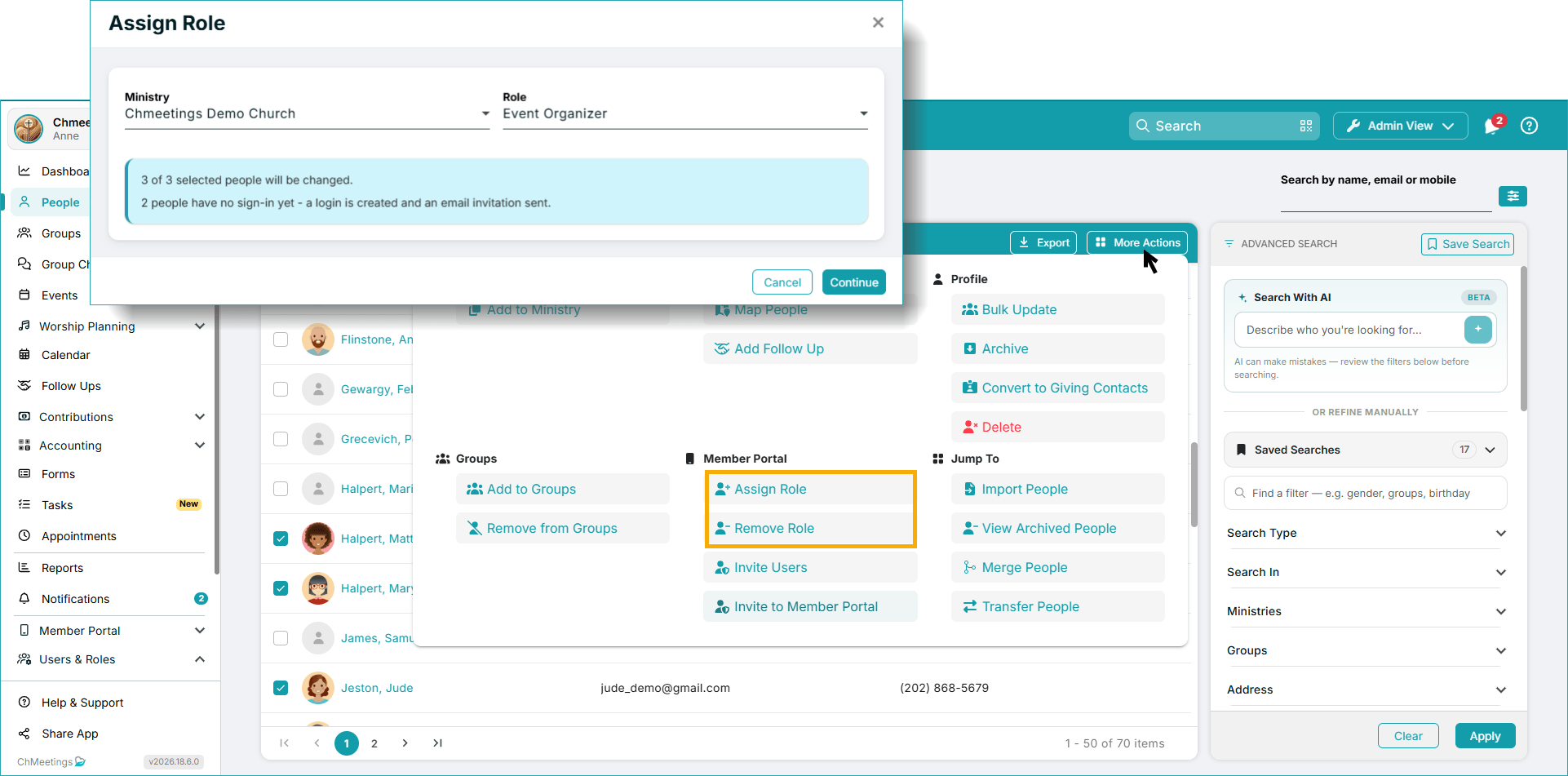
Finally, you can now easily assign or remove roles for multiple people in one go, right from the More Actions area in your People list. You can select the Ministry, Role, and Group (for Group Leaders), review the updates, and you’re done.
Increased Flexibility for Volunteers
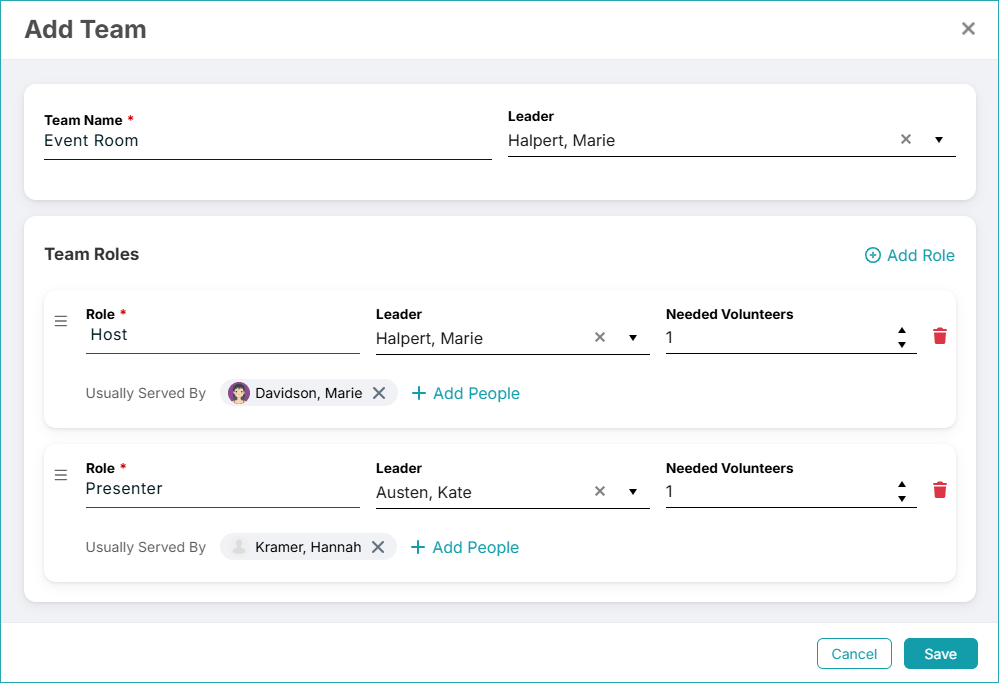
Under Worship Plans > Teams, you can now create predefined volunteer teams, including main team leader, team roles and leaders, plus number of needed volunteers, and reuse this structure across multiple events. This way you don’t have to create roles manually for every event if your structure is the same. You can of course customize these teams manually for each event, keeping in mind that they do not sync, to maintain the integrity of the main team structure. You can also set the people who usually serve in a particular role, and this will sync across events, under a Served By list of suggestions which you can choose people from faster.
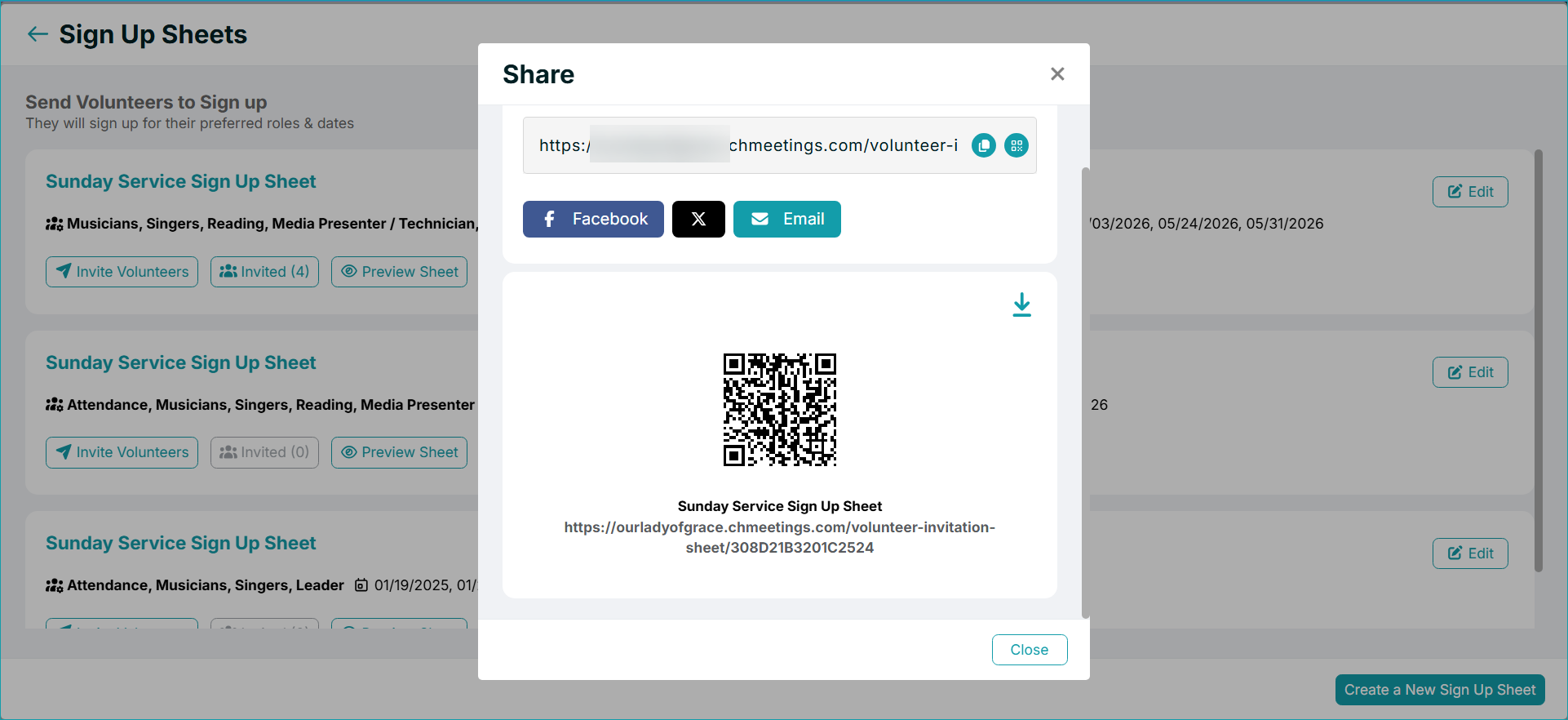
With shareable volunteer signup sheets, you can now share a signup sheet through a direct link or QR code. Members can open the link and sign themselves up for an event without needing to receive an individual invitation. At the moment, members need to be logged into their ChMeetings account to use the signup sheet; guests must first create an account.
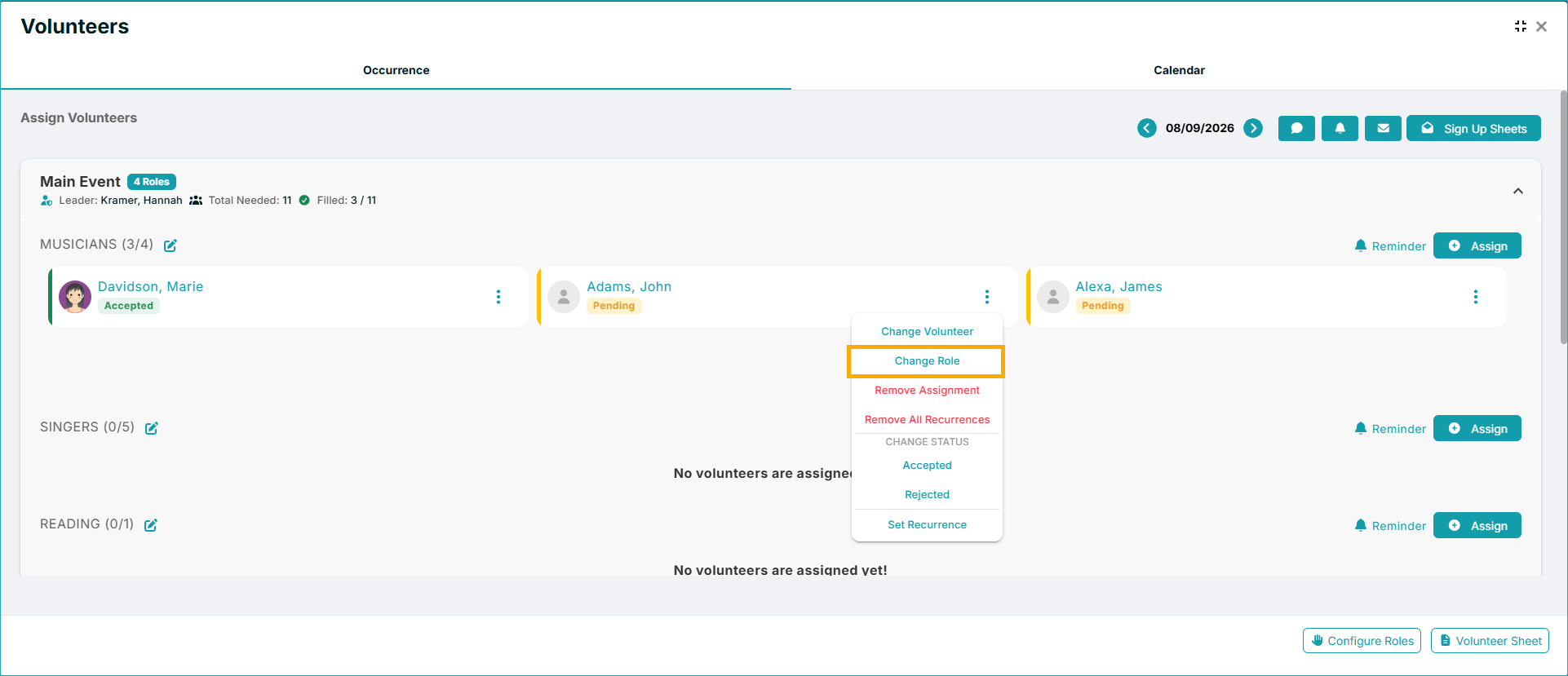
Once volunteers are scheduled, you can now change a volunteer’s role directly rather than removing the volunteer and assigning them again.
Enhanced Organizational Processes
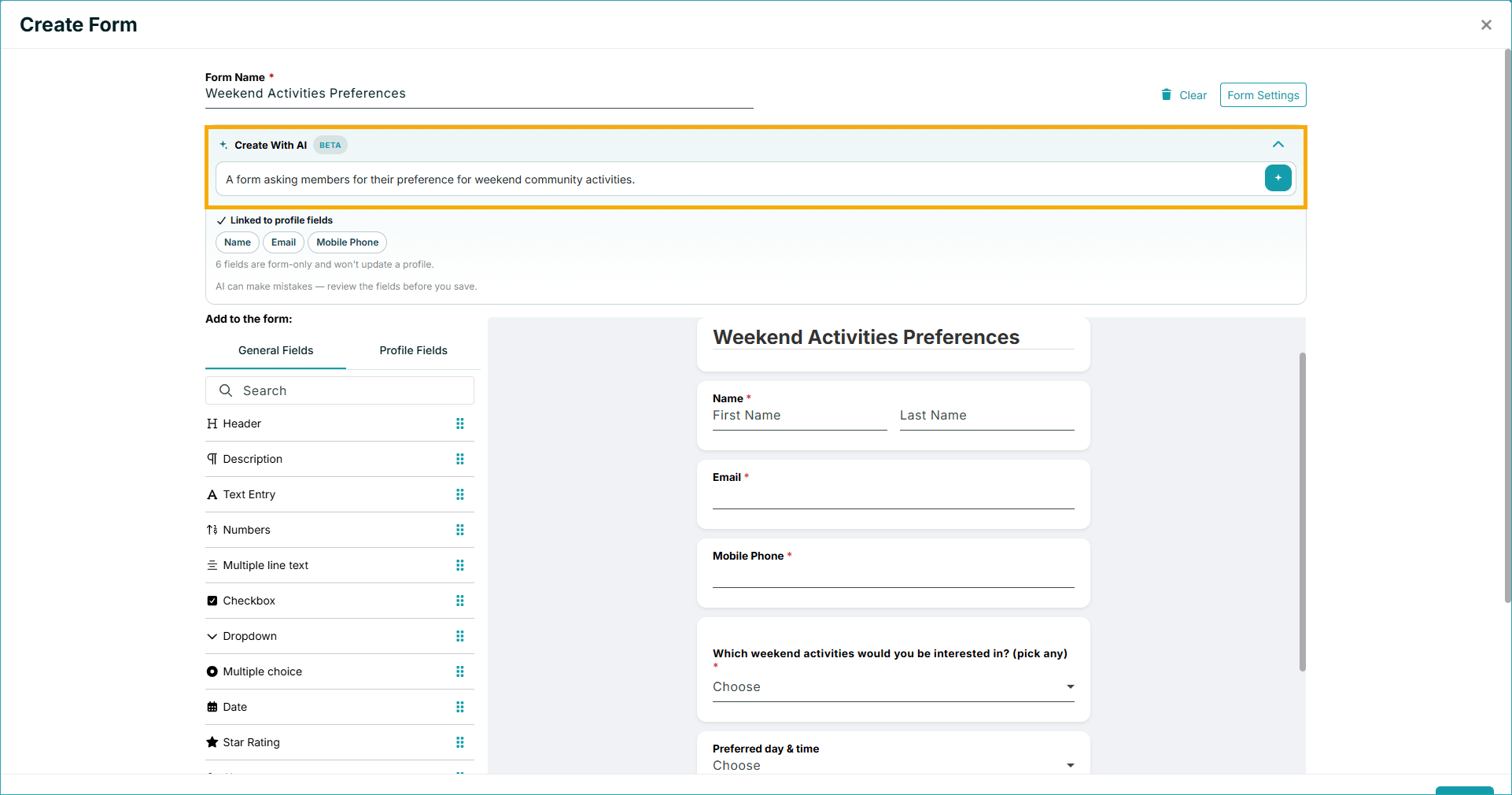
Our new AI Form Builder helps you create Forms in seconds just by describing your desired form. The AI Builder will create all necessary fields, including selection items, and you can edit them all to make the form your own. You’ll just be working less for the same outcome.
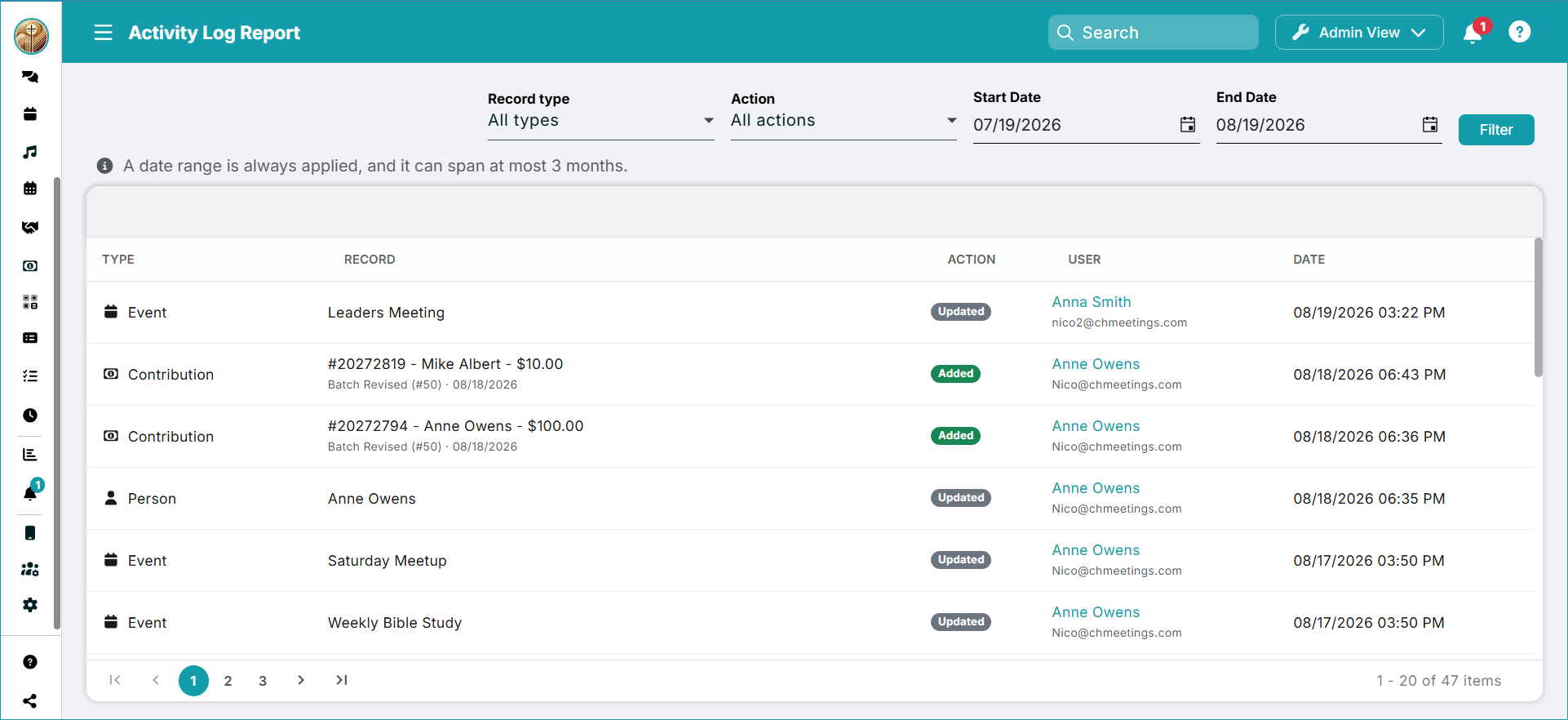
Additionally, you can now get a clearer picture of activity across the system with the new Activity Log Report. Available as a paid feature, the report serves as an audit trail for activity across Events, Forms, People, Contributions, and Accounting Transactions. This can help you understand what changes have been made and provide greater visibility into activity within key areas.
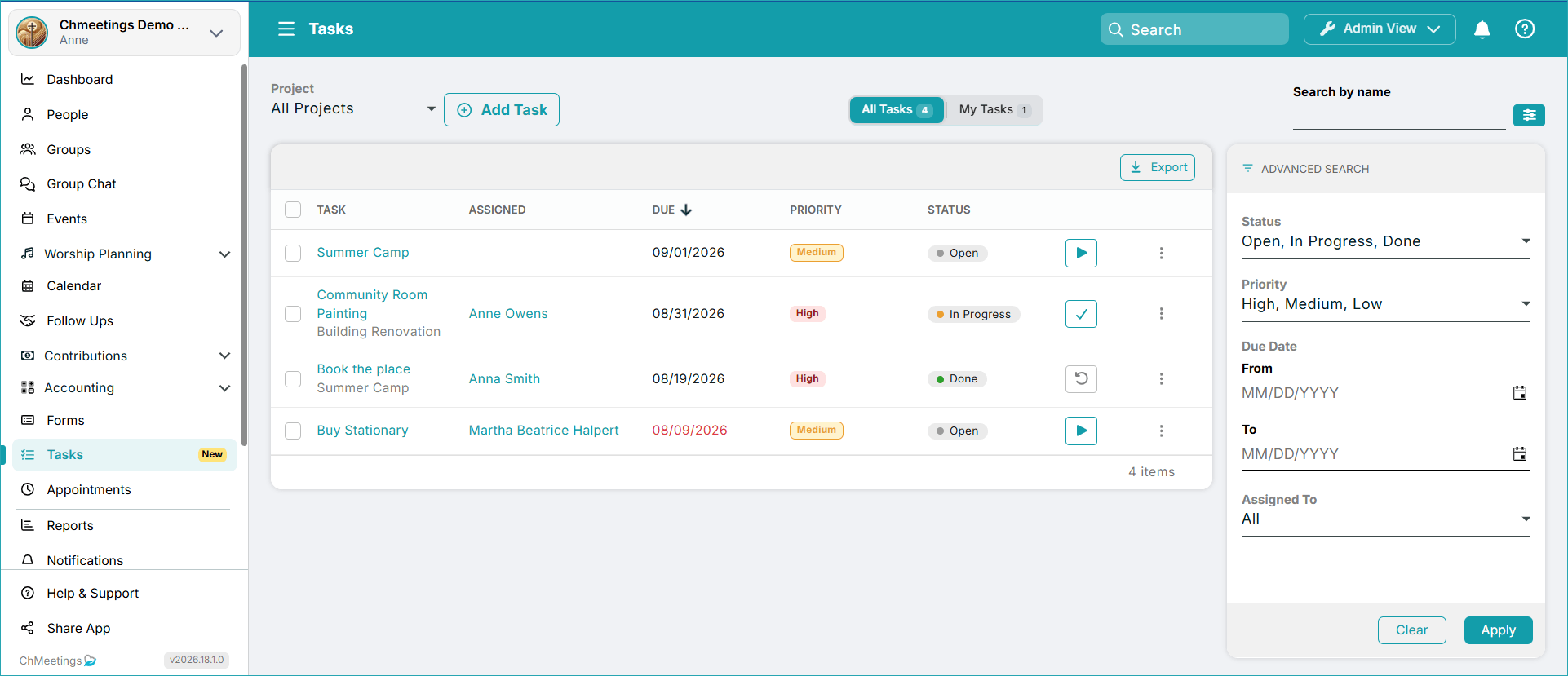
Tasks, which we released in July, now have an In Progress status, and can be assigned to anyone, even if they don’t have access to ChMeetings, while members with Member Portal access can view and manage their assigned tasks directly from the portal. Administrators can manage their own assigned tasks there as well, and checklist items can now be completed directly from a task without editing it.
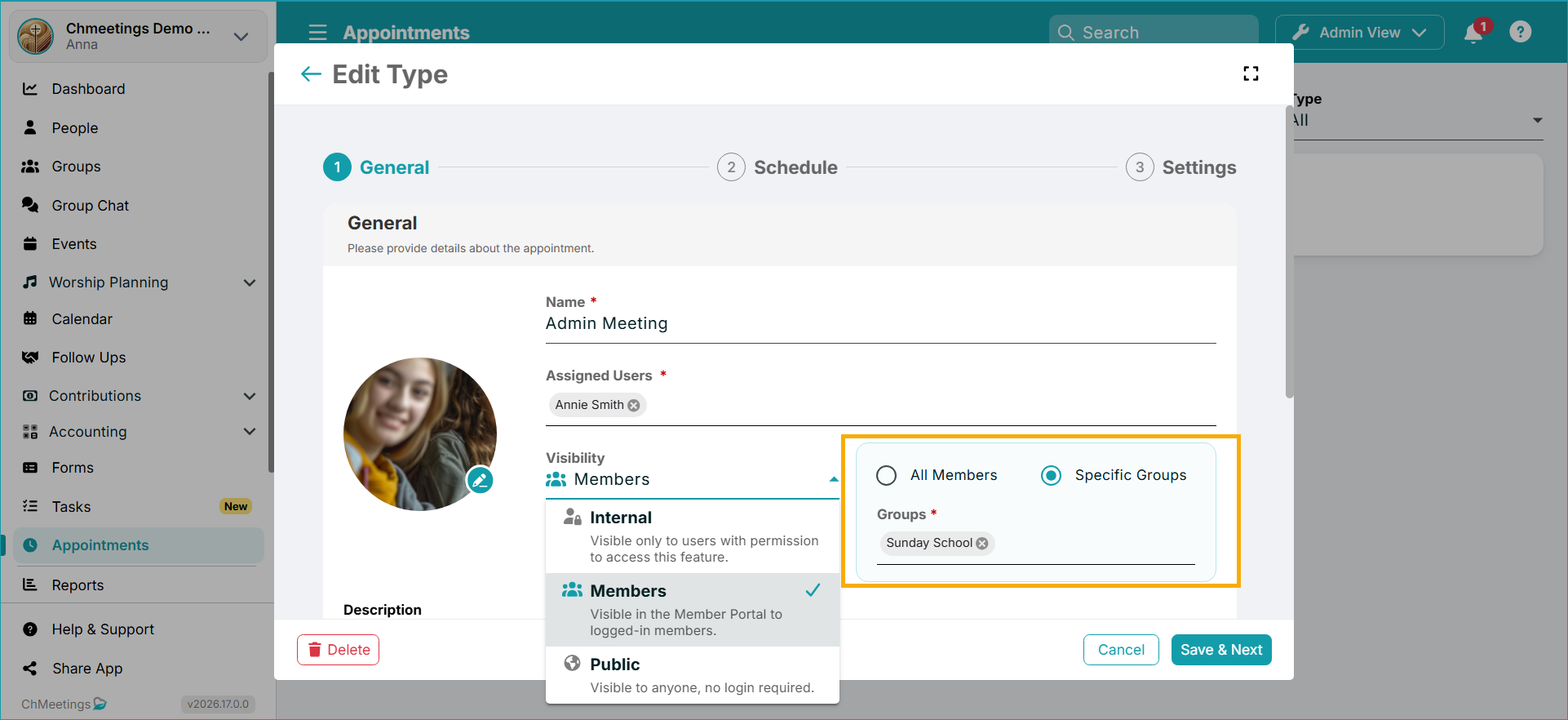
Appointment scheduling also becomes more targeted because you can now choose whetheran appointment type should be available to all members or only to specific groups.
Last, but not least, the Group Chat feature now lets you type up to 5000 characters per message. Formatting options are also newly available – you can make your text bold, italic, strikethrough, or formatted as code.

Better Connectivity
August also expanded the ways ChMeetings can connect with other systems. There are new APIs that support:
- Adding, editing, and deleting groups
- Event check-ins and check-outs
- Reading accounting data
- Reading follow-up data
The MCP resources and tools and the Zapier integration have also been updated to work with the new APIs and webhooks.
Additionally, there’s a new webhook for first-time attendance. Unlike a standard attendance webhook, this one triggers only when someone checks in for the first time.
More Account Settings
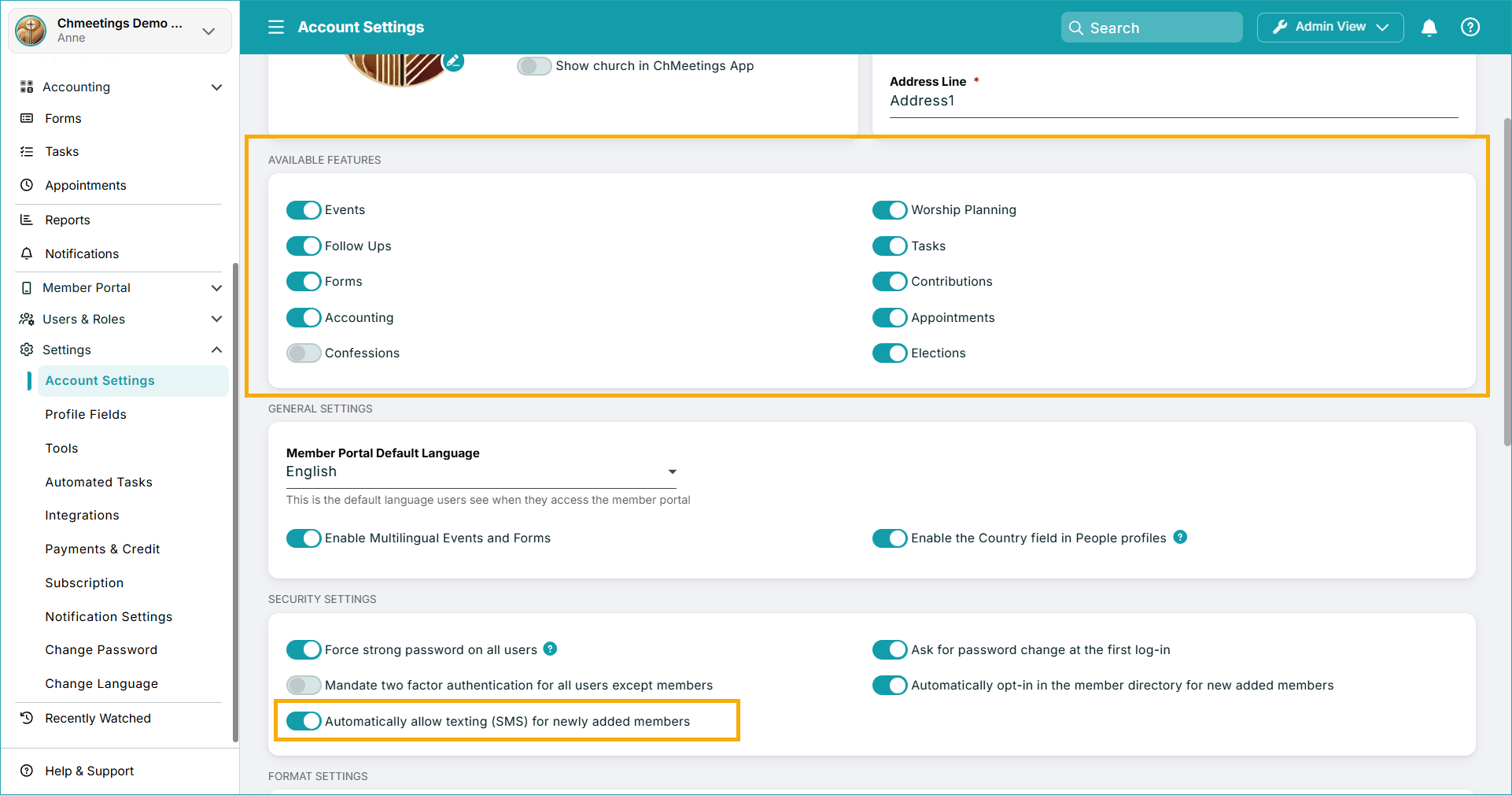
There are new Account Settings available that let you manage how automatic sending of SMS works, or allow you to turn features on or off.
…
Taken together, August’s updates are less about adding isolated features and more about reducing the administrative work surrounding everyday operations. Now you can work with a streamlined platform that helps automate repetitive work, collect giving easier, and better serve your community overall. We’d be happy for you to explore these features in your own work, and we’d love your feedback, because your insights help us shape the future of ChMeetings. To stay tuned to our updates, be sure to check our Release Notes every two weeks or so. :)