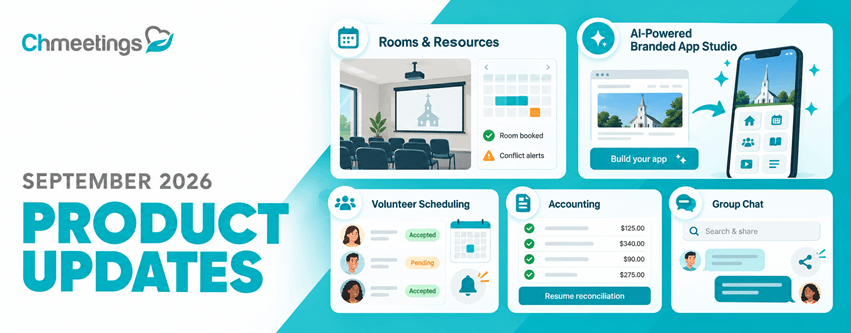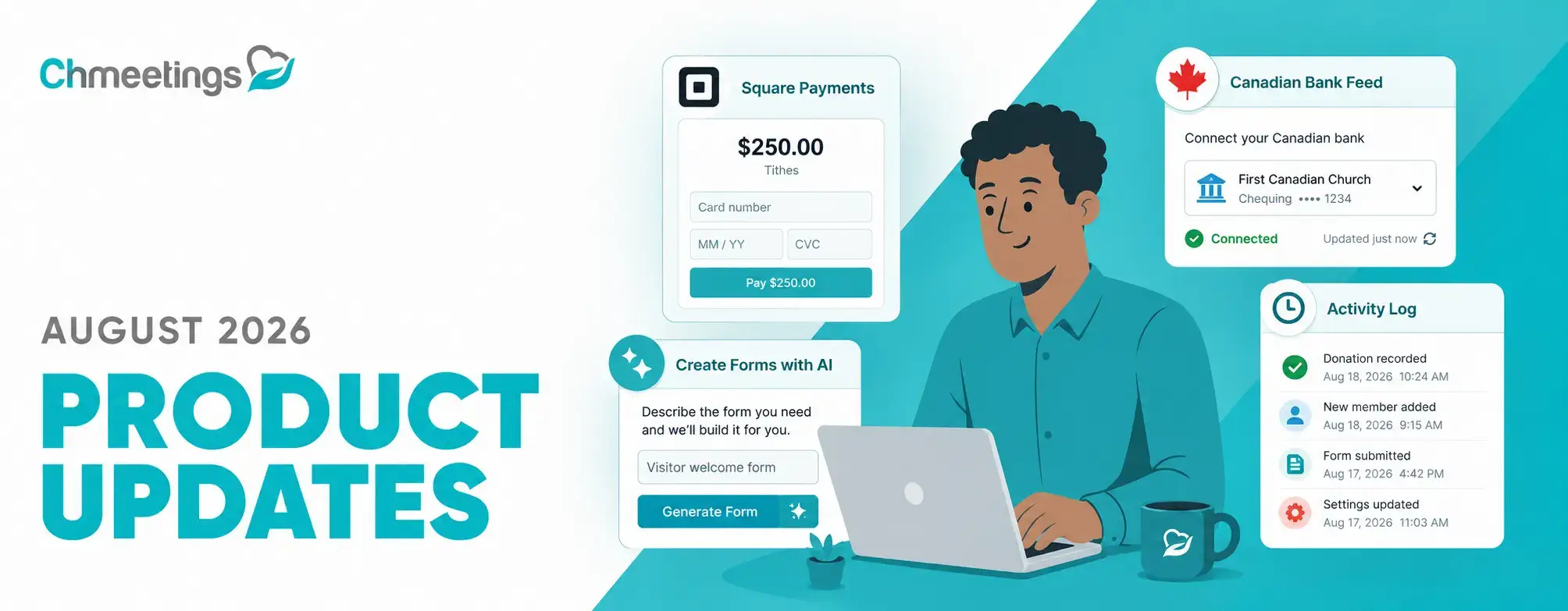
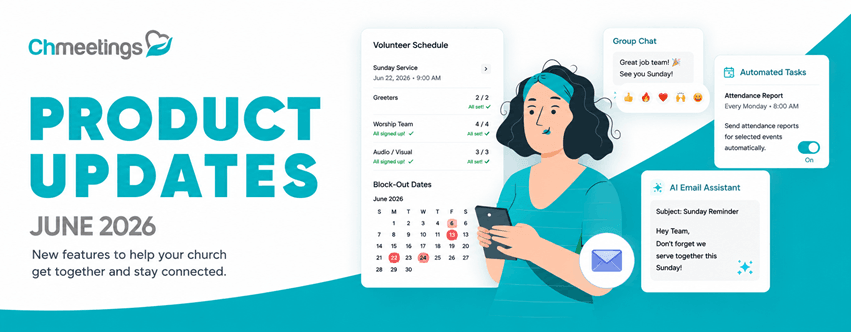

Summer is upon us in some parts of the world, people are getting together, and we’ve been hard at work making your experience even better! This release brings improvements across Volunteer Scheduling, Groups, Accounting, Emails, Settings, Giving, Data Management, and more. Let’s take a look at everything new.
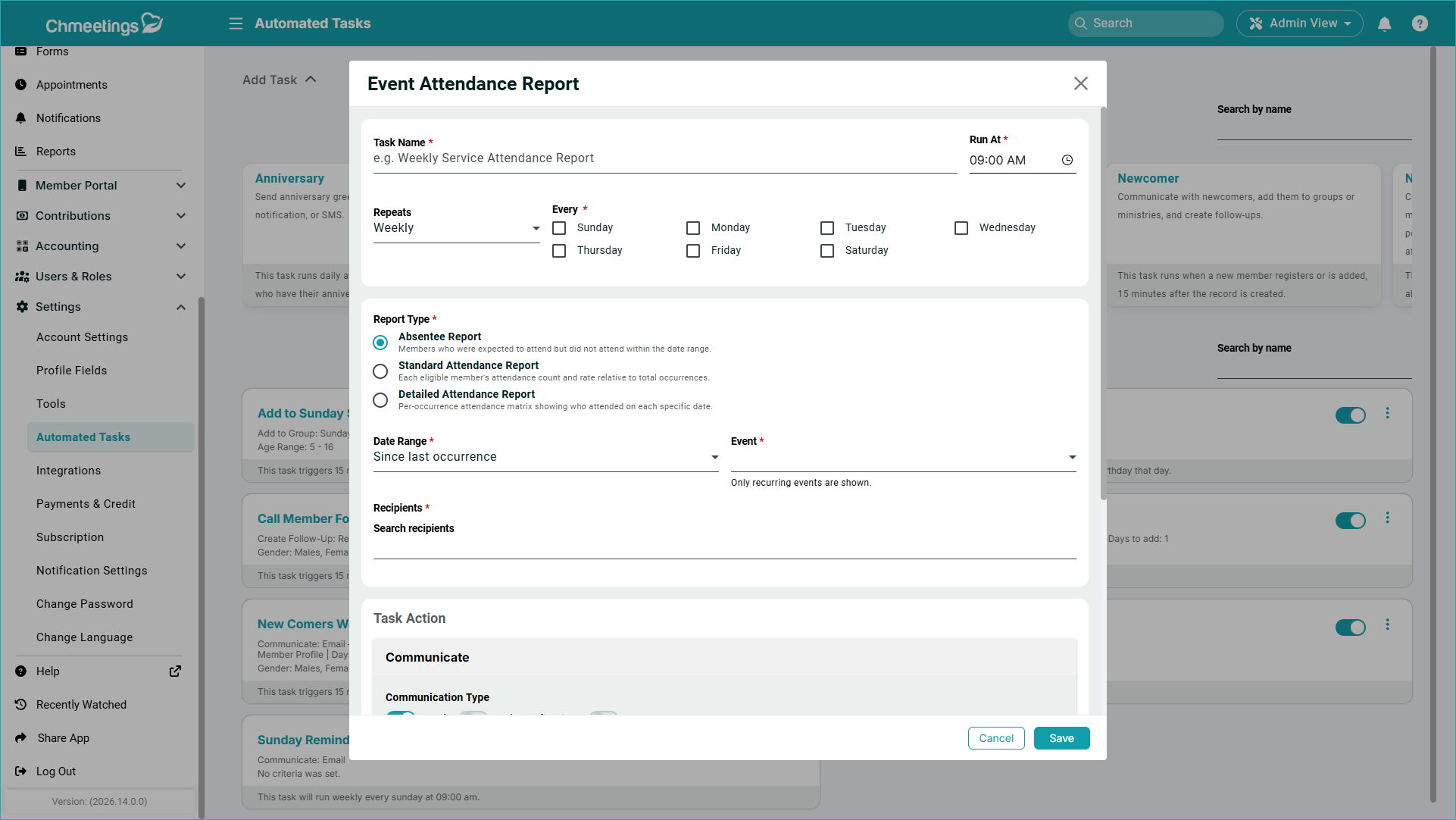
Attendance Report Automated Task
If you need to keep your staff informed about event attendance, you can now set up an automated task to do this for you. This new task will send an attendance report for a specific event, to specific recipients, and for a certain date range. Recipients receive an email containing a link to the report, which expires in 60 days. There are three types of reports that can get sent:
- Absentee Report: Members who were expected to attend but did not attend within the date range.
- Standard Attendance Report; Each eligible member’s attendance count and rate relative to total occurrences.
- Detailed Attendance Report: Per-occurrence attendance matrix showing who attended on each specific date.
Volunteer Scheduling
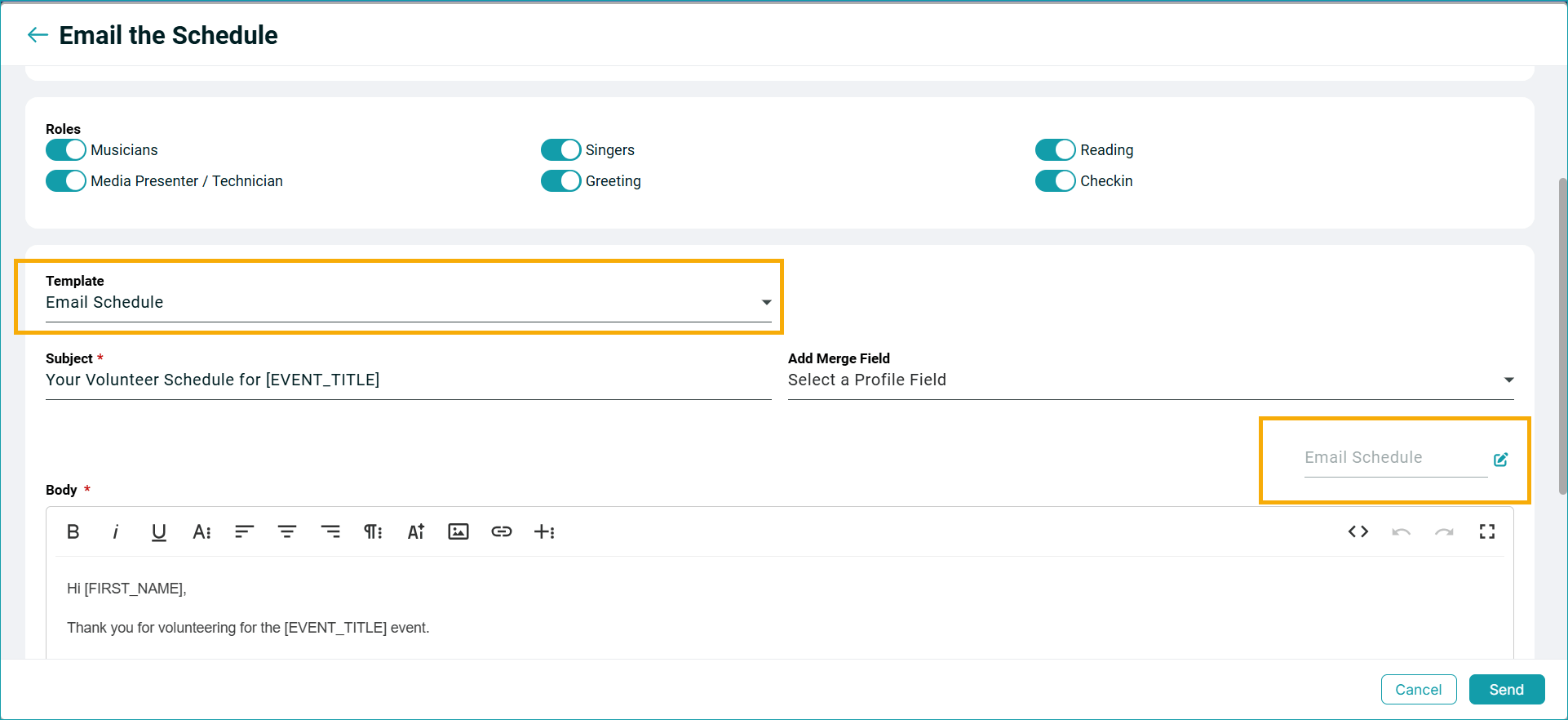
“Email Schedule” and “Email Volunteers” now allow you save and reuse email templates; and text messages contain shorter links.
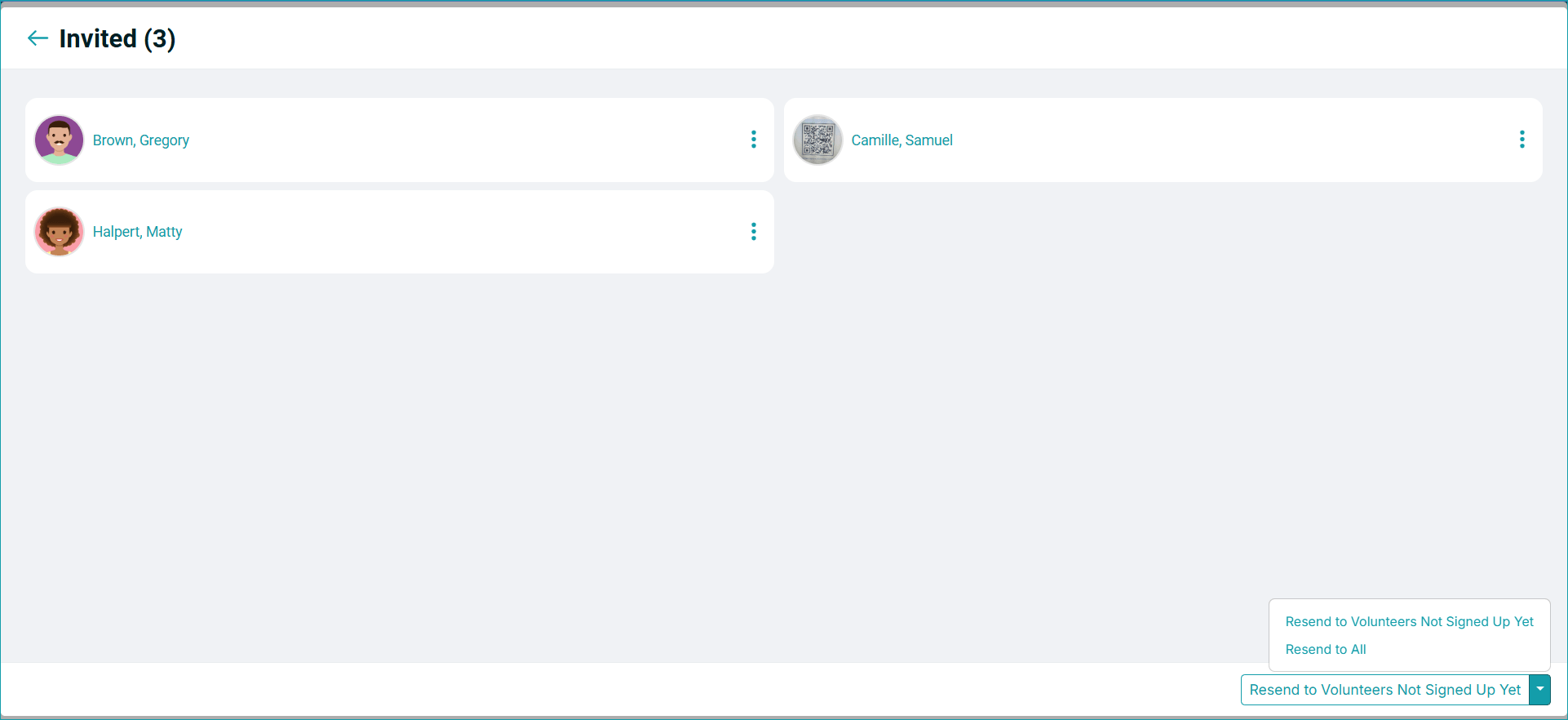
You can also resend signup invites to volunteers who have not signed up yet after a first invite,
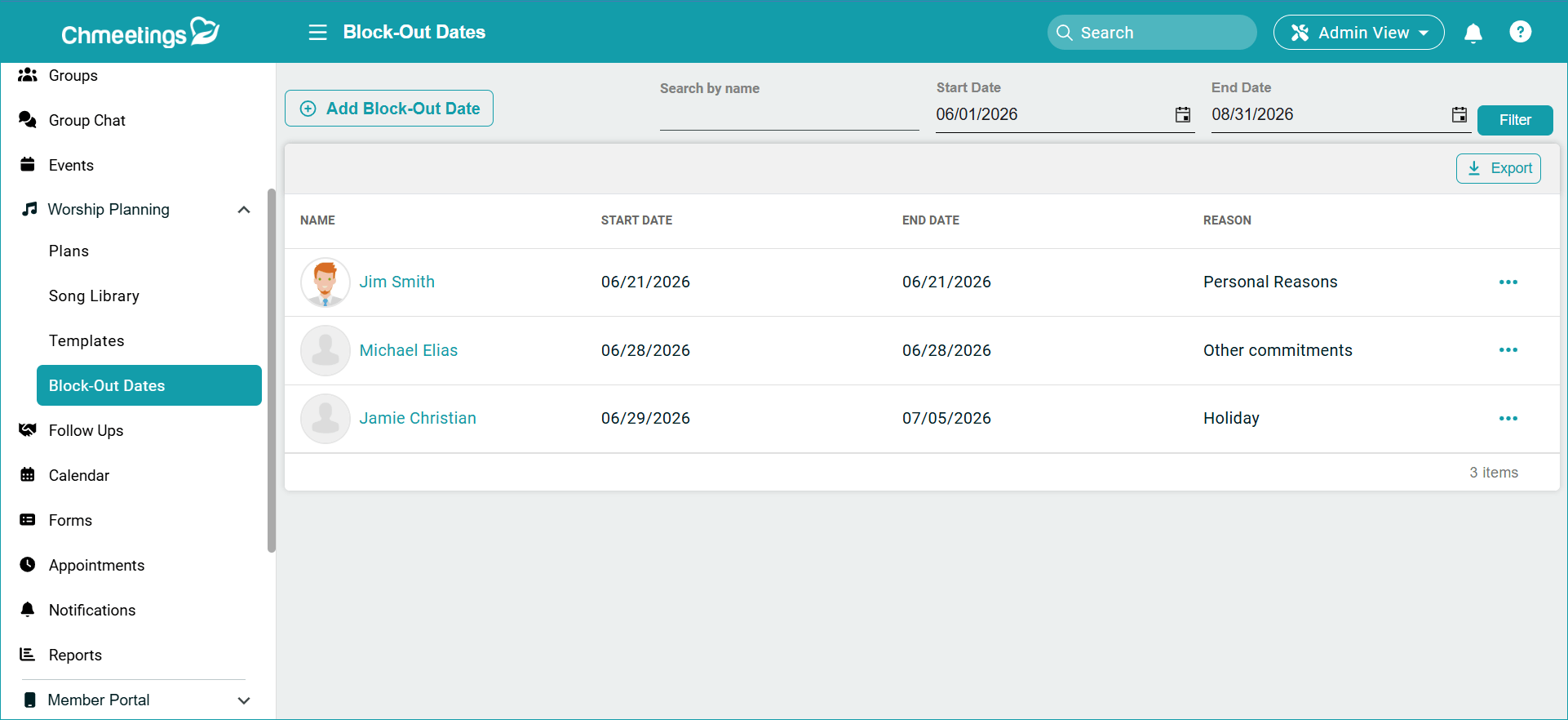
There is also a new Block-Out Dates Report, which you can access under Worship Planning and the main Reports section. You can use this report to both view and manage these dates. Block-Out Dates have a new, dedicated Calendar, too.
Groups
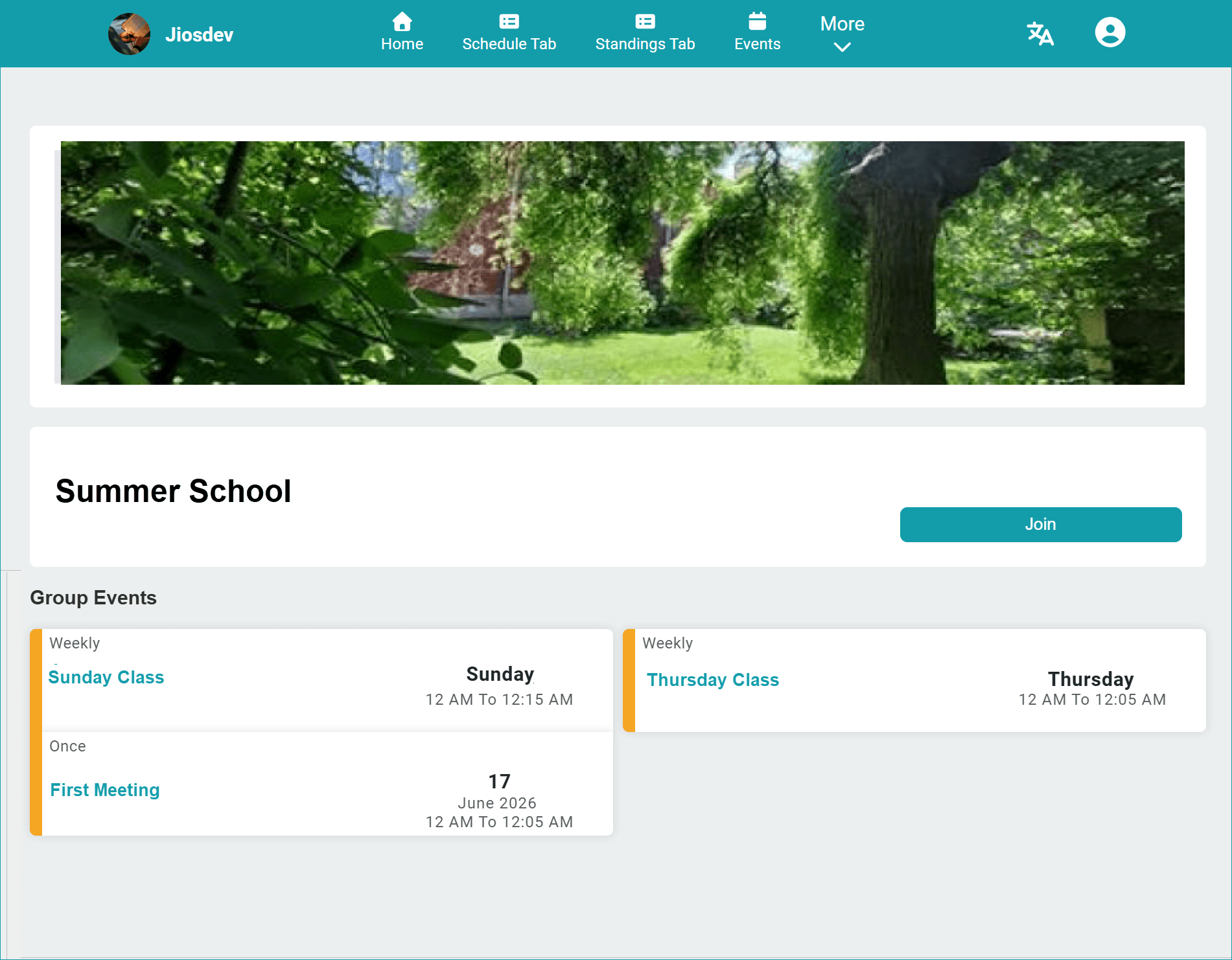
Now you can make groups publicly accessible on your member portal. They will have a dedicated page which contains group information and related events. Public group pages are shareable via link, QR code, or website embed.
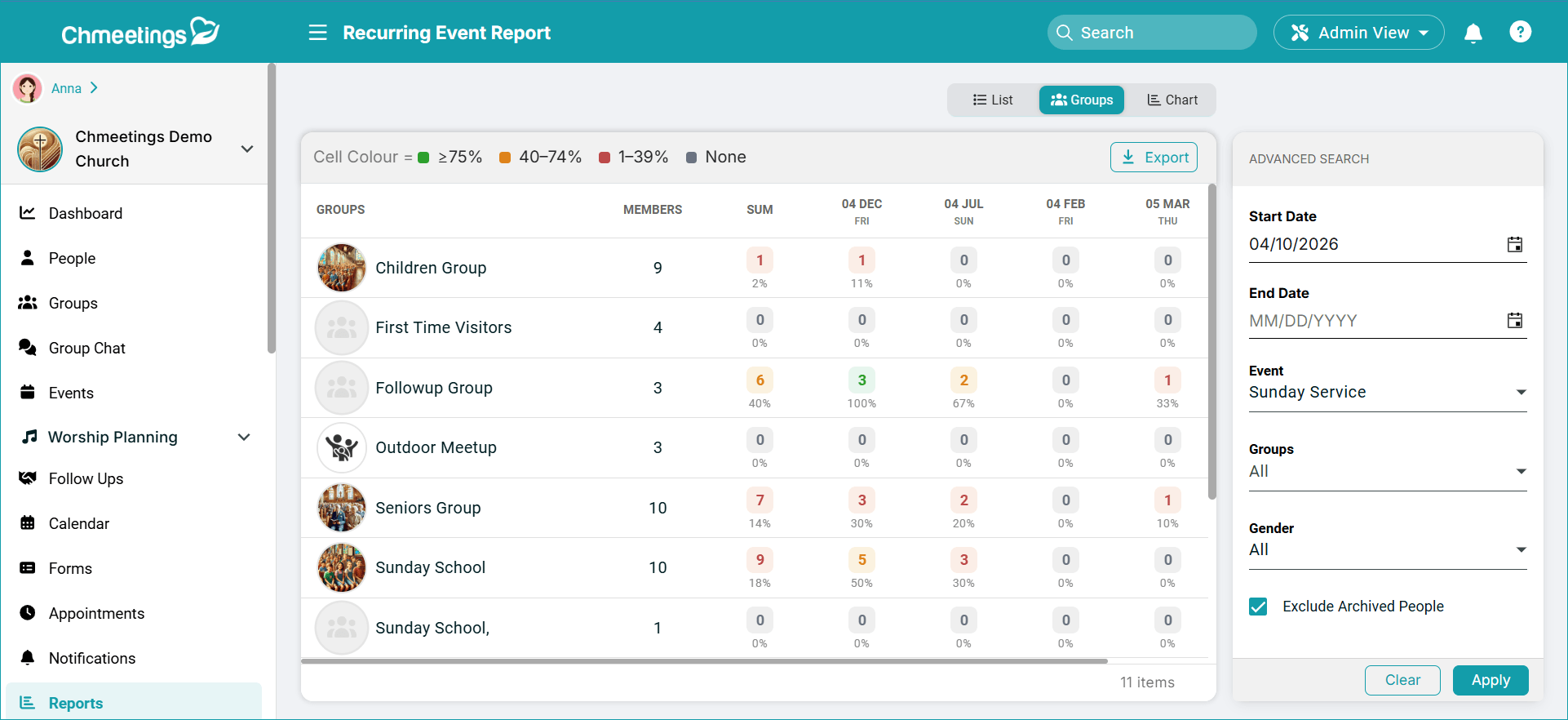
Another groups-related update is that event reports now come with a dedicated Groups tab, where you can view attendance statistics for that particular group.
Group Chat (Branded App)
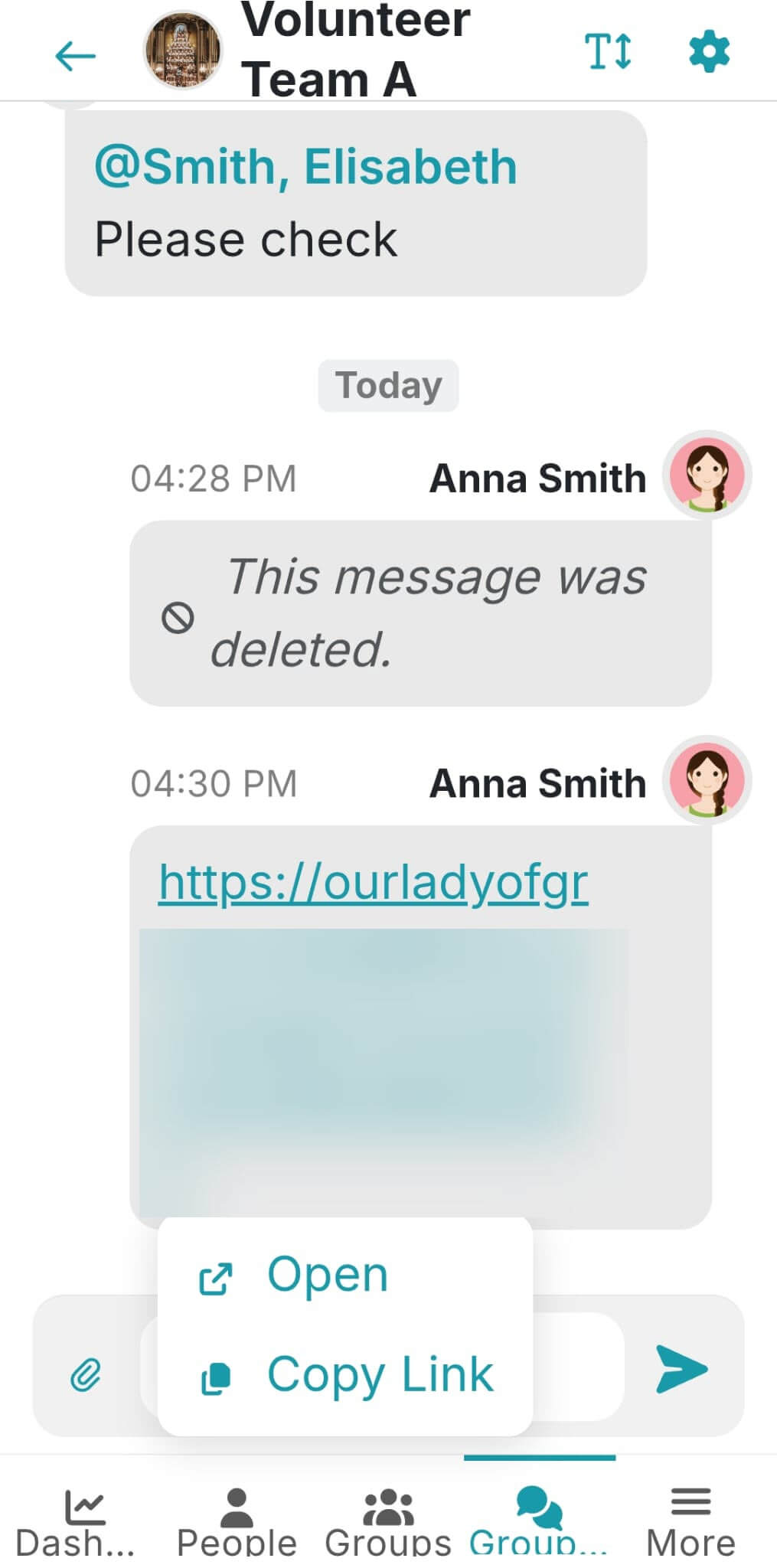
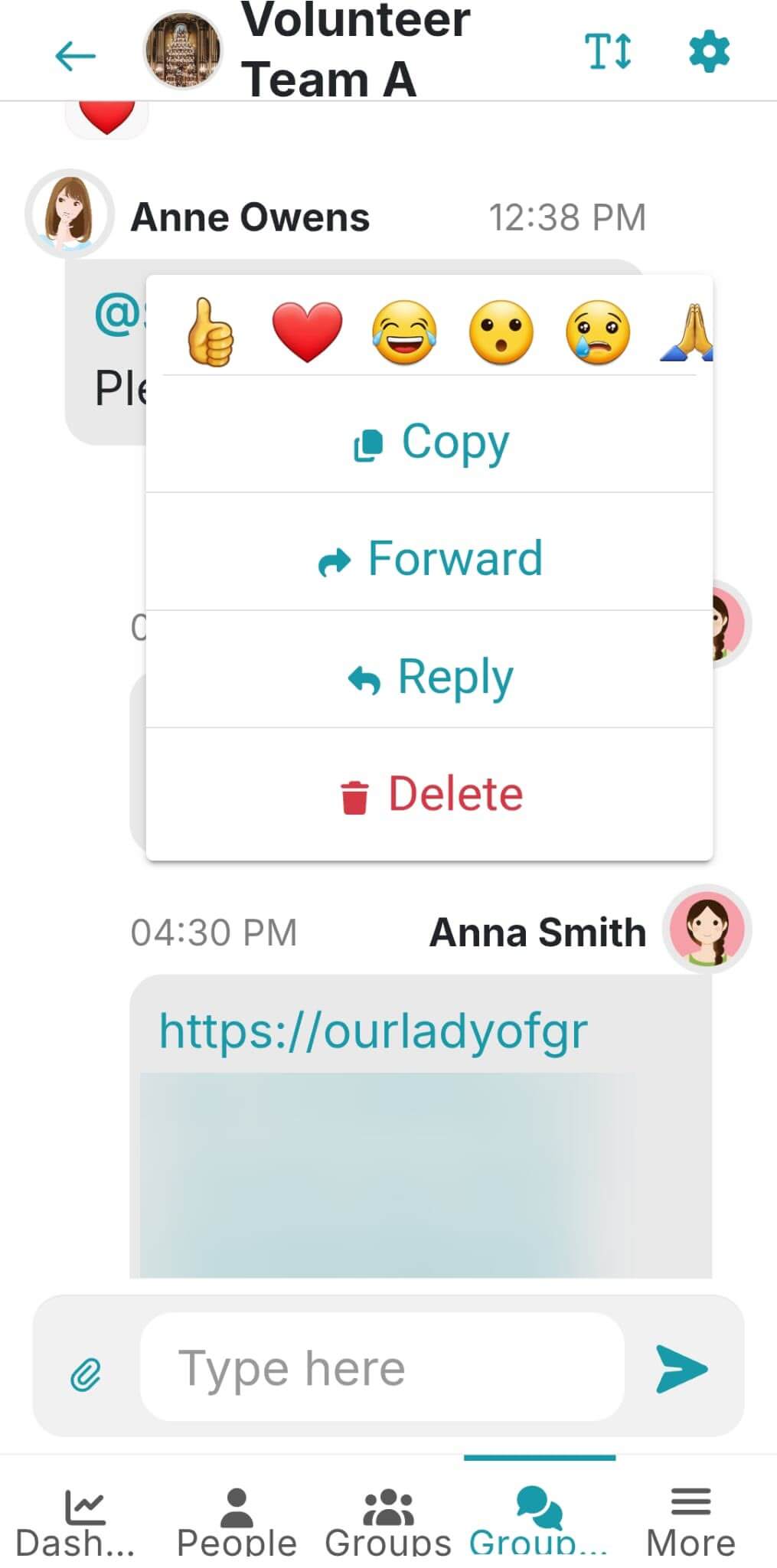
The Group Chat feature now comes with an extensive list of emoji reactions, and allows you to forward messages to another chat conversation, copy messages, or choose whether to copy or open a link (link options are mobile only).
Accounting
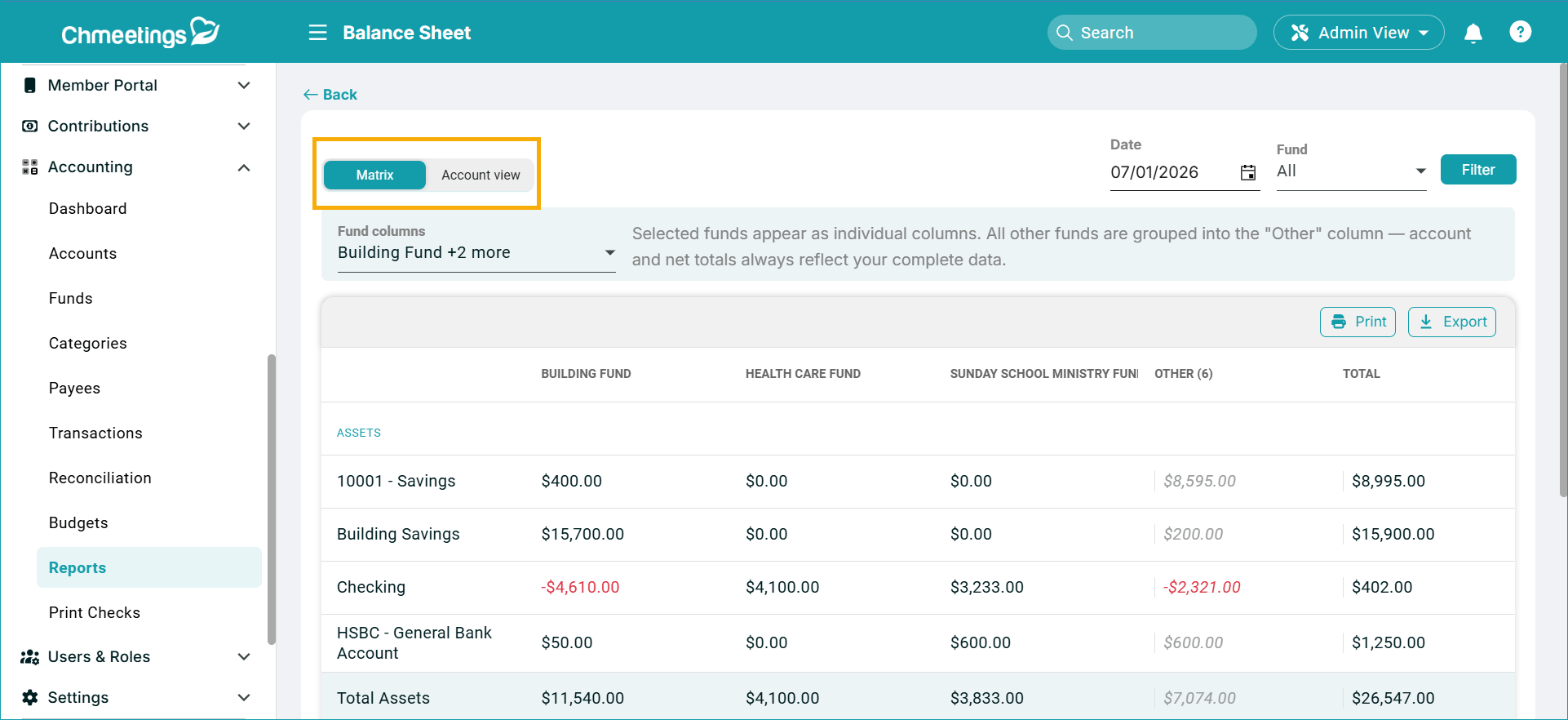
The Balance Sheet now comes with two views: a Matrix view that shows you balances per account and fund, as a matrix table, split by assets and liabilities; and an Account view, which is the previously available report, unchanged.
You can now also void transactions – whether or not they have a check number attached. Voiding will zero out the transaction’s effect on balances. Voided transactions can be included in advanced searches within the centralized Transactions list, where they display under a Voided status.
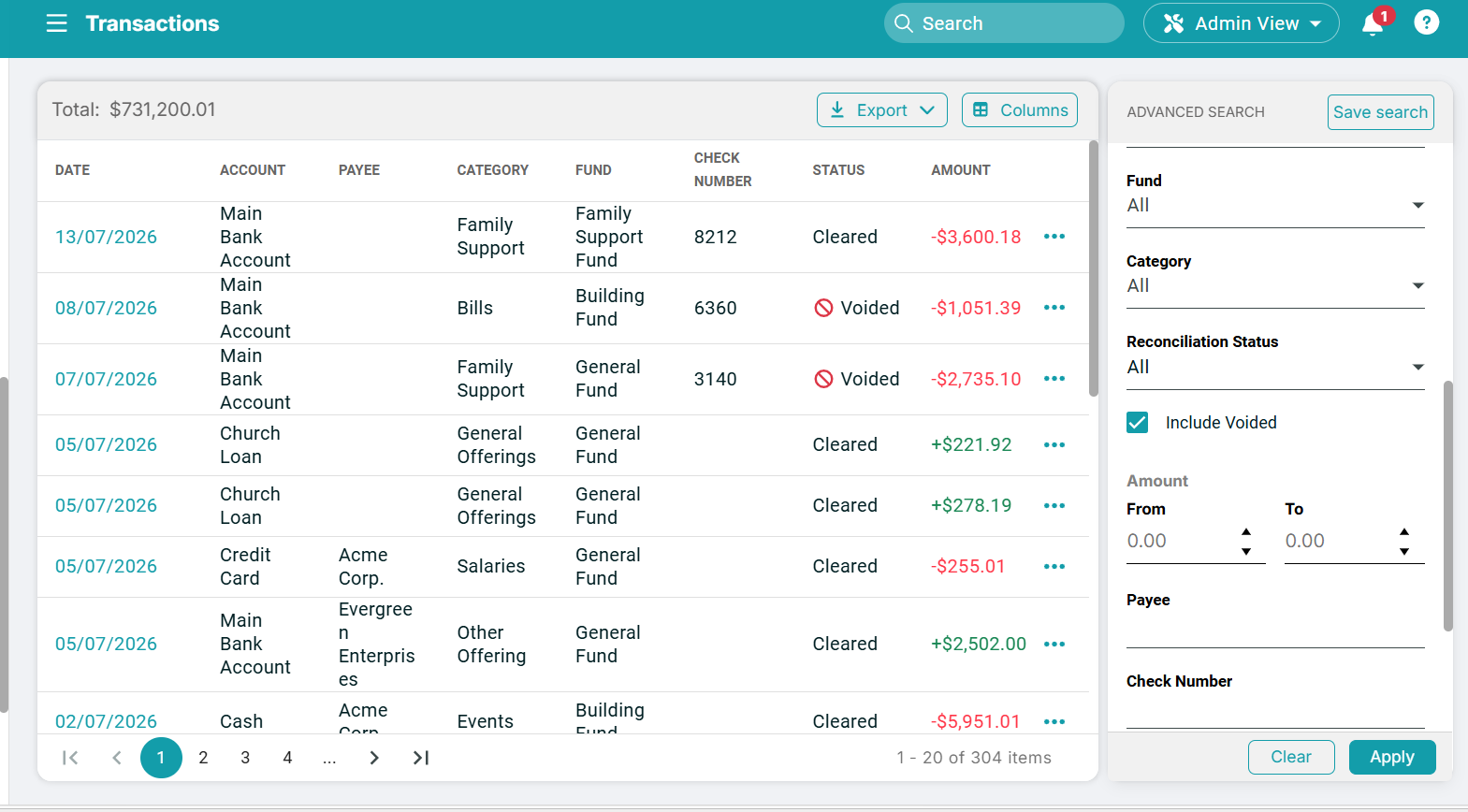
Budgets got updated with a Category Search, check prints now add the transaction memo in the stub, and you can now set the fiscal year start date, from under your main ChMeetings Account Settings.
AI Email Writing Assistant
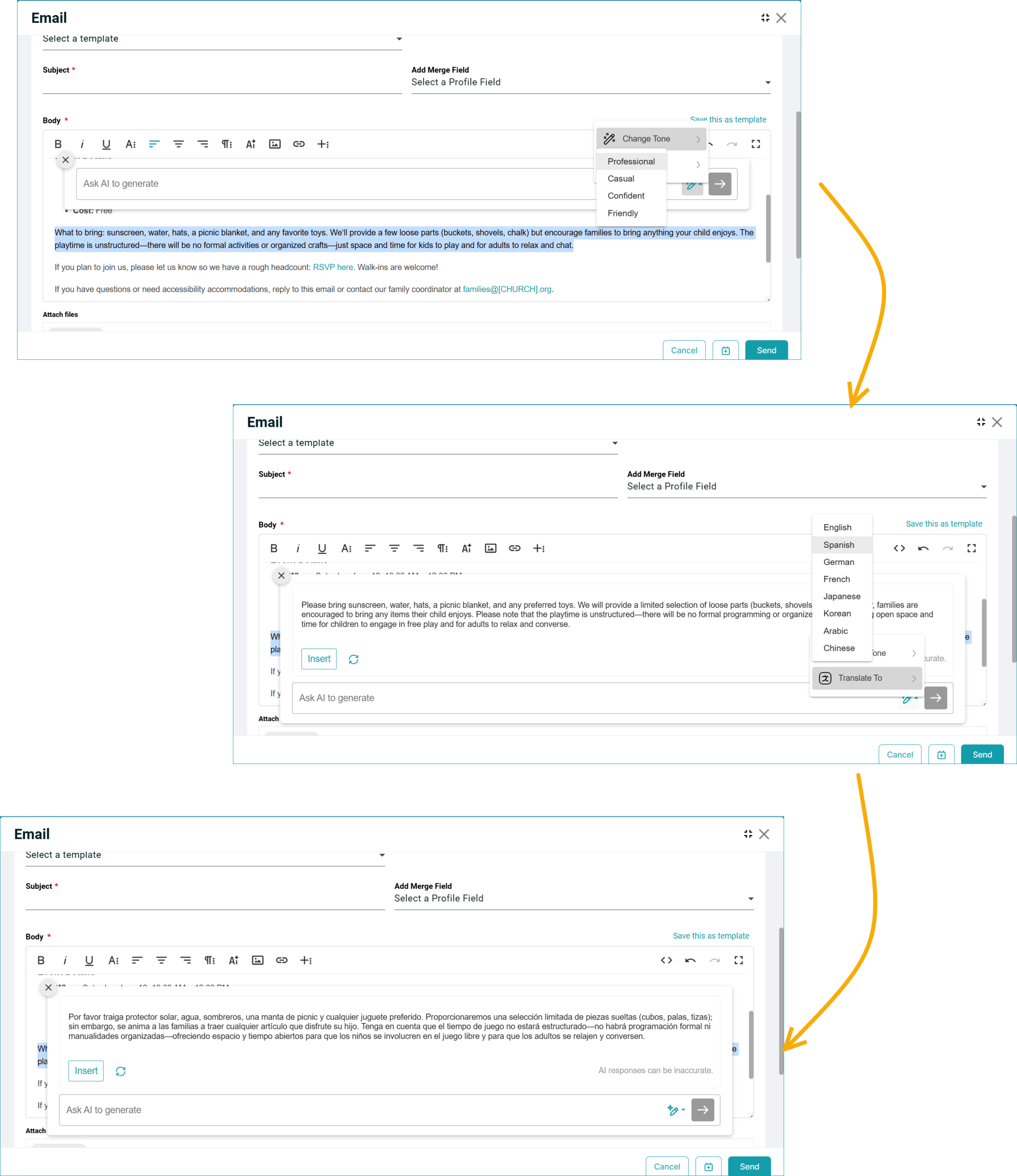
Now you can use an AI assistant to write your emails with the Standard Email Editor. It generates text based on prompts, rewrites tone changes or translates pre-selected text into several widely-used languages.
Giving
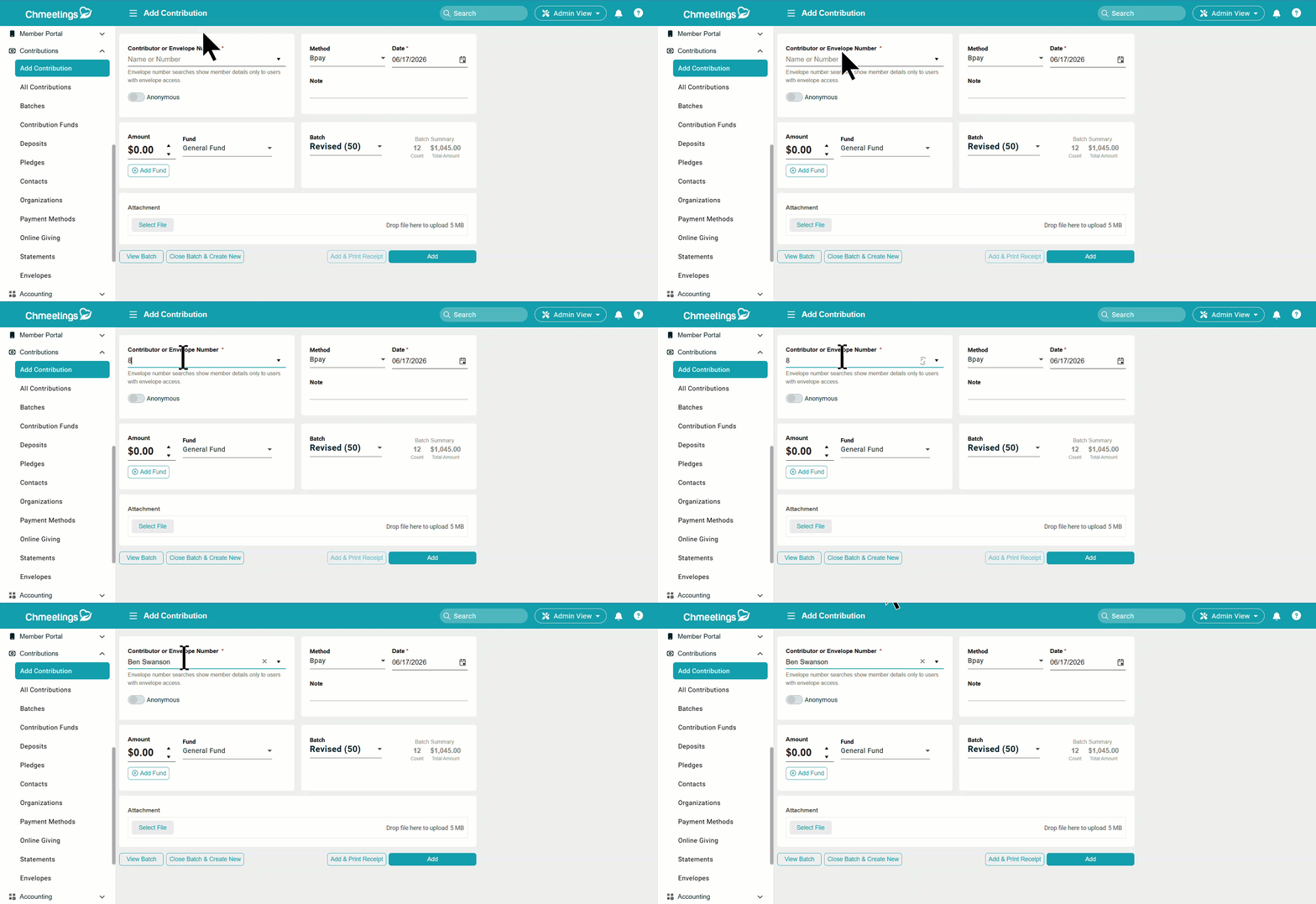
When adding a contribution, you can now enter someone’s envelope number and their full name will be automatically populated, given that the user doing so has access to envelopes. Otherwise the envelope number will continue to display without populating the full name.
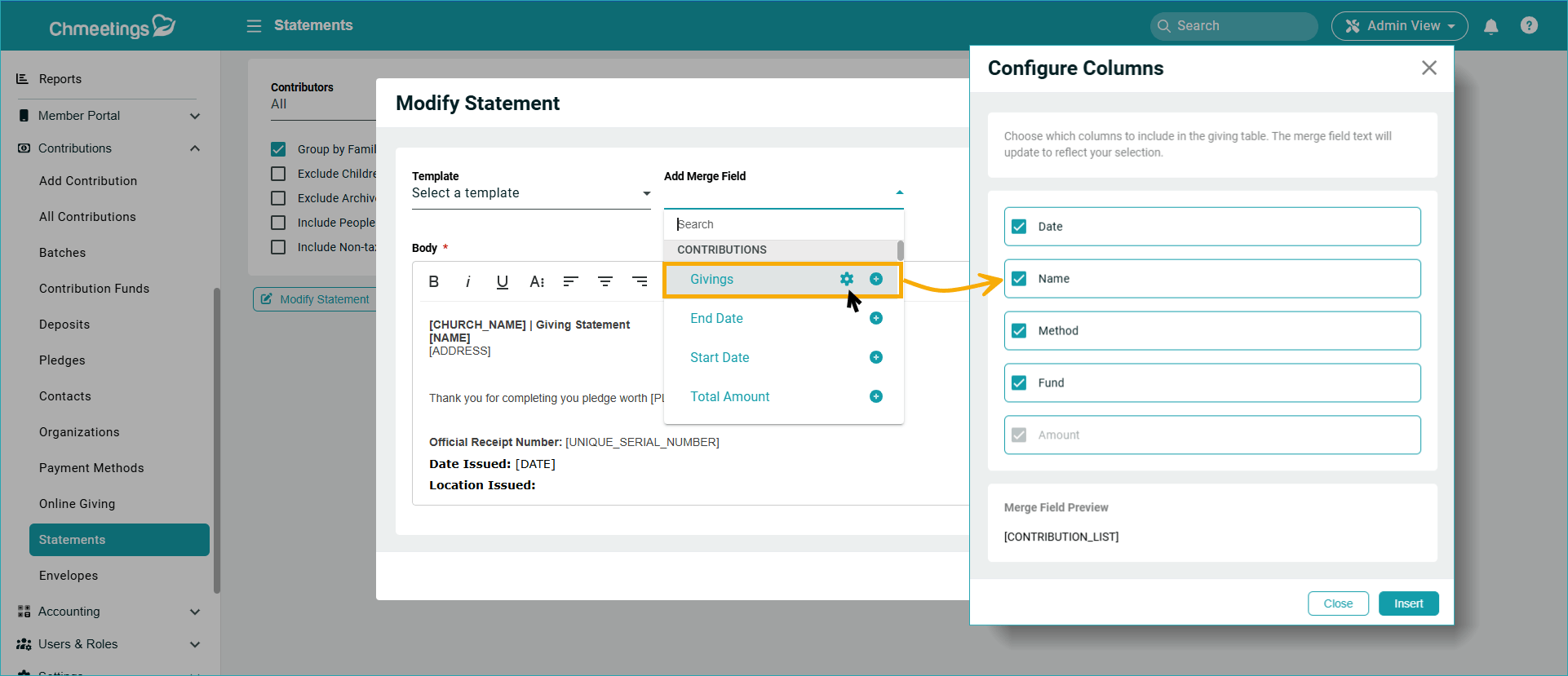
Another update here is that you can now choose what columns to display in statements. You can do this in the Columns merge field available when modifying a statement.
Data Management
There are several areas where data management has improved:
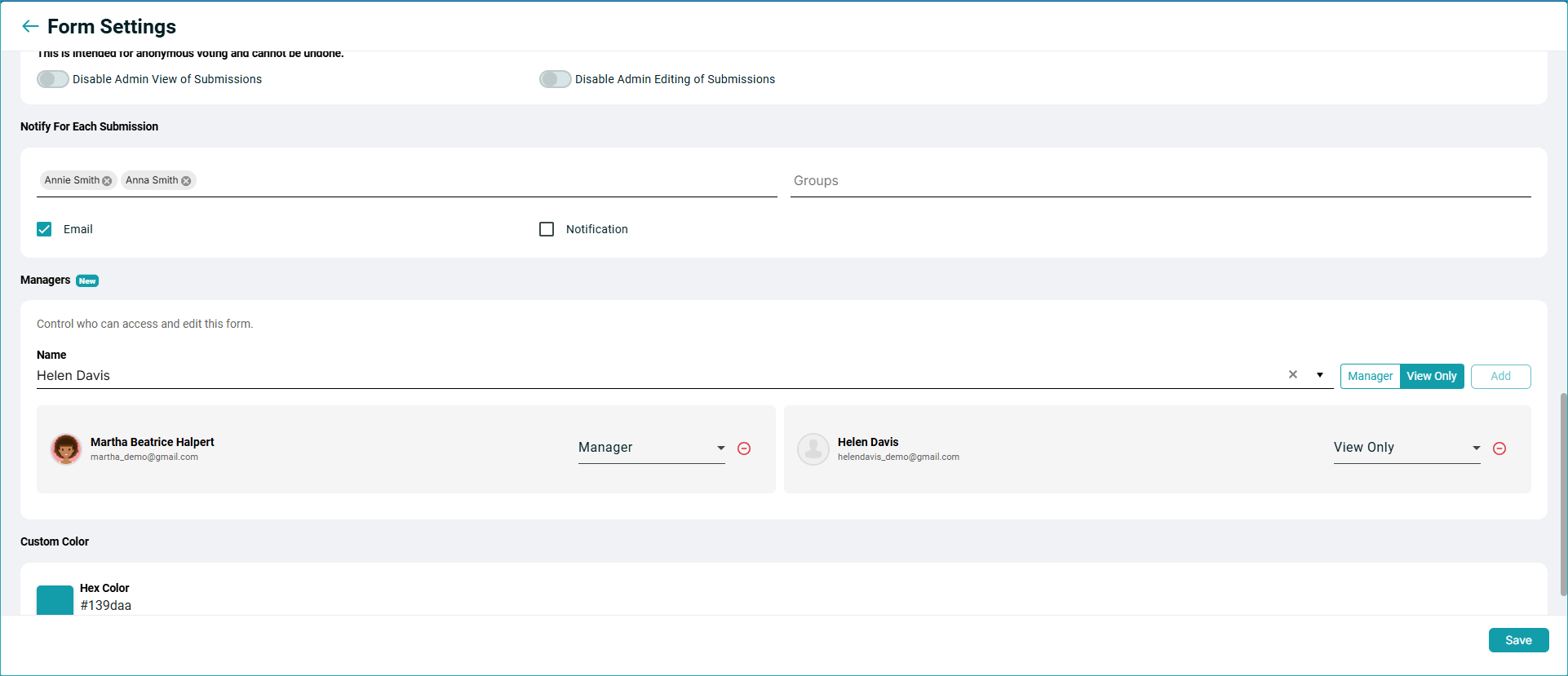
You can now assign Managers to Forms or give people view only access to certain forms. Managers see the Forms menu but only have access to forms assigned to them. To clarify the difference between this feature and form notifications: If anyone is set to receive notifications on a forms’ submissions, they can only access them via the email they receive, and only temporarily.
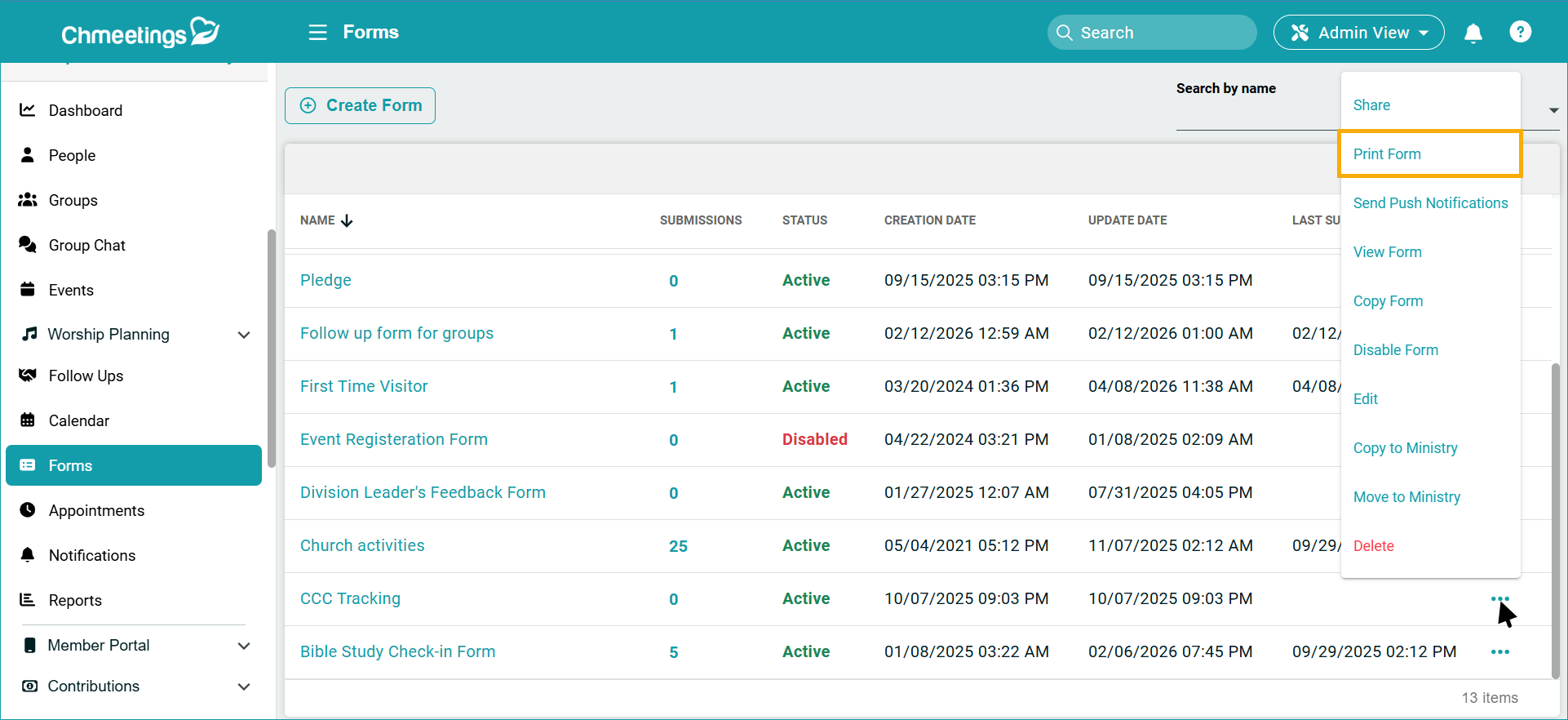
In Forms and Profile Fields, you can print empty forms straight from your browser. There;s also a new Description area where you can add help text for each field in both forms and custom profile fields.
.
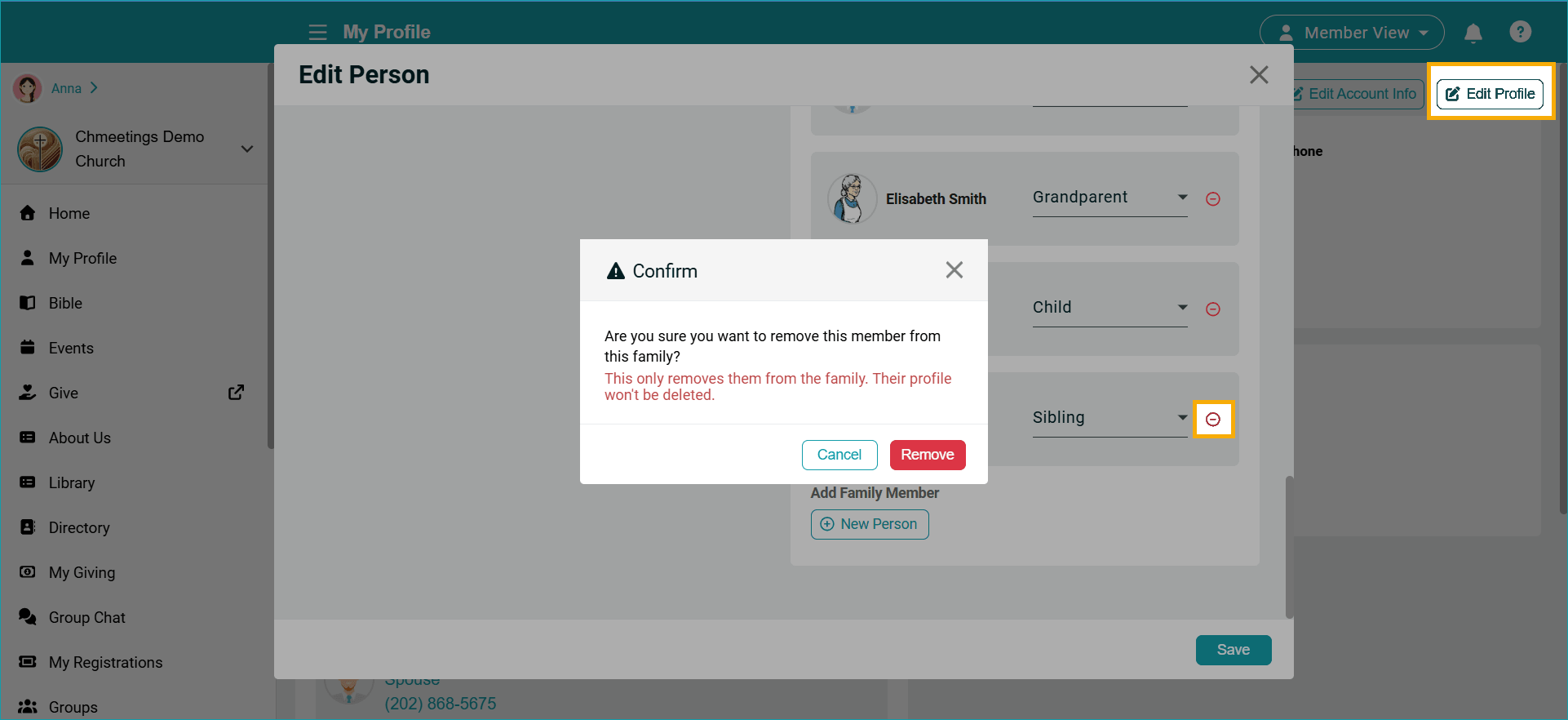
Family Relationships can now also be removed by members, right from within their profile.
Settings
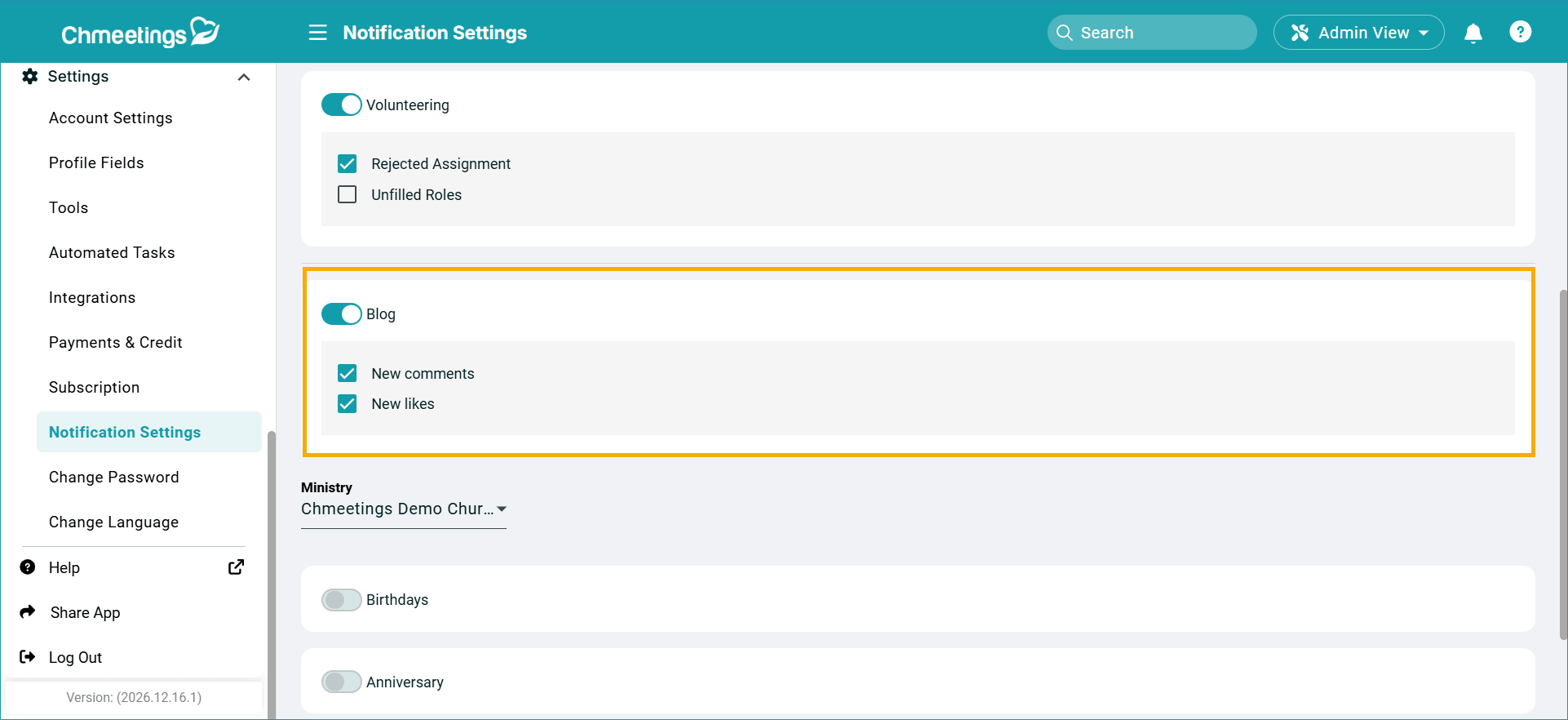
When you get likes and comments on blog posts you manage, you can now choose to receive notifications.
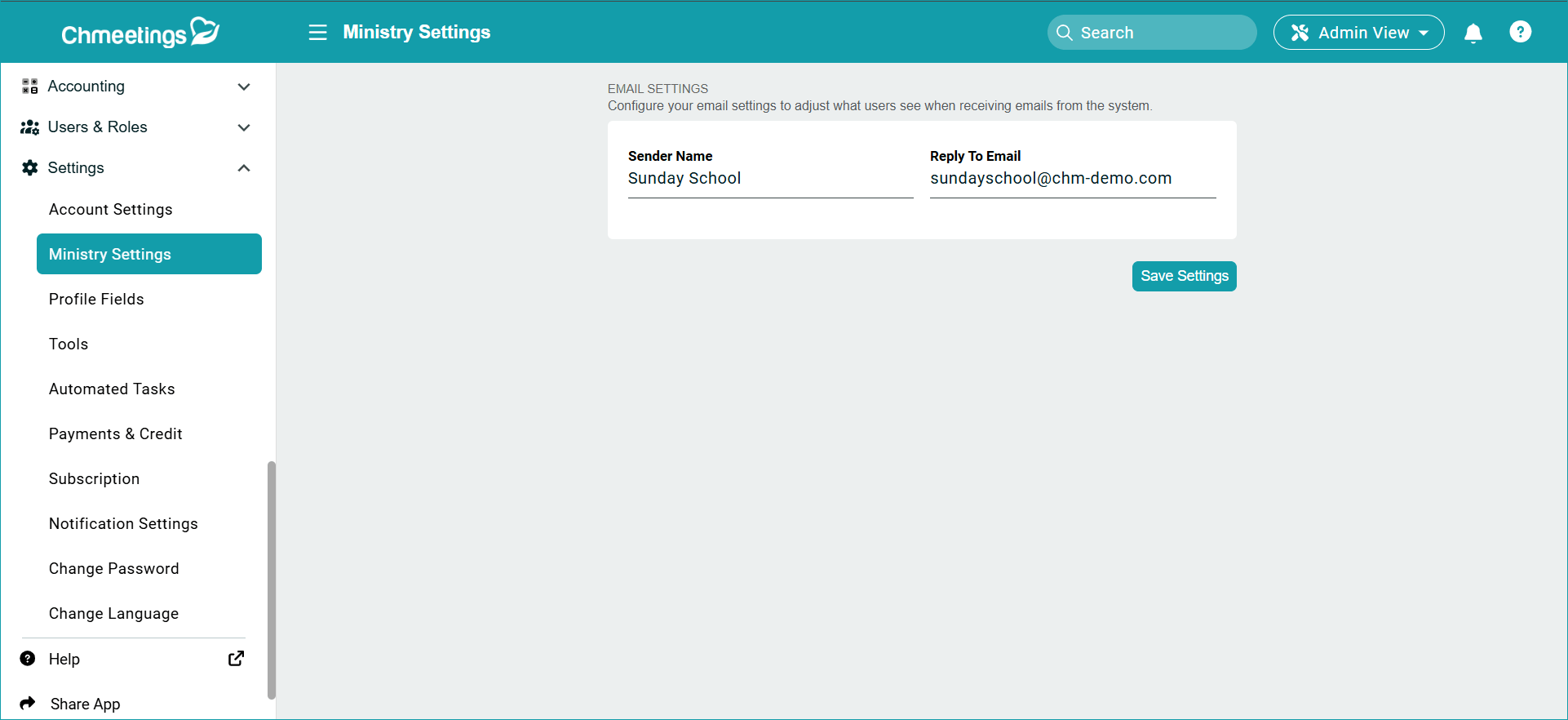
You can also set a ministry-specific email address for recipients to reply to. When switching to a ministry, you can go to Settings > Ministry Settings to change this.
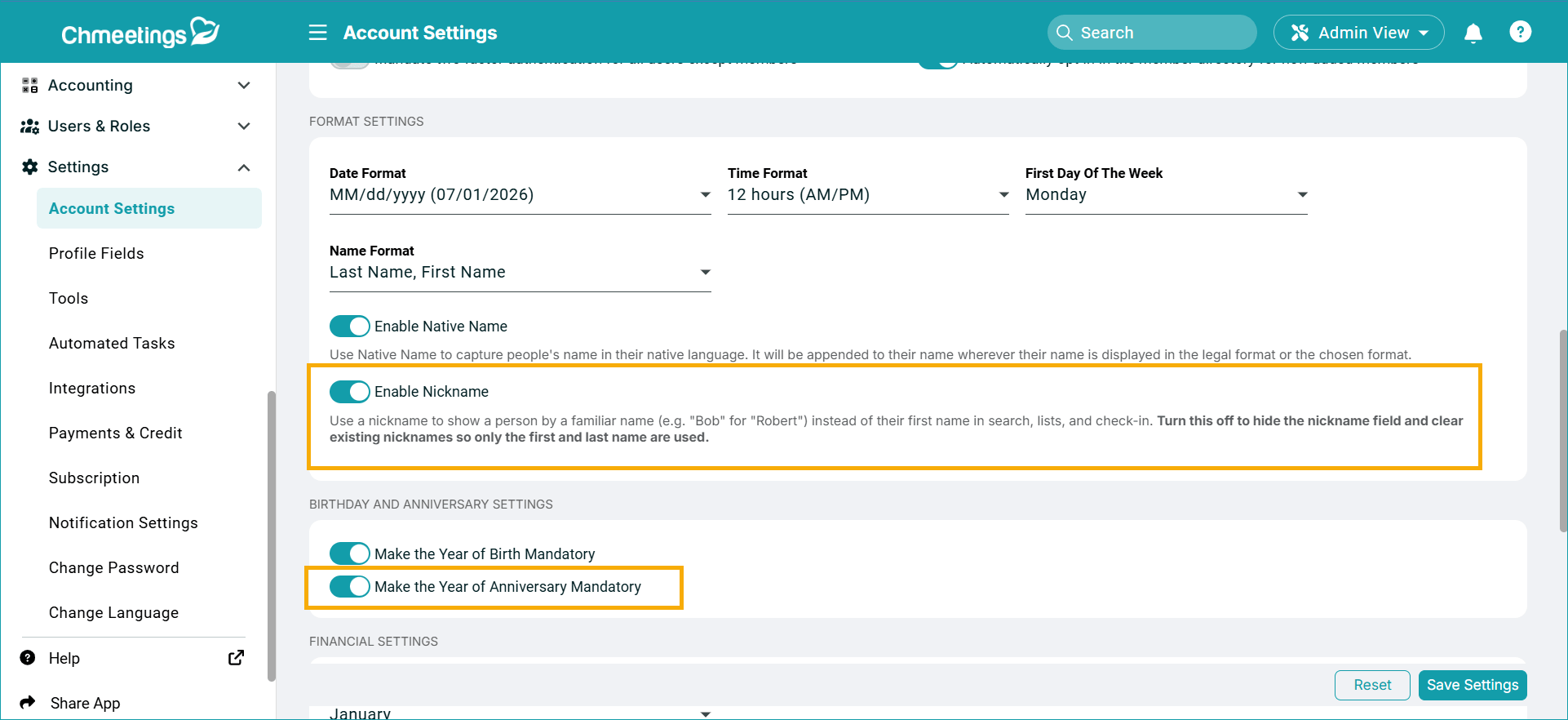
Your main Account Settings section got better too, with new toggles to enable or disable the nickname field in people profiles; or to make the anniversary year mandatory or optional.
Other Updates
There are several other updates you might find useful:
- When assigning a follow-up to someone, you can now see how many pending assignments they already have.
- The Video Card now supports live streaming and plays streams directly within the app.
- The Audio Card now supports Mixlr.
- Text all form submitters even if they are not linked to a member profile.
- We’ve also added a new app language: Polski (Beta).
…
We hope these features help your community grow; and as always, we welcome your feedback. Please, feel free to get in touch For more frequent updates, please stay tuned to our Release Notes page.