
Large churches operate with complex structures that all need to work together without friction. Among these might be: multiple campuses, large volunteer teams, child check-in, advanced reporting, secure giving, and strong accounting workflows. A good church management system should accommodate for all these requirements as much as possible.
Below are five church management platforms that serve large congregations, along with the capabilities that matter most and each platform’s key strengths and drawbacks.
What Large Churches Should Look for in a Church Management System?
Coordination and data flow matter just as much as features when a church reaches a certain size. These capabilities form the backbone of a scalable ChMS. Here’s a quick checklist to guide your research:
- Multi-campus and multi-site support (single database, per-site reporting and management)
- Role-based access and multi-user permissions
- Fund accounting or clean integrations with church accounting packages
- Time management tools (calendars, appointments)
- Advanced giving (online, mobile, text, recurring) donor statements and batch deposits
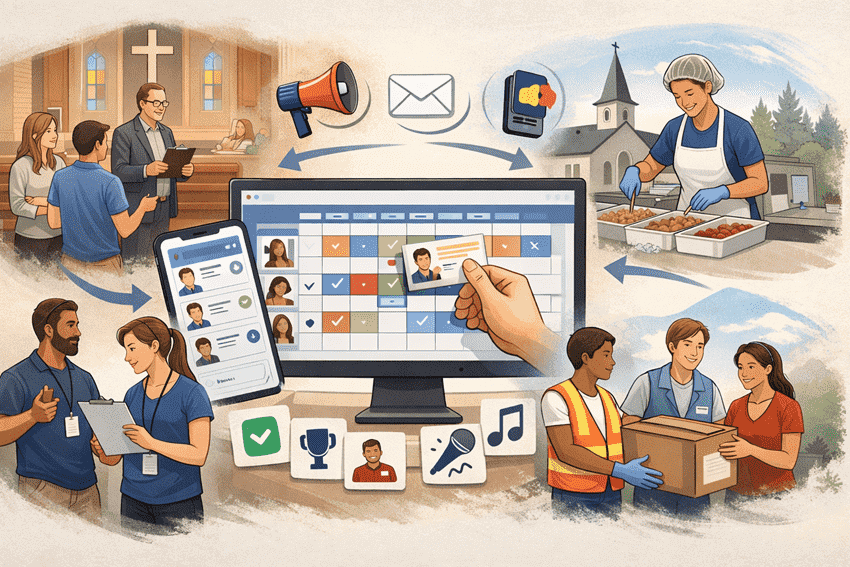
- Volunteer coordination and scheduling for large teams
- Child check-in and background-check workflows
- Robust reporting
- APIs or integrations
- Reliable support, help and training options, data migration services
- Future-readiness through regular updates and community feedback implementation
We evaluated each platform against the large-church requirements above using publicly available product information, last reviewed in August 2026.
Church Management Software for Large Churches
1- ChMeetings
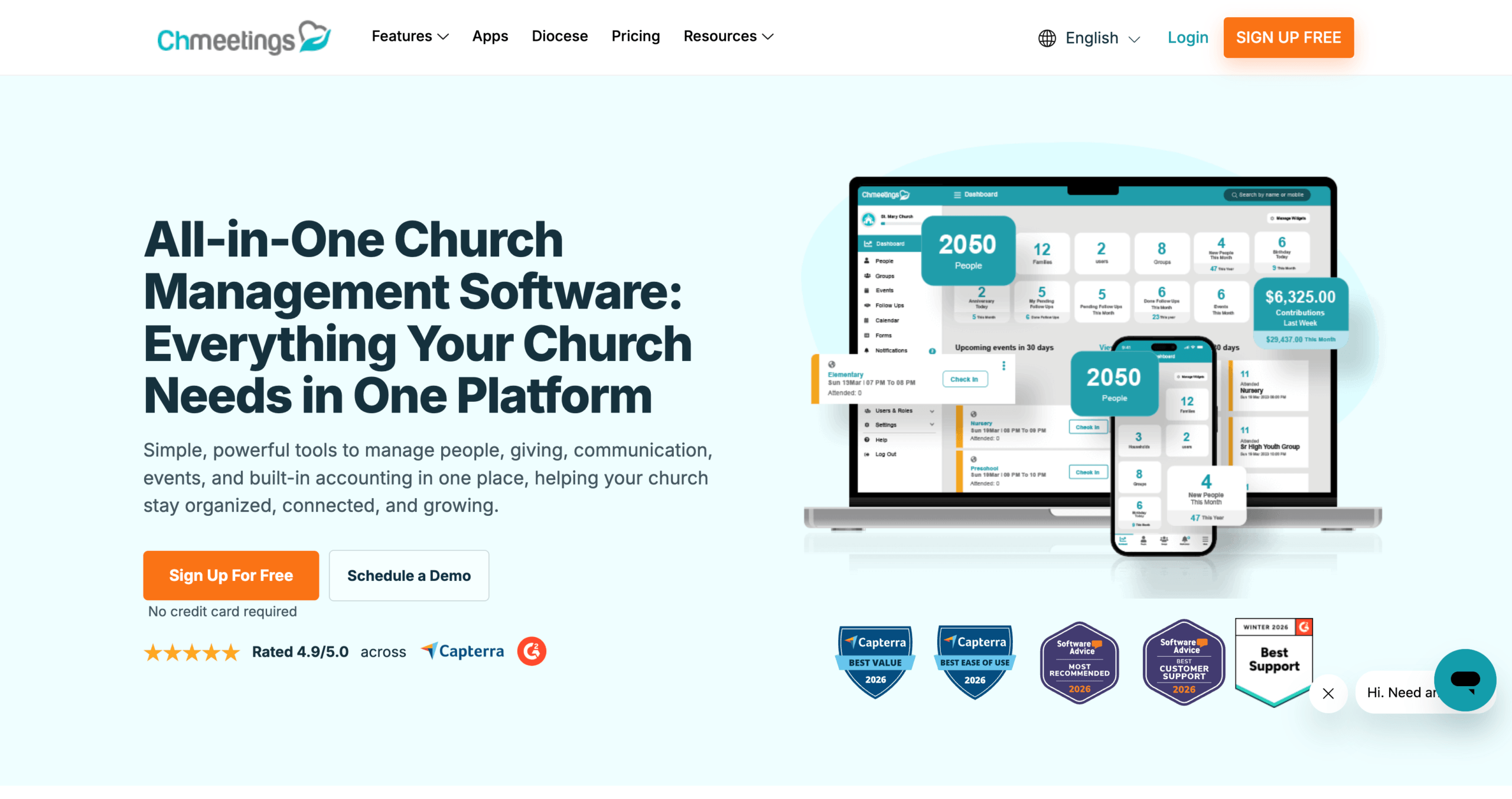
ChMeetings is an all-in-one church management system that brings member and group management, events and check-in, volunteer coordination, communication, giving, accounting, workflows, appointments, and mobile engagement into one connected platform. Role-based permissions, automations, integrations, and reporting help large church teams maintain oversight as their operations grow.
Church organizations that oversee multiple independently managed churches or parishes can extend this structure through the specialized Diocese plan. It adds centralized oversight and cross-church reporting while allowing each church to retain its own administrators, settings, integrations, and payment providers.
Here’s how these capabilities translate into practical strengths and trade-offs for large churches.
Pros:
- Scalability and Organization
- ChMeetings scales from a Large plan supporting up to 1,000 active people to an Unlimited plan for larger databases, with no limit on the number of users or administrators.
- Large churches can organize people across ministries, sub-ministries, and groups, then use customizable roles and permissions to control what staff and ministry leaders can access.
- For multi-campus churches, the Diocese plan provides centralized oversight while allowing each campus or church to retain its own administrators, settings, integrations, and payment providers.
- Workflow Automation
- ChMeetings can automate workflows for newcomers, event attendees, first-time givers, birthdays and anniversaries, scheduled reminders and date-based actions.
- A single automation can send an email, SMS, or push notification, add someone to a group or ministry, and assign a follow-up to the appropriate team member.
- Volunteer, Event, and Check-In Management
- Large churches can manage one-time or recurring events, free or paid registration, custom forms, and attendance reports, with self-check-in, QR scanning, kiosk mode, and family or child check-in.
- Volunteer teams can define roles and staffing requirements, assign individuals or groups, collect self-signups, track availability and scheduling conflicts, and send reminders.
- Connected Giving, Built-In Accounting, and Reporting
- ChMeetings connects giving directly with its built-in accounting module, allowing contribution batches to move into the church’s books without duplicate data entry.
- Finance teams can manage funds, budgets, income, expenses, reconciliation, and fixed assets, then generate Income Statements, Balance Sheets, and detailed reports by fund, category, or payee.
- Reporting extends beyond finances to attendance, people, groups, follow-ups, communications, and activity logs, giving leadership a broader view of church operations.
- Mobile and Member Engagement
- Members can use the mobile app and Member Portal to update their information, give, register for events, view volunteer schedules, receive push notifications, and connect through groups.
- Large churches can add a fully branded app published under their own name and visual identity, with multilingual access and additional engagement features such as sermons and media, prayer requests, Bible access, and group chat.
- Global & Multilingual Support
- ChMeetings supports multiple languages, making it easier for large and multicultural churches to serve members and ministry teams in the languages they are most comfortable with.
- This can be especially useful for churches operating across multiple campuses, regions, or international communities.
- Security and Data Protection
- ChMeetings is fully cloud-based and protects church data through encrypted connections and daily backups.
- Two-factor authentication, customizable roles and permissions, and activity logs help large churches restrict access to sensitive information and monitor account activity.
- Integrations and Custom Workflows
- ChMeetings connects with payment, email, messaging, and fundraising tools, while Zapier, Make, and n8n allow churches to build no-code workflows with thousands of other applications.
- For specialized requirements, the ChMeetings API allows large churches to build custom integrations and workflows with the internal systems they already use.
- Data Migration and Support
- Paid plans include free, expert-led migration of people, families, groups, giving, events, attendance, and accounting data from one or multiple systems. Most migrations are completed within 3–7 business days, depending on size and complexity.
- Support is available to both free and paid users through phone, live chat, email, Zoom meetings, and a help center with written guides and video tutorials.
- Future-Readiness and AI Access
- ChMeetings releases product updates monthly, with improvements documented through product updates and release notes.
- The ChMeetings MCP connector allows churches to use ChatGPT, Claude, Gemini, and other compatible AI tools to ask questions about their people, groups, giving, events, attendance, and accounting data in plain language. The connection is read-only, so the AI cannot create, edit, or delete ChMeetings records.
Cons
- Some Integrations Require Additional Setup: ChMeetings does not provide a native connector for every specialized, regional, or legacy system. Large churches may need to use Zapier, Make, n8n, or the API to connect certain tools and should confirm their technical requirements before migration.
2- Planning Center
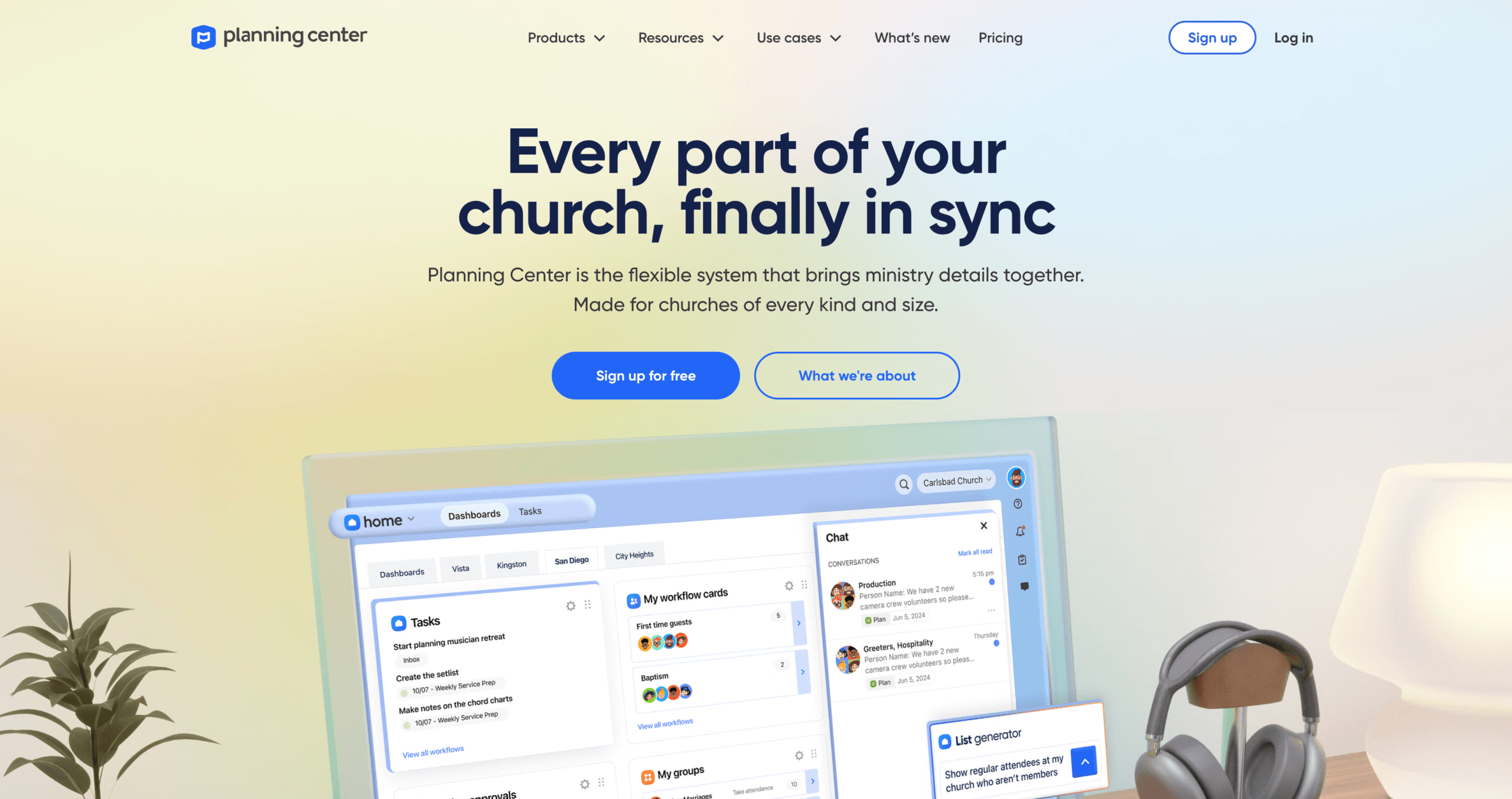
Planning Center is a church management solution that allows you to choose between a set of specific modules so you can have the set of features your organization requires. However, this increases cost and reduces user-friendliness.
Pros:
- Modular, Scalable Architecture: Planning Center is built as a suite of modules (People, Services, Check-Ins, Giving, Registrations, etc.) so a large church can choose exactly which tools it needs and add more later. Its modular structure lets churches subscribe to individual products as their needs grow.
- Strong Worship and Volunteer Workflow Tools: The Services module enables detailed planning of orders of service, roles, songs, and schedule integration for worship teams. For volunteers, the Check-In and People modules make it easier to handle child check-ins, room capacity, and team scheduling.
- Good Training and Support Resources: Planning Center offers training material, a support team, and a learning path to help staff and volunteers get up to speed.
Cons:
- Cost Accumulates Quickly: While modular pricing is a strength, once you need multiple modules (e.g., Services + Giving + Check-Ins + Registrations), the cost can become significant. If you have complex operations, you may end up paying for almost every module of features separately, which can add up and strain your budget.
- Steep Learning Curve: Planning Center’s modular architecture affects user-friendlyness, as interfaces may be inconsistent and steepen the learning curve for new users.
- Mailchimp Required for Lists Over 500 People: Emails to lists larger than 500 people must be sent through Planning Center’s Mailchimp integration, adding an external tool to large-church communication workflows.
3- Realm (by ACS Technologies)
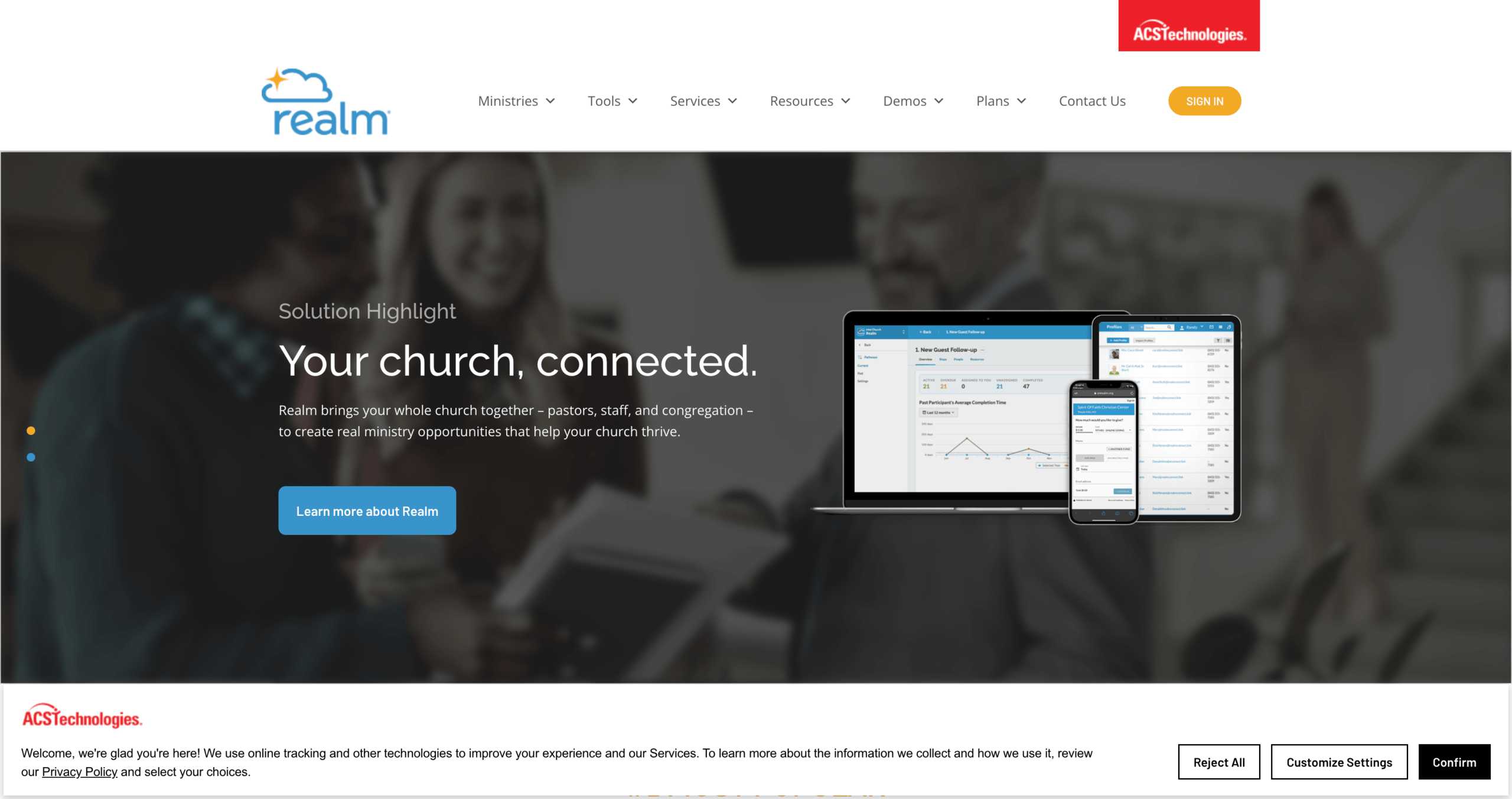
Realm is an established church management platform from ACS Technologies that combines administration, accounting, giving, groups, events, communication, reporting, and mobile member engagement in one system.
Pros:
- Integrated Community and Administration Platform: Realm combines administration, accounting, group management, and engagement in one system.
- Robust Accounting and Finance Integration: Because Realm is part of ACS Technologies’ ecosystem, it integrates well with ACS’s financial tools. This integration can reduce the number of separate systems and streamline financial workflows, particularly if you are already using ACS tools..
- Mature Vendor with Established Support: ACS Technologies has decades of experience serving churches, and Realm is a well-known solution among larger, established congregations.
Cons:
- Pricing Is Not Published: Realm does not publish pricing for its Inform, Connect, or Multiply plans. Large churches must contact the company to determine the complete cost.
- Accounting Is an Add-On: Realm Accounting is not included as a standard feature in its church management plans and must be added separately.
- Multi-Campus Management Requires the Multiply Plan: Realm reserves its multi-campus administration features for the Multiply plan, so churches operating across multiple locations must select this package.
4- Shelby Systems
ShelbyNext is a cloud-based church management platform, designed to serve a wide range of church needs. Its suite brings together membership management, communications, event scheduling, check-in, giving, accounting, and more; offering a unified system that helps large congregations streamline administration and deepen engagement.
- Integrated Product Suite: ShelbyNext Membership connects with separate Shelby solutions for financials, online giving, mobile access, websites, and other church operations.
- Financial Management: The ShelbyNext Financials base package includes General Ledger, Accounts Payable, and Bank Account Management. Payroll, Accounts Receivable, Fixed Assets, and Purchase Orders are available as additional options.
- Resource & Facility Scheduling: Large churches often operate multiple campuses or have many rooms, equipment, and resources. Shelby’s calendar tools help manage events, rooms, and resource reservations.
- Long Track Record & Specialization: Shelby Systems has decades of experience in church software, which builds trust, especially for financially and administratively complex ministries.
Cons
- Steep Learning Curve: The system can be complex and not always intuitive. This can make onboarding large teams more difficult.
- User Interface / UX Issues: To some users, the UI may feel dated, and certain tasks require many steps, which can slow down operations.
- Mobile Experience Trade-Offs: While there is a mobile app, the experience may be lacking, particularly on certain devices or for more complex administrative tasks.
5- Fellowship One
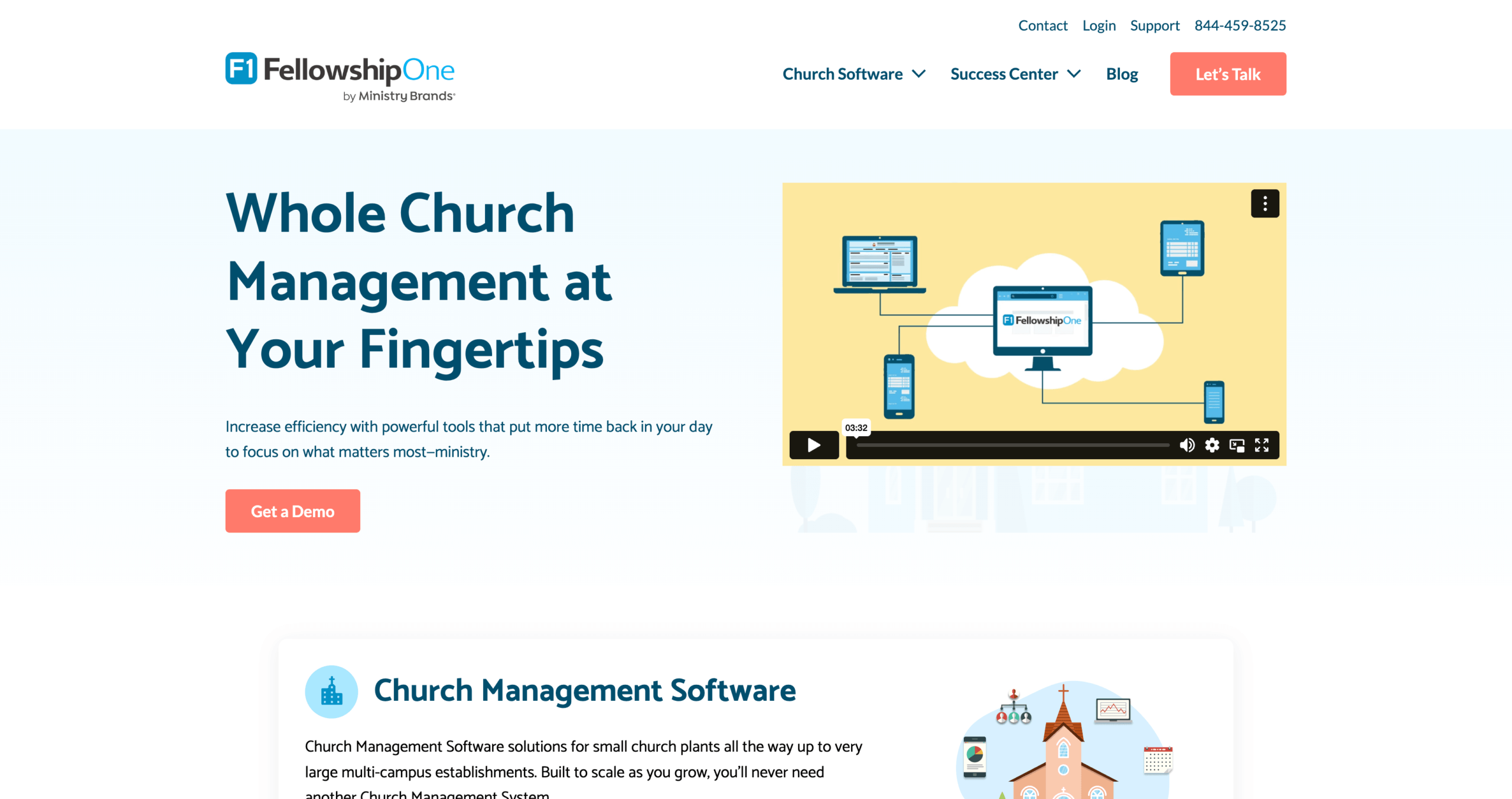
FellowshipOne (F1) is a cloud-based church management system for membership, groups, volunteer tracking, event registration, check-in, communication, and reporting, with separate FellowshipOne products available for accounting and giving. It’s widely used by larger churches thanks to its breadth of features, scalability, and deep data-management capabilities.
Pros
- Comprehensive Volunteer Management: F1 provides a robust volunteer pipeline: recruiting, background checks, training, assignment, and attendance tracking. This is especially useful for big churches with many ministries and campuses.
- Advanced Member & Group Management: You can manage large member databases effectively, with customizable attributes, group segmentation, and self-updating member profiles.
- Accounting and Online Giving: FellowshipOne offers separate Financials and Giving products. Financials includes church accounting and payroll, while Giving supports donations through websites, mobile apps, text messages, and kiosks.
Cons
- Complexity, due to an outdated interface, legacy architecture, and its all-in-one approach. This makes Fellowship One less user-friendly, and slower to adopt.
- Slow innovation: Because F1 is now more of a legacy solution, it is slower to innovate and implement more modern feature requirements, such as mobile engagement or content management.
- Mobile App Limitations: There is a mobile app available, but it is less feature-rich than other counterparts on the ChMS market.
Making Your Decision
Choosing the right church management system is a critical decision for large churches; and it can make a significant difference in effectiveness. Each of the five platforms we highlighted (ChMeetings, Planning Center, Realm, Shelby Systems, and FellowshipOne) offers unique strengths tailored to the needs of growing or multi-campus congregations.
- ChMeetings stands out for large churches that want workflow automation, volunteer and event management, giving, built-in accounting, reporting, integrations, and member engagement within one connected platform.
- Planning Center is particularly strong in worship service planning and its modular product structure.
- Realm provides an all-in-one platform with strong engagement and communication tools.
- Shelby Systems brings decades of experience in financial management and scalable church operations.
- FellowshipOne offers robust volunteer pipelines, detailed reporting, and comprehensive membership management.
Ultimately, the best choice depends on your church’s size, technological readiness, overall needs, and staff capacity for training. By weighing these factors carefully, you can select a system that not only keeps day-to-day operations running smoothly but also strengthens community engagement, supports growth, and empowers staff and volunteers to serve more effectively.