
Choosing church management software can be challenging for a small church. The right platform must cover essential weekly tasks, remain manageable for staff and volunteers, and provide strong value without requiring several disconnected tools. This guide compares five leading options based on their features, ease of use, total cost, and ability to support a church as its needs grow.
The Best Church Management Software for Small Churches at a Glance
| Software | Best for | Published starting price | Free option | Main limitation |
|---|---|---|---|---|
| ChMeetings | All-in-One Church Management With Accounting and AI | Free; paid plans from $12/month | Permanent free plan for 50 people | Accounting begins with the $25/month plan |
| ChurchTrac | Standard Church Administration | $29/month for 75 people | 30-day free trial | No publicly documented AI connectivity or customer-facing API |
| Planning Center | Modular adoption and worship planning | Free limited tiers; paid cost varies by product and usage | Yes, with limits that differ by product | The total cost can be difficult to estimate when several modules are needed |
| Tithely Church Management | Churches already using Tithely Giving | $72/month | 30-day free trial | Higher starting price than most small-church options |
| Subsplash | Media, live streaming, websites, and branded apps | Custom quote for Subsplash One | $0 giving product, but not a free full ChMS | Full platform pricing requires contacting sales |
How We Evaluated the Software
Small churches usually have fewer staff members and greater dependence on volunteers. That changes what “best” should mean. A platform with the longest feature list is not automatically the best choice if it requires several subscriptions, extensive training, or more administration than the church can sustain.
We compared each platform using the same practical criteria:
- Value for money
- Member and family records
- Attendance and child check-in
- Giving and contribution management
- Church accounting
- Events and registrations
- Volunteer and worship planning
- Email, text, and mobile communication
- Support, migration, and onboarding
- Integrations, API access, and AI capabilities
- Customer ratings and recurring review themes
- Ability to support the church as it grows
Essential feature coverage, ease of adoption, customer support, total cost, and room to grow received the greatest weight. We also considered integrations, API access, AI capabilities, and customer feedback as indicators of flexibility and long-term value. Customer ratings were evaluated alongside review volume and recurring feedback rather than treated as meaningful scores on their own.
We considered starting prices alongside usage limits, paid add-ons, migration support, and whether churches would need additional tools to complete their weekly work.
Editorial disclosure: ChMeetings publishes this comparison and is included in it. We have therefore explained the criteria, used the same evaluation areas for every platform, and included a clear limitation for every product, including ChMeetings.
Top 5 Church Management Software for Small Churches in 2026
1. ChMeetings: Best for All-in-One Church Management With Accounting and AI
Best for: Churches that want people management, giving, fund accounting, and ministry operations in one platform, with AI and API capabilities to support more advanced needs.
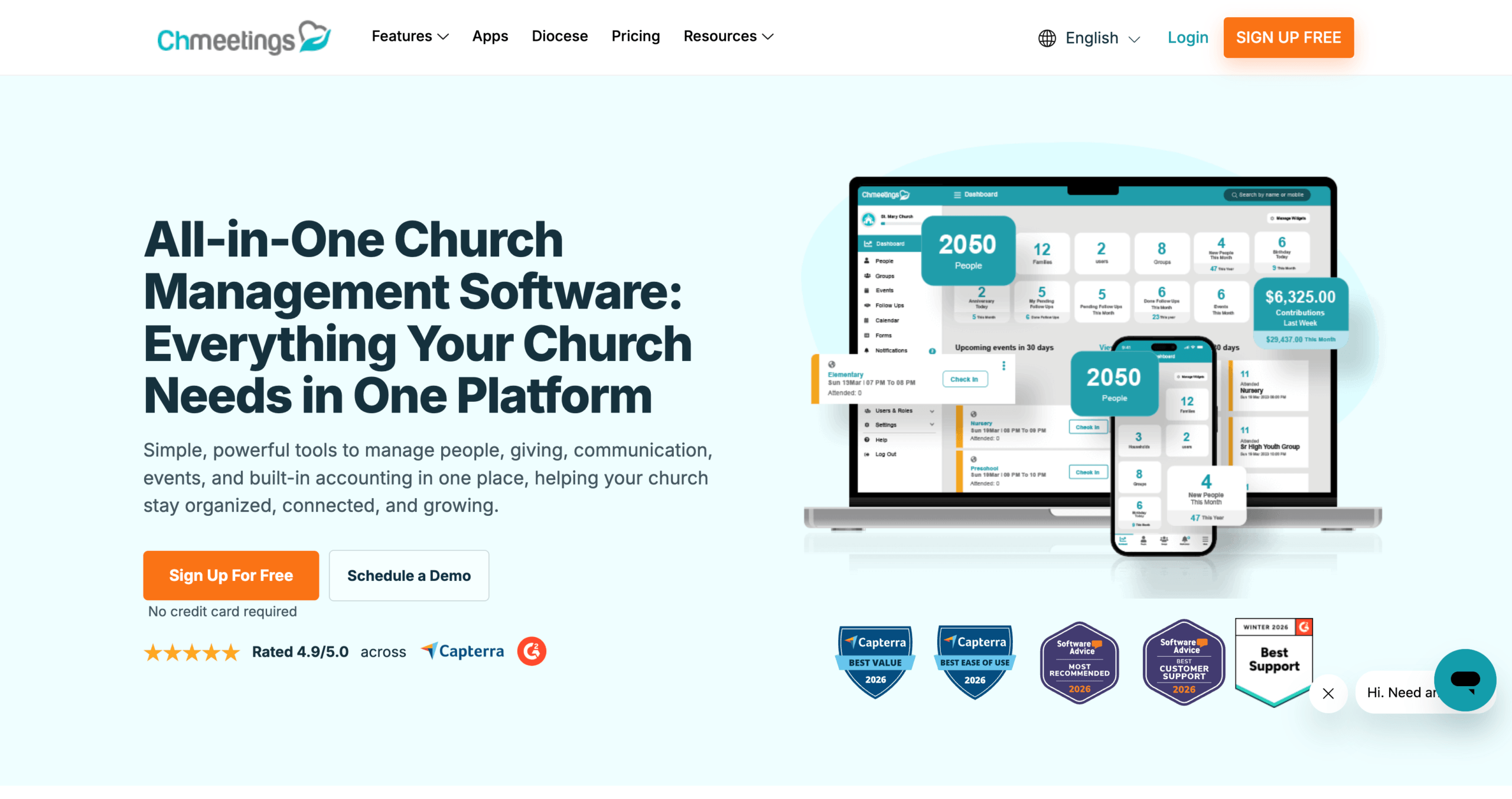
Pricing: Free for up to 50 people. Paid plans start at $12 per month for up to 100 people. The $25-per-month plan supports up to 250 people and adds accounting, volunteer scheduling, and worship planning. Annual subscriptions cost the equivalent of ten monthly payments.
ChMeetings ranks first because it combines broad coverage of weekly church work, ease of use, transparent pricing, free migration with paid plans, and room to grow. Its strong customer feedback, including a 4.9/5 Capterra rating, reinforces its position as the best overall value in this comparison. Churches can begin with a permanent free plan and upgrade according to the number of active people they manage.
The platform connects people and family records with groups, events, attendance, child check-in, forms, follow-ups, contributions, pledges, a member portal, and mobile apps. This gives pastors, administrators, and volunteers one shared system instead of separate spreadsheets and disconnected tools. As their needs develop, churches can use the API and webhooks to create additional connections and automations. In-app AI features and a read-only MCP connector also let authorized leaders explore their church data through compatible AI assistants without allowing those assistants to change their records.
Online giving is available through payment providers such as Stripe, PayPal, and Paystack. ChMeetings does not add its own giving transaction fee, although the selected payment processor still charges its normal fees. According to the current ChMeetings pricing page, the Free plan includes up to 50 online donations per month, while paid plans remove that monthly limit.
For churches that want to keep administration and bookkeeping together, ChMeetings Accounting is available from the $25 plan. It includes fund accounting, income and expense tracking, budgets, bank reconciliation, financial reports, fixed assets, and giving-to-accounting workflows. This is especially useful when the same small team handles both church administration and finances.
Paid plans also include free data migration, which reduces the work involved in moving from spreadsheets or another church management system.
Pros
- Permanent free plan for up to 50 people
- Paid plans start at $12 per month
- People, giving, events, check-in, follow-ups, forms, and mobile access in one system
- Church accounting available without buying separate accounting software
- No additional ChMeetings fee on online donations
- Free data migration with paid plans
- Pricing scales according to active people rather than admins or users
- In-app AI, read-only AI assistant connections, and API and webhook access
Limitations
Church accounting is only available from the $25-per-month plan.
Verdict: ChMeetings is the strongest all-in-one choice for churches that want administration, giving, and church accounting in one connected platform, with AI and API capabilities available for more advanced needs.
2. ChurchTrac: Best for Standard Church Administration
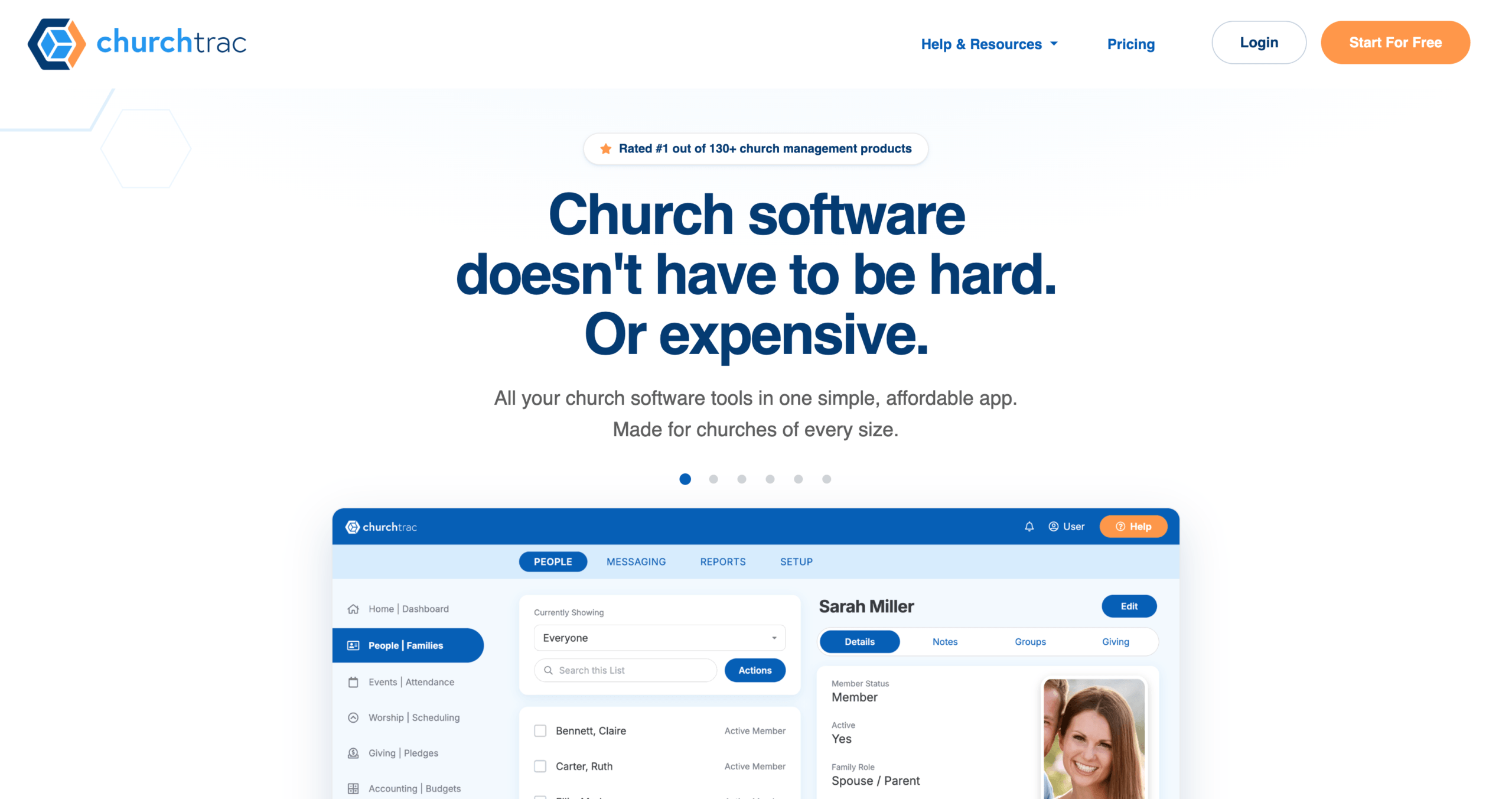
Best for: Churches looking for conventional tools for managing people, giving, events, check-in, accounting, and communication within one paid subscription.
Pricing: ChurchTrac starts at $29 per month for up to 75 people. It costs $39 per month for up to 125 people and $59 per month for up to 250 people. Annual billing provides a 10% discount, and a 30-day trial is available without a credit card.
ChurchTrac uses a bundled subscription model. Its paid plans include the same standard church-administration tools, while the price increases according to the number of people tracked. These tools cover people records, giving, fund accounting, check-in, events, volunteers, worship planning, registrations, basic messaging, and website and app tools.
Support resources include tutorials, live training, setup assistance, and one free import of people and family data. The website and app builders are self-service unless the church purchases the done-for-you service starting at $477. Optional accounting setup starts at $399.
Pros
- Core people, giving, event, check-in, and fund-accounting tools within one paid subscription
- Website and member-facing app tools included
- Human support, tutorials, and live training
Limitation
Limited AI and extensibility: ChurchTrac’s public product documentation does not identify in-app AI capabilities, connections that let churches work with their data through external AI assistants, or a customer-facing API and webhooks. This makes it a more closed option for churches that want to adopt AI-supported workflows or build broader integrations and automations.
Higher entry cost with accounting bundled into every plan: ChurchTrac has no permanent free plan and starts at $29 per month for 75 people. Because accounting is included from the first plan, churches that only need core administration cannot choose a lower-cost plan without it.
Verdict: ChurchTrac can cover standard church-administration needs within one paid subscription. However, its higher people-based pricing, lack of a permanent free plan, and absence of publicly documented AI connectivity, API access, and webhooks make it less flexible than ChMeetings for churches seeking both immediate value and support for more advanced workflows.
3. Planning Center: Best Modular Option for Worship and Service Planning
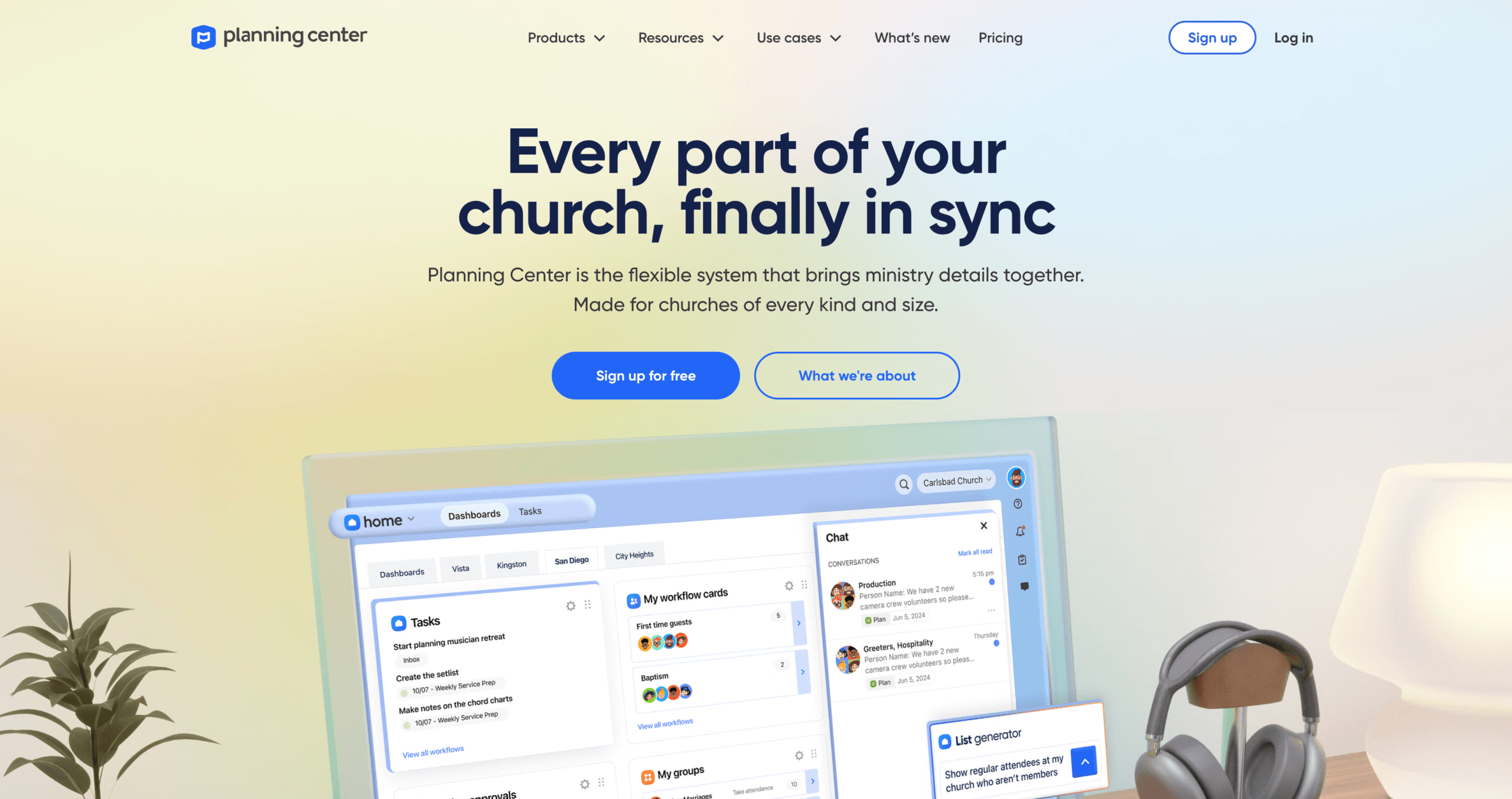
Best for: Churches that want strong worship planning and the freedom to add one product at a time.
Pricing: Planning Center offers free tiers across its products, but each product has its own usage limits and paid pricing. People, its member database, is free with unlimited records and reporting.
Planning Center is not sold as one traditional all-in-one subscription. Instead, churches choose from connected products for People, Services, Check-Ins, Giving, Groups, Registrations, Calendar, Publishing, and other needs.
Its strongest differentiator is worship and service planning. Planning Center Services helps churches build service plans, schedule volunteers, organize teams, and manage worship-related files. The Church Center mobile and web experience then gives members access to events, groups, giving, registrations, directories, and schedules.
The free tiers are genuinely useful, but their limits vary. At the time of verification, Services supports five team members for free, Giving allows ten monthly donations, Check-Ins allows ten daily check-ins, Groups supports fifteen group members, and Registrations allows five attendees. Churches pay as their use of each product grows.
This structure is flexible, but comparing its true cost with a single-subscription platform takes work. A church should price the exact combination of products it expects to use rather than treating the free People database as the cost of a complete system.
Pros
- Free unlimited People database and reporting
- Excellent worship and service-planning workflow
- Churches can adopt and pay for products gradually
- Free base Church Center app and web experience
- Connected tools for giving, groups, registrations, check-in, and events
- No contracts or setup fees
Limitation
The modular model makes the full monthly cost harder to predict, especially when a church needs several products at higher usage levels.
Verdict: Planning Center is most relevant for churches that put worship and service planning at the center of their workflow or specifically want a modular setup. Small churches should calculate the combined cost of the modules they actually need, since pricing can rise as usage expands across multiple products.
4. Tithely Church Management: Best for Churches Already Using Tithely Giving
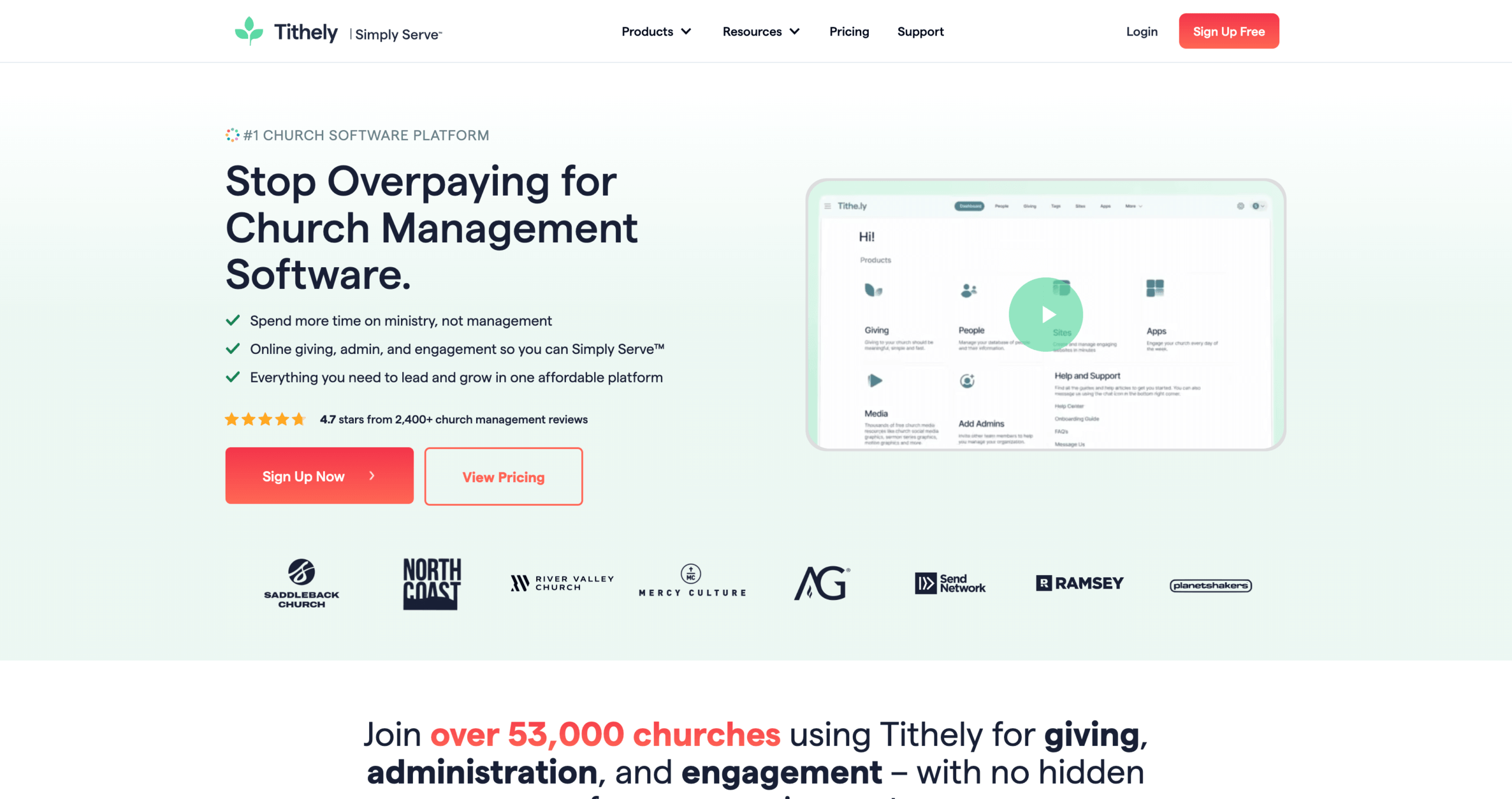
Best for: Churches that already use Tithely Giving and want people, communication, and volunteer tools in the same ecosystem.
Pricing: Tithely Church Management costs $72 per month and includes a 30-day trial. Tithely also offers a broader All Access package for $119 per month.
Breeze ChMS is now Tithely Church Management. Tithely has brought Breeze’s church-management platform into its wider ecosystem, connecting people, giving, communication, volunteers, and events through one Tithely experience. Existing Breeze customers keep their data, pricing, and workflows through the transition.
The $72 Church Management plan combines Tithely’s free giving product with unlimited admin users, volunteer coordination, an admin mobile app, a drag-and-drop email editor, and text messaging. It is most compelling when a church already uses Tithely for donations and wants to avoid moving giving data into a different system.
Tithely’s free Giving product should not be confused with a free church management plan. The Giving product has no monthly subscription, but processing fees apply. The complete ChMS requires the paid $72 subscription after the trial.
Churches that also want worship tools, a custom church website, and a custom app can compare the $119 All Access package with buying those products separately.
Pros
- Giving and church management within one familiar ecosystem
- Unlimited admin users on the Church Management plan
- Volunteer coordination and scheduling
- Email editor, text messaging, and admin mobile app
- Flat published price rather than profile-based tiers
- 30-day trial
Limitation
At $72 per month, the Church Management plan has a relatively high entry price for a small church that only needs core administration.
Verdict: Tithely Church Management makes the most sense for churches already committed to Tithely Giving. Churches starting from scratch should compare its $72 price carefully with lower-cost platforms that cover similar administrative needs. Current packages and transaction rates are listed on the Tithely pricing page.
5. Subsplash: Best for Media, Streaming, and Digital Engagement
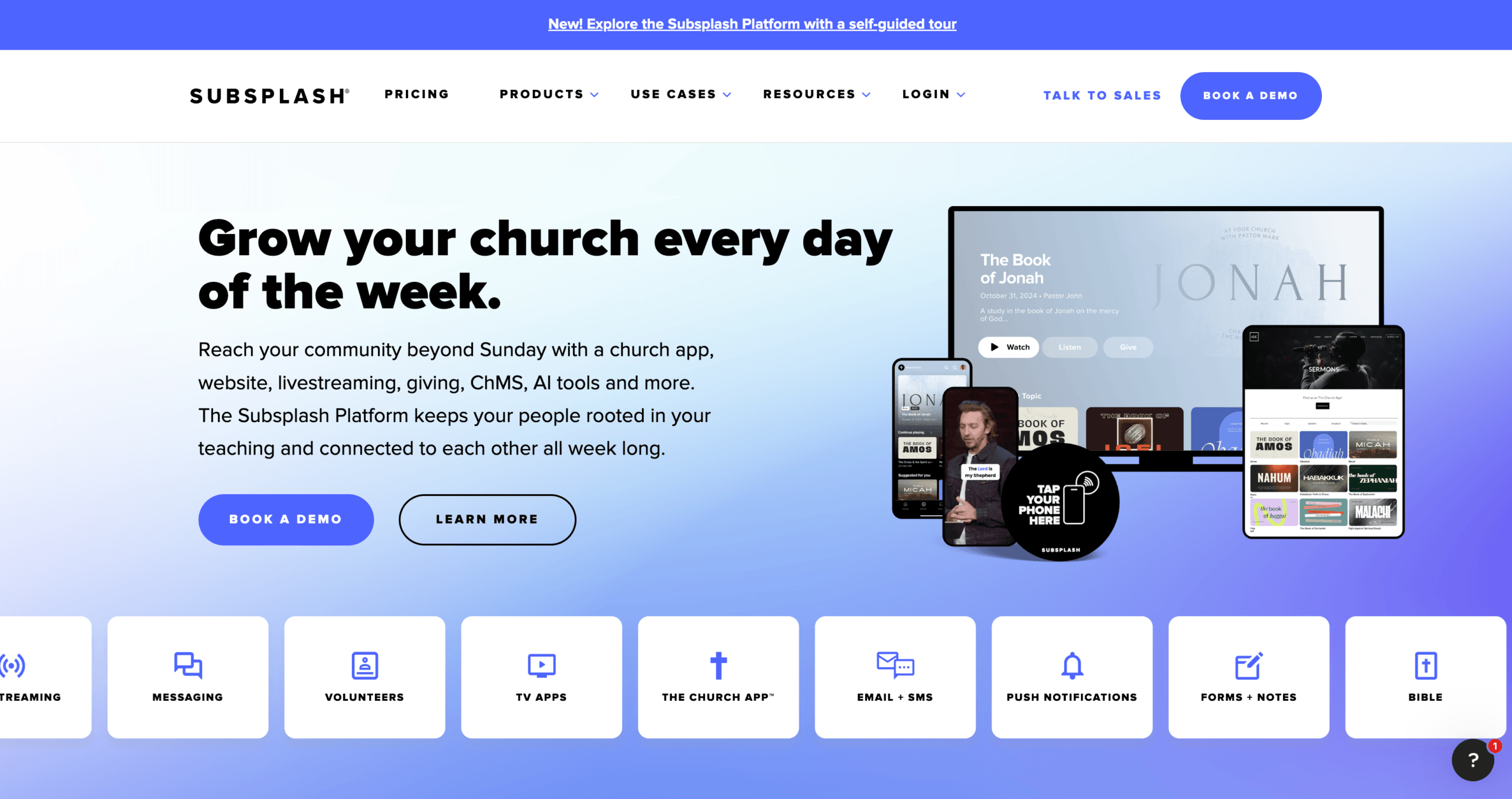
Best for: Churches that consider streaming, sermon media, websites, and branded apps central to their ministry strategy.
Pricing: Subsplash does not publish one starting subscription price for the complete Subsplash One platform. Pricing is based on church size and usage and requires a quote. Subsplash Giving is available for $0 per month, but it is not a free version of the full church management platform.
Subsplash goes beyond standard church administration. Subsplash One combines church management with websites, media hosting, live streaming, podcasting, custom mobile and TV apps, and digital giving.
Its ChMS tools include people and household records, groups, event registration, child check-in, volunteer scheduling, service planning, email, SMS, custom forms, workflows, reports, and data import. User activity across other Subsplash products can also feed into its people database, which helps churches understand how members engage beyond Sunday attendance.
This makes Subsplash particularly relevant for churches with an established media ministry or a strong digital-engagement strategy. A smaller church that only needs member records, attendance, giving, and events may find the broader platform more than it requires.
Subsplash Giving has no monthly subscription fee, but payment-processing fees apply. The pricing page publishes separate rates for giving, while the cost of Subsplash One must be requested from the company.
Pros
- Church management combined with websites and media tools
- Custom mobile and TV apps
- Live streaming, media hosting, and podcasting
- Volunteer scheduling, service planning, groups, and child check-in
- Email, SMS, workflows, forms, and reports
- Strong fit for digital-first churches
Limitation
Subsplash does not publish the complete ChMS subscription price, so churches must contact sales before they can compare the full cost.
Verdict: Subsplash is most relevant for churches that specifically need media, streaming, websites, and branded apps alongside church management. For a small church focused mainly on core administration, its broader scope and quote-based pricing may be harder to justify than a simpler, lower-cost platform.
Church Management Software Feature Comparison
| Feature | ChMeetings | ChurchTrac | Planning Center | Tithely Church Management | Subsplash |
|---|---|---|---|---|---|
| People and family records | Yes, including Free plan | Yes, plans from $29/month | Yes, free People product | Yes, $72/month ChMS | Yes, quote-based platform |
| Attendance and check-in | Yes, including Free plan | Yes, plans from $29/month | Separate Check-Ins product | Yes, $72/month ChMS | Yes, quote-based platform |
| Online giving | Up to 50 donations/month on Free; unlimited monthly count on paid plans | Included, plans from $29/month | Separate Giving product | Integrated with Tithely Giving | Available; processing fees apply |
| Full church accounting | Yes, from $25/month | Yes, from $29/month | No full native accounting | No full native accounting | No full native accounting |
| Volunteer scheduling | Yes, from $25/month | Yes, from $29/month | Through Services | Included in $72/month ChMS | Included in quote-based platform |
| Worship/service planning | Yes, from $25/month | Yes, from $29/month | Core Services function | Separate tool or broader bundle | Included in quote-based platform |
| Member-facing app | Included | Included | Church Center | Available in Tithely ecosystem | Available in broader platform |
| Migration support | Free on paid plans | Free people/family migration | Import tools and guidance | Transfer support | CSV people import |
Feature availability can change by plan. Confirm any feature that is essential to your church directly with the provider before subscribing.
What Should a Small Church Look for in Church Management Software?
The right system should cover the work your church handles every week without creating another job for your team.
Start with the essentials. You need a reliable database for people and families, attendance records, groups, events, and contribution history. If children attend your services or programs, check-in and label printing may also be important. Churches that rely heavily on volunteers should look for scheduling, reminders, availability, and self-service tools.
Then consider your financial workflow. Contribution tracking and online giving are not the same as full church accounting. If you want to manage funds, income, expenses, budgets, bank reconciliation, and financial reports in the same platform, verify that the software includes a genuine accounting module.
Finally, calculate the complete cost. Look beyond the advertised starting price and check:
- The number of people included
- Online-giving processing fees
- Email or text-message charges
- Paid modules and add-ons
- Website or branded-app costs
- Migration, training, and setup fees
- The cost of moving to a larger plan
A cheaper starting price is not useful if the church must add several paid tools to complete its normal weekly work.
Checklist Before Choosing Church Software
Before signing a contract or moving your data, check the following:
- List the weekly jobs the software must handle. Separate essential tasks from features that would merely be nice to have.
- Calculate the full cost for your actual church size. Include modules, processing fees, texting, apps, websites, hardware, and training.
- Confirm what “giving” means. Contribution records, online donations, donor statements, and full accounting are different functions.
- Test common tasks with real users. Ask a pastor, administrator, treasurer, and volunteer to try the same shortlist.
- Review migration support. Find out what the provider will move, what format your data must use, and whether the service costs extra.
- Check access controls and security documentation. Make sure sensitive member and financial information can be limited to appropriate roles.
- Plan for the next two or three years. Choose a system that can support expected growth without paying now for features you may never use.
- Understand how to leave. Confirm that your church can export people, giving, attendance, and financial data if it later changes platforms.
Frequently Asked Questions
What is the best church management software for a small church?
ChMeetings is our top choice for small churches that want an all-in-one system with church accounting and room to grow. It combines essential church management tools with AI capabilities, API and webhook access, a permanent free plan for up to 50 people, and a 4.9/5 Capterra rating.
Does church management software include accounting?
Not always. Many platforms track donations without providing full bookkeeping. ChMeetings includes church accounting from its $25 plan, allowing churches to manage funds, income, expenses, budgets, bank reconciliation, and financial reports within the same platform. When comparing other providers, verify whether “accounting” means full bookkeeping or only giving and contribution tracking.
Can a church migrate from spreadsheets or another ChMS?
Yes. All five products provide some form of import or migration support. ChMeetings offers free data migration with paid plans. Always confirm which records are included, especially giving history, attendance, accounting data, custom fields, and attachments.
What costs should a church consider besides the monthly subscription?
Possible extra costs include payment-processing fees, SMS or voice credits, branded apps, websites, paid modules, label printers, check-in hardware, training, premium support, and migration services. Compare the complete annual cost rather than the advertised starting price alone.
Should a church choose software for its current size or future growth?
Choose for your current needs plus the growth you realistically expect over the next two or three years. Buying too far ahead can waste a small church’s budget, but selecting a system with no practical upgrade path may force another migration later.
Final Verdict
ChMeetings is the best overall church management software for most small churches in this comparison because it combines essential administration, giving, and church accounting in one connected platform. Its permanent free plan and paid plans starting at $12 provide immediate value, while its AI capabilities, API and webhook access, and accounting from $25 support more advanced needs as a church grows.
Compare ChMeetings plans or start with the permanent free plan to see whether it fits your church’s workflow.