
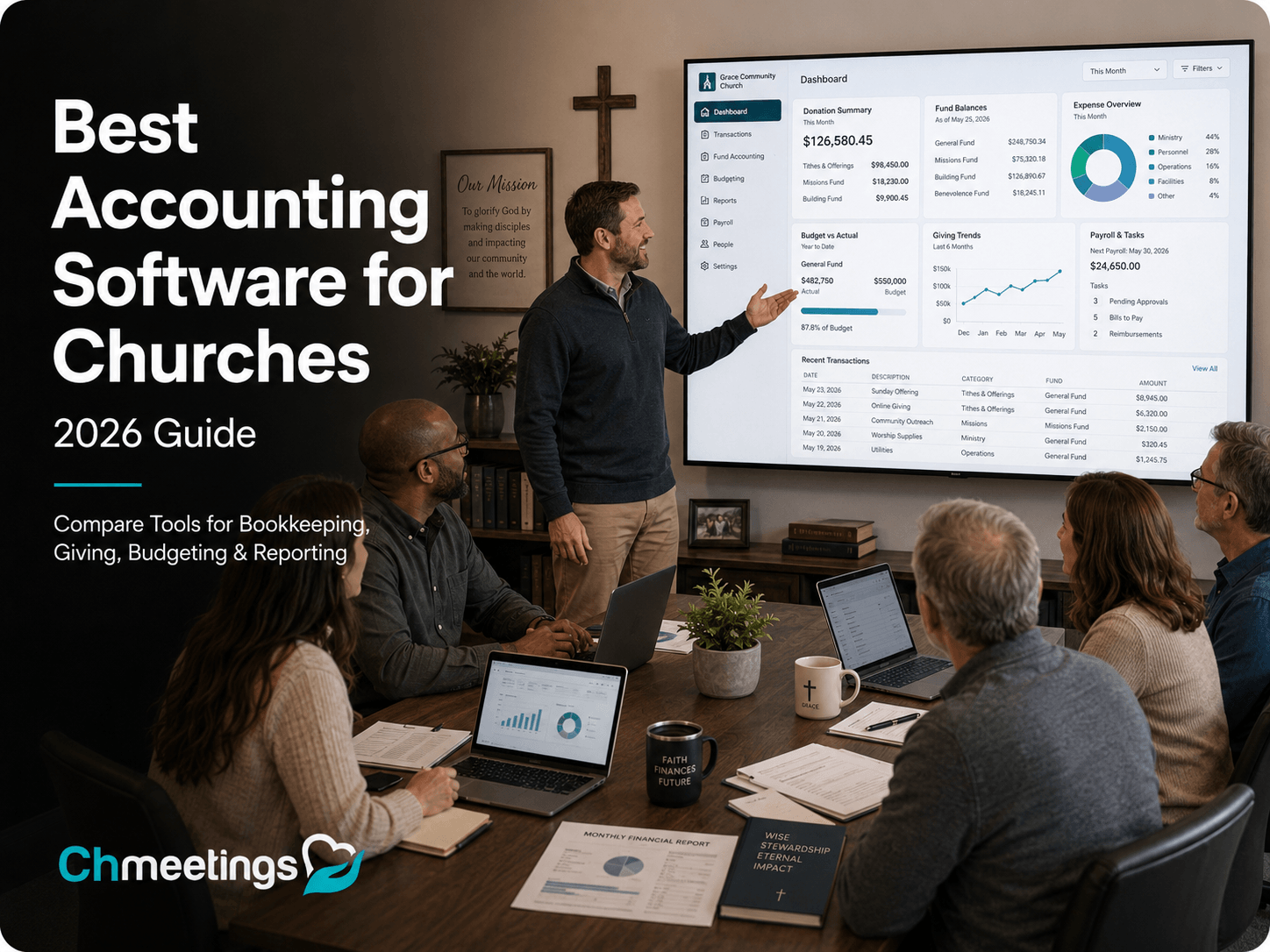

Accounting software for churches should make it easier to track income and expenses, manage designated and restricted funds, reconcile accounts, create budgets, and produce clear financial reports. The right choice also depends on your church’s fund structure, reporting needs, the experience of the people managing the books, and the total cost.
This guide compares five accounting platforms used by churches based on fund management, financial reporting, budgeting, giving-to-accounting workflows, ease of use, and pricing.
Church accounting software comparison
The table shows the lowest-priced plan from each provider that includes the accounting capabilities discussed in this comparison. Prices were verified on September 6, 2026.
| Software | Recommended use | Monthly price |
|---|---|---|
| ChMeetings | Best overall for church accounting connected with giving and administration | From $25 for 250 people |
| Aplos | Fund accounting with plan-dependent reporting and budgeting | Lite: $79; Core: $129 |
| ChurchTrac | Churches prioritizing administration and using the accounting included with their plan | From $29 for 75 people |
| QuickBooks Online | General accounting configured for church use | Plus: $140 |
| Realm | Accounting for churches already using Realm | Request a quote |
How We Compared the Software
We reviewed official product pages, pricing information, and help documentation. We assessed each platform based on fund tracking, financial reporting, budgeting, giving-to-accounting workflows, reconciliation, ease of use, and total cost.
ChMeetings publishes this guide and is one of the products reviewed. To keep the comparison useful, we identify the strengths and limitations of every option. The best choice depends on your church’s accounting requirements, fund reporting, staff experience, size, and budget.
Top Church Accounting Software in 2026
1. ChMeetings: Best Overall for Church Accounting With Connected Giving
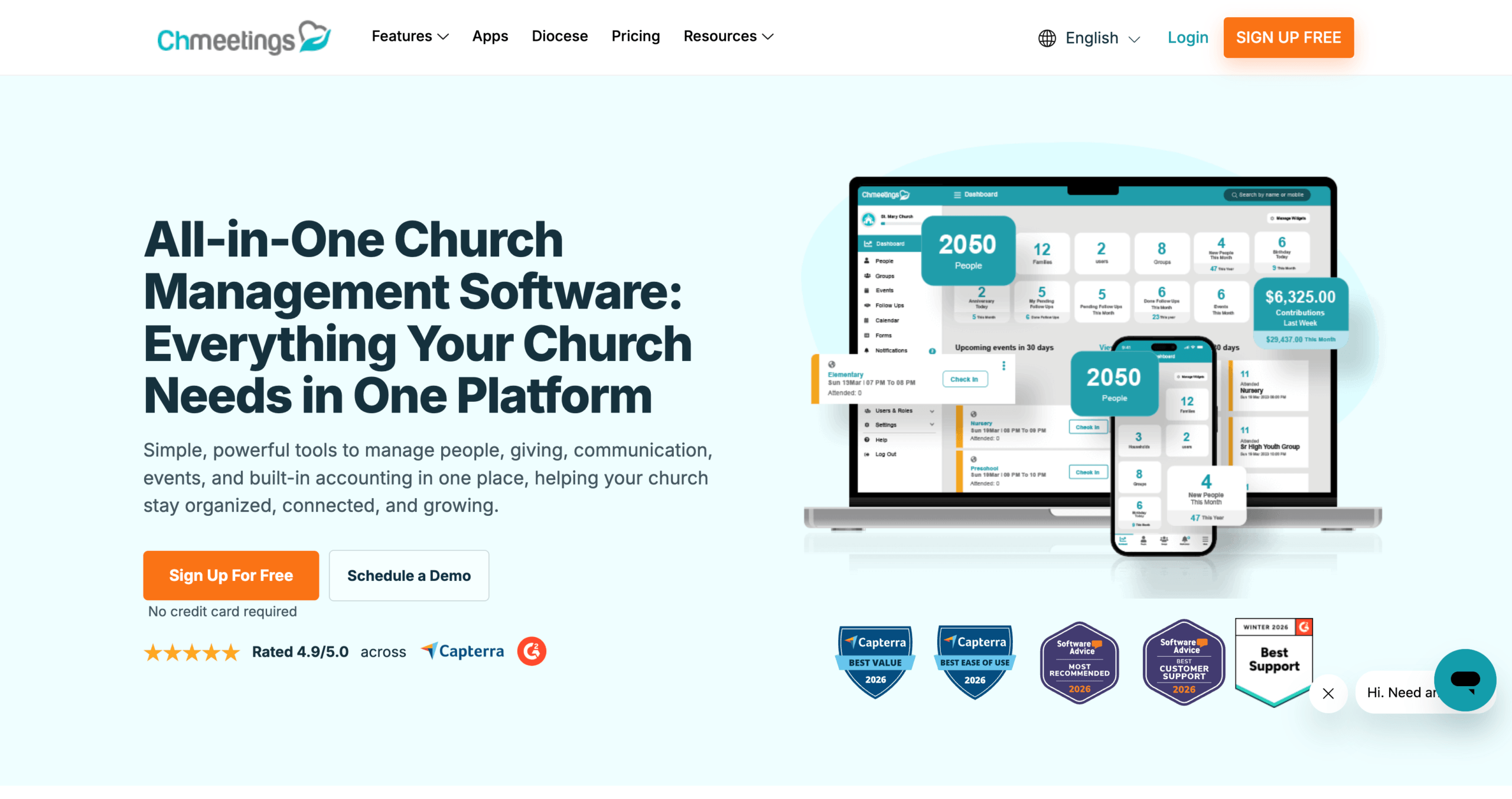
ChMeetings is the best overall option in this comparison for churches that want church-focused accounting, fund management, giving, and administration in one connected platform. Its value comes from the depth of its accounting tools and how they connect with contribution and church records—not simply from being an addition to church management software.
The accounting module supports designated and restricted funds, income and expense tracking, budgeting, account reconciliation, bank transaction imports, check printing, and financial reporting. Its fixed asset management tools let churches record property and equipment, track current book value, apply optional straight-line depreciation, and include asset values in the Balance Sheet.
Giving and accounting are connected through contribution batches. Churches can move batches into accounting, assign the appropriate account and fund, map contribution funds to accounting funds, and record processing fees separately. This reduces duplicate entry while preserving the distinction between donation records and accounting transactions.
Price: Accounting starts at $25 per month for up to 250 active people. The plan also includes people management, giving, volunteer scheduling, worship planning, and free data migration including the accounting data. For churches that need these capabilities together, ChMeetings offers the strongest overall value among the options compared here.
Areas to consider: Fixed-asset depreciation currently uses annual straight-line calculations. Churches requiring another depreciation method would need to manage that calculation separately.
Choose ChMeetings if: Your church wants accessible fund accounting, giving, and administration in one platform with free data migration.
2. Aplos: Fund Accounting With Plan-Dependent Features
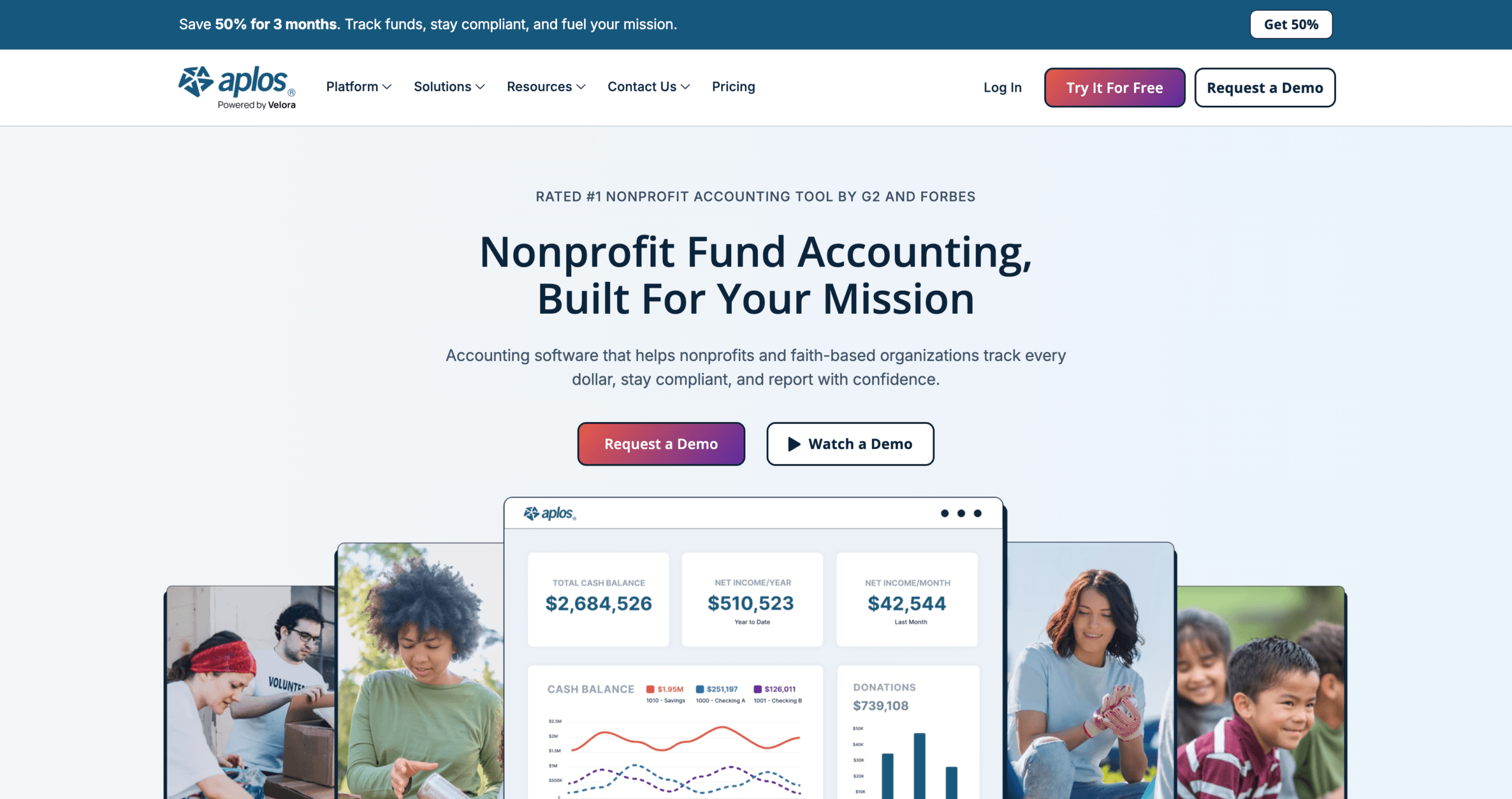
Aplos combines fund accounting, donation tracking, and donor management. The Lite plan includes Balance Sheets and Income Statements by fund, bank reconciliation, custom reports, donation tracking, and giving statements. Additional accounting and budgeting capabilities depend on the selected plan.
Price: The regular monthly price is $79 for Lite and $129 for Core. Core adds basic budgeting, accounts payable and receivable, recurring transactions, and period close. Advanced starts at $229 per month and adds budgeting by fund or grant, department, project, and other dimensions.
Areas to consider: Aplos uses cash-basis transaction entry by default. Accrual accounting workflows require the accounts payable and receivable tools available with Core or above. Payroll is offered through Aplos and Gusto and is not included in the base accounting subscription.
Choose Aplos if: Your church needs fund-level financial statements and the plan containing its required budgeting and accounting features fits its budget.
3. ChurchTrac: Accounting Priced by People Tracked
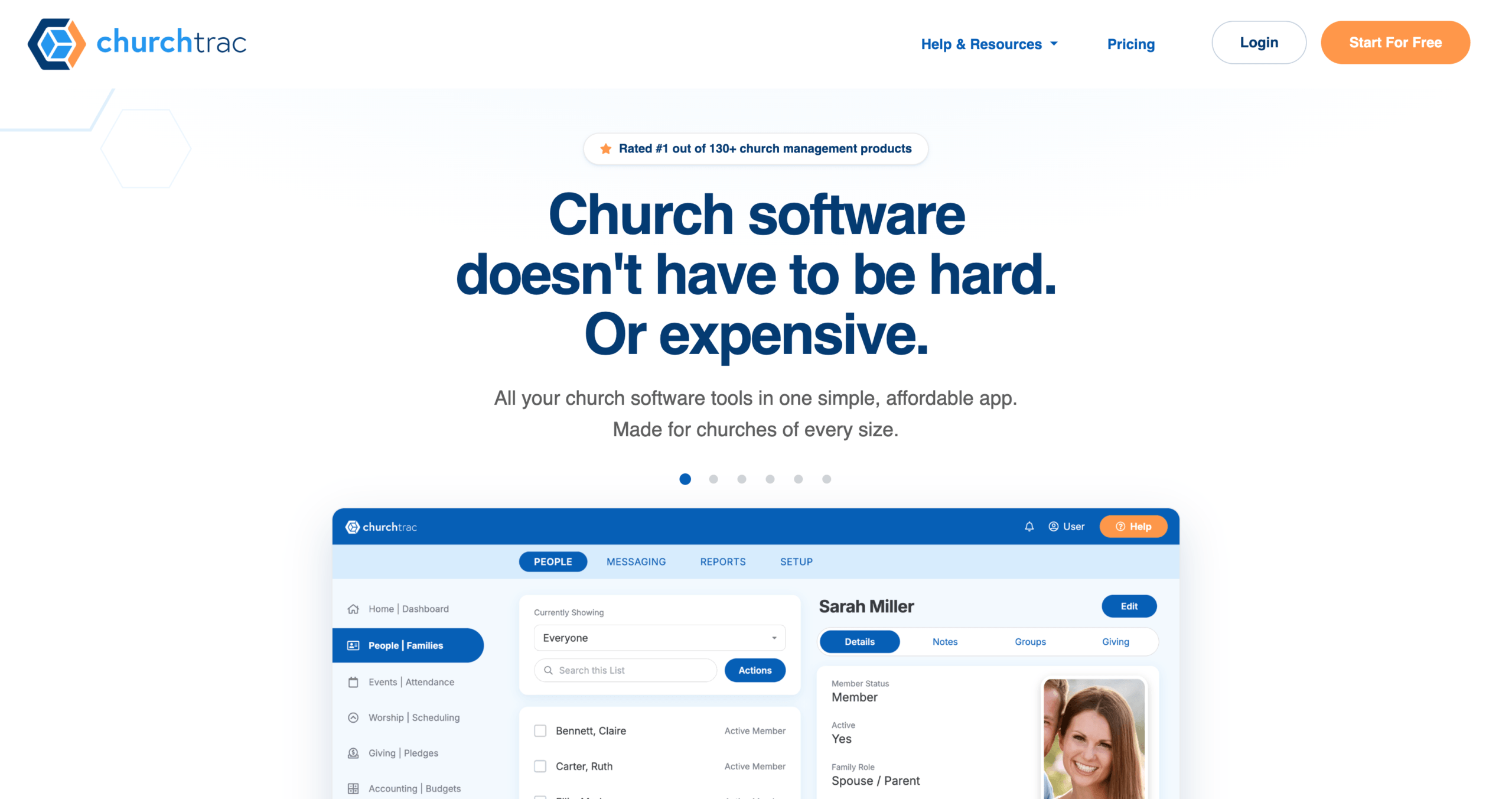
ChurchTrac includes fund accounting within its church-management platform.
Its accounting tools cover fund tracking, income and expense recording, budgeting, bank imports and reconciliation, receipt attachments, and standard financial reports. Online contributions can also be associated with donor and fund records.
Price: Plans start at $29 per month for up to 75 people, while tracking up to 250 people costs $59 per month. Because pricing is based on the number of people tracked, subscription costs increase as the church database grows.
Areas to consider: ChurchTrac does not use a traditional chart of accounts, which may require an adjustment for churches accustomed to conventional accounting software. Assisted accounting setup is optional and adds to the total cost.
Choose ChurchTrac if: Your church is choosing ChurchTrac primarily for its administration tools and plans to use the accounting features included with its subscription.
4. QuickBooks Online: General Accounting Configured for Fund Tracking
QuickBooks Online is general-purpose accounting software. Intuit recommends using classes and banking subaccounts to track nonprofit funds, rather than providing a church-specific fund-accounting structure.
Price: QuickBooks Online Plus is the relevant starting plan for this comparison because it includes budgeting and class and location tracking. Its price is $140 per month and includes five users plus access for two accountants. Payroll requires a separate paid subscription.
Areas to consider: Setting up classes, subaccounts, and reports for church use may require accounting experience. Before adopting it, confirm that the configuration can produce the fund reports your church requires. Membership management, contribution statements, and other church-specific workflows may also require separate software or integrations.
Older guides may recommend using QuickBooks tags to organize funds. New users can no longer create tags for reporting, and Intuit plans to remove the feature from existing accounts in 2028. Current setups should use classes and banking subaccounts instead.
Choose QuickBooks Online if: Your accountant already works with QuickBooks and your church has a clear plan for configuring and validating its fund reports.
5. Realm: Accounting Added to a Realm Plan
Realm Accounting is available as an addition to Realm’s Inform, Connect, and Multiply church-management plans. It supports both cash- and accrual-basis accounting.
Its features include fund accounting, budgeting, vendor and invoice management, check printing, bank and credit-card reconciliation, and financial reporting. Account segments can track departments, committees, projects, campuses, and other reporting categories. Contribution batches from Realm Giving can also be posted to the general ledger as deposits.
Price: Realm does not publish standard prices. Churches must request a quote covering the selected church-management plan, the Accounting package, payroll if required, and any implementation or training services.
Areas to consider: Realm Accounting cannot be purchased independently of the broader Realm platform. Its quote-based pricing also makes direct cost comparisons difficult without obtaining a complete proposal.
Choose Realm if: Your church already uses or plans to adopt Realm and wants its accounting, contributions, and church-management records within the same platform.
Church Bookkeeping vs. Accounting: What Should Your Software Cover?
Church bookkeeping involves recording and organizing financial activity, including contributions, expenses, deposits, and supporting documents. Accounting uses those records to create financial statements, evaluate budgets, and explain the church’s financial position. The two functions overlap, and one platform may support both.
When comparing software, look beyond donation tracking. Confirm that it can record expenses, assign transactions to funds, reconcile accounts, manage budgets, and produce the reports your leadership requires. Evaluate these capabilities directly rather than relying on whether the vendor describes its product as bookkeeping or accounting software.
Features to check before choosing church accounting software
Fund Accounting
Fund accounting should keep money separated according to its intended purpose, so designated and restricted funds are not confused with general operating funds. Confirm that the software can assign income and expenses to the correct fund and maintain a clear balance for each purpose.
Test this with sample data. Record a $2,000 gift to a building fund, followed by a $750 expense from the same fund. With no opening balance or other activity, the remaining balance should be $1,250. Check whether that balance is clear and whether you can trace it back to both transactions.
Reports your leadership actually uses
Bring a sample board report to the demonstration. Ask the vendor to reproduce its contents, including fund balances, income and expenses, and budget comparisons where needed.
Check whether you can filter the period, export the result, and trace a figure back to its transactions. A long feature list is less useful than a report your finance committee can understand.
Budgeting and Variance Reporting
Confirm that the software can organize budgets at the level your church requires and produce clear budget-versus-actual reports. Some plans provide only basic annual budgeting, while more detailed breakdowns may require a higher tier.
ChMeetings includes category and subcategory budgeting, budget copying, monthly analysis, budget-versus-actual reporting, and budget comparisons in its $25-per-month accounting plan. During a trial, create a sample budget, record an expense, and check whether your team can understand the resulting variance without rebuilding the report elsewhere.
Giving, deposits, and reconciliation
Ask how a donation moves from the giving record into accounting and then matches the bank deposit. Include a sample with processing fees so you can see how gross gifts and net deposits are handled.
Also ask what prevents a deposit imported from the bank from being counted again after it has already been recorded from giving. The answer should describe a repeatable workflow.
Permissions, history, and support
Confirm who can enter transactions, edit records, view contributions, and export financial information. Ask what activity history is retained and how a new treasurer can learn the system.
Training should cover your real monthly process. Make sure another authorized person can take over when the main treasurer is unavailable.
Browser and Mobile Accounting Access
Browser-based software may work on both Windows and Mac, but that does not guarantee that every accounting workflow works equally well on every device. Test bank imports, reconciliation, report downloads, and check printing using the browser and operating system your finance team relies on.
A mobile app may support giving, expenses, or member communication without providing the complete accounting system. If phone or tablet access matters, test the specific financial tasks your team needs rather than treating the availability of an app as sufficient.
Frequently Asked Questions
What is the best accounting software for churches in 2026?
ChMeetings is the best overall option in this comparison because it combines fund accounting, budgeting, reconciliation, financial reporting, fixed-asset tracking, giving, and church management in one platform. Accounting starts at $25 per month for up to 250 active people, with free data migration included.
What should I look for when choosing church accounting software?
Look for software that matches the way your church actually manages money. The most important areas to compare are fund tracking, budgeting, financial reporting, bank reconciliation, giving-to-accounting workflows, ease of use, and total cost.
It is also worth checking how well the accounting system connects with the rest of your church operations. Platforms such as ChMeetings combine accounting with giving, people management, volunteers, and other church workflows, which can reduce the need to maintain separate systems.
Is it better to use dedicated church accounting software or general accounting software like QuickBooks?
Dedicated church accounting software is usually a better fit when your church wants financial workflows built around funds, giving, and church administration. It can reduce the amount of configuration and the number of separate tools your team needs to manage.
General accounting software such as QuickBooks may be a better choice when your church already has established QuickBooks workflows and an accountant who can configure and maintain them. However, church-specific functions such as contribution management, member records, and giving workflows may require additional software or setup.
Can church accounting software manage restricted and designated funds?
Yes. Good church accounting software should let you separate money by purpose, record income and expenses against each fund, and report the remaining balance clearly.
For example, a building fund should remain distinct from general operating funds so church leaders can see how much was received, how much was spent, and what remains available. ChMeetings supports designated and restricted fund tracking alongside budgeting and financial reporting.
Can church accounting software connect donations directly with accounting?
Yes, some church accounting platforms connect contribution records with accounting so the same financial activity does not have to be entered manually in multiple places.
In ChMeetings, contribution batches can be moved into accounting, giving funds can be mapped to accounting funds, accounts can be assigned, and processing fees can be recorded separately. This helps keep donation records and accounting transactions connected while still preserving the distinction between them.
Can church accounting software replace separate bookkeeping and church management tools?
It can, depending on the platform and the needs of your church. Some products focus mainly on financial accounting, while others combine accounting with giving, people management, events, volunteers, and other church operations.
For churches trying to reduce the number of systems their team manages, an integrated platform can simplify day-to-day work and reduce duplicate data entry. ChMeetings is designed around this approach by connecting accounting with giving and broader church management in the same platform.





